PAGE 2.2 - 12 OPERATION MARK IV HD J2 TAMPER
REVISED 10 -2020 JUPITER II BULLETIN 5082505
2.2
2.2.1 Jupiter II Control System
2.2.1.10 Touch Screen Operation
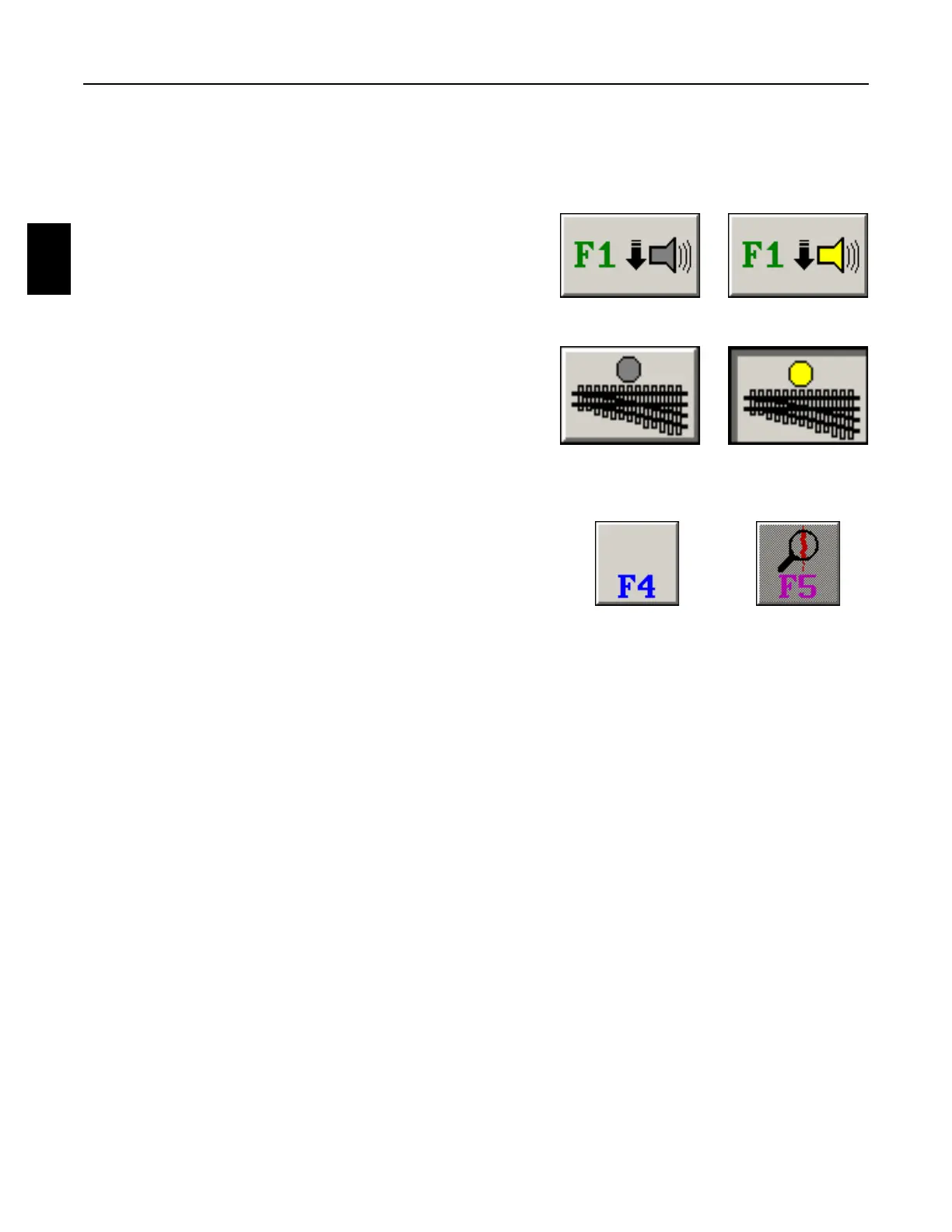
5. Some buttons will highlight yellow when they are
pressed to turn on or enable the function. When the
button is pressed again to turn off or disable the
function, it will un-highlight gray.
6. Some buttons will be displayed as pressed in when
they are selected to turn on or enable the function.
When the button is de-selected to turn off or disable
the function, it will be displayed as popped out.
7. Some panels or menus may have buttons without
icons that are light gray. These buttons are not
used. Other panels or menus may have buttons
with icons that are a dark gray. These buttons are
not functional at that particular time.
NOT
FUNCTIONAL
ONOFF
SELECTEDDE-SELECTED
NOT
USED



 To Next Page