6 System settings and service software
CargoPower installation and operation, revision - 01 47
Menu bar
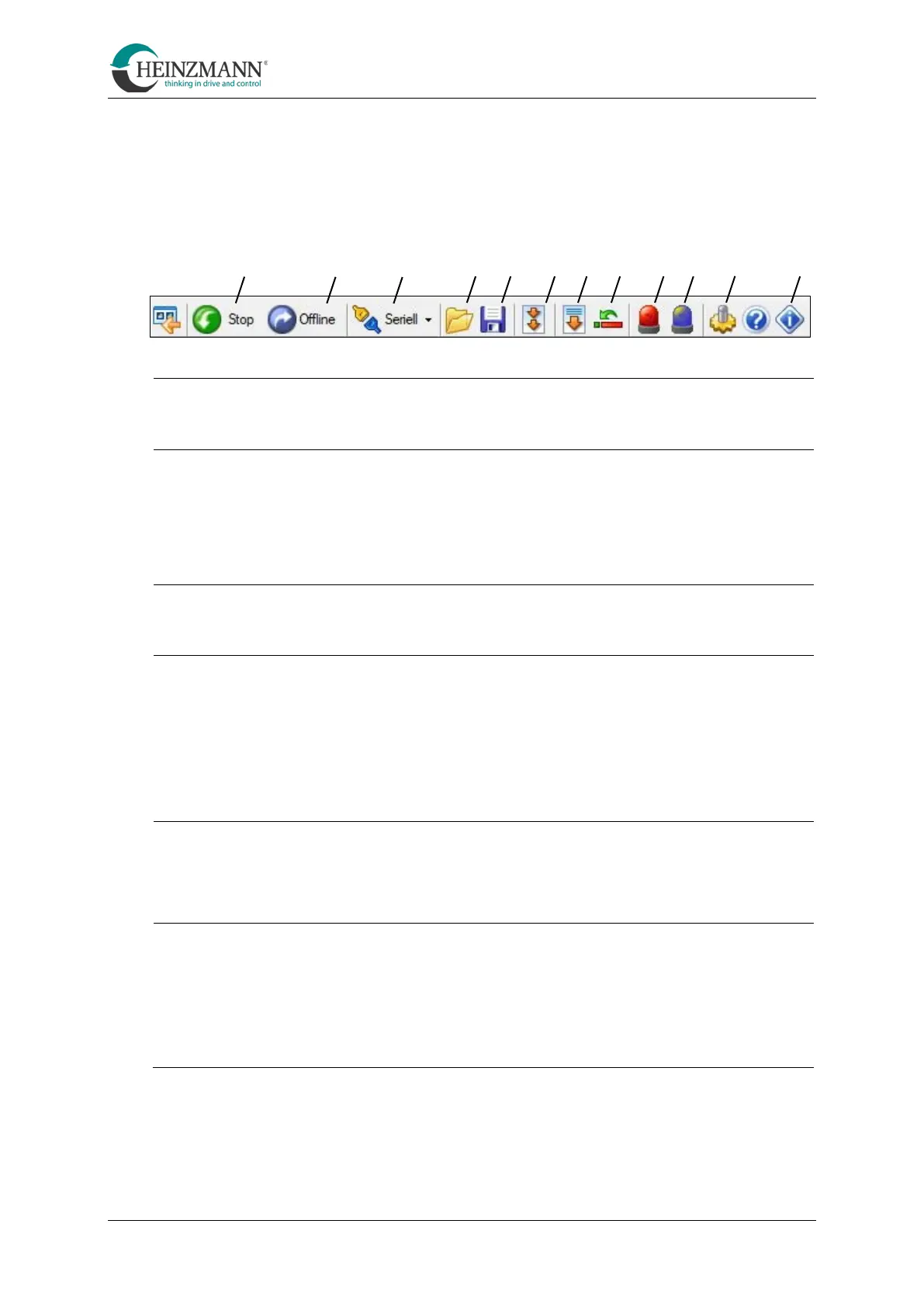
By clicking on the symbols in the menu bar at the top of the screen, the following
functions are available:
The two symbols "Start" or "Stop" either start or stop the communication.
This symbol can be used to switch to offline mode.
In this mode, the service software can be started without having to be
connected to the control unit of the system.
The settings can then be saved in a file.
This symbol sets the type of communication.
Transfer parameter values to the control unit
With this symbol, previously saved parameters can be transferred to a
control unit. Alternatively, the set parameters can be viewed using the
"offline mode".
(see chapter 6.1.6 , section "Transfer parameter values to the control
unit")
With this symbol, all functions set on the control unit are saved in a file.
(See chapter 6.1.6 , section "Saving parameter values of a control unit")
Transfer the programme to the control unit
With this symbol, a firmware can be transferred to the control unit. To do
this, navigate to the corresponding "dwn file".
(See chapter 6.1.6 , section "Transferring the firmware to the control
unit")
A B C D E F G H I K L M



 To Next Page