6 System settings and service software
CargoPower installation and operation, revision - 01 48
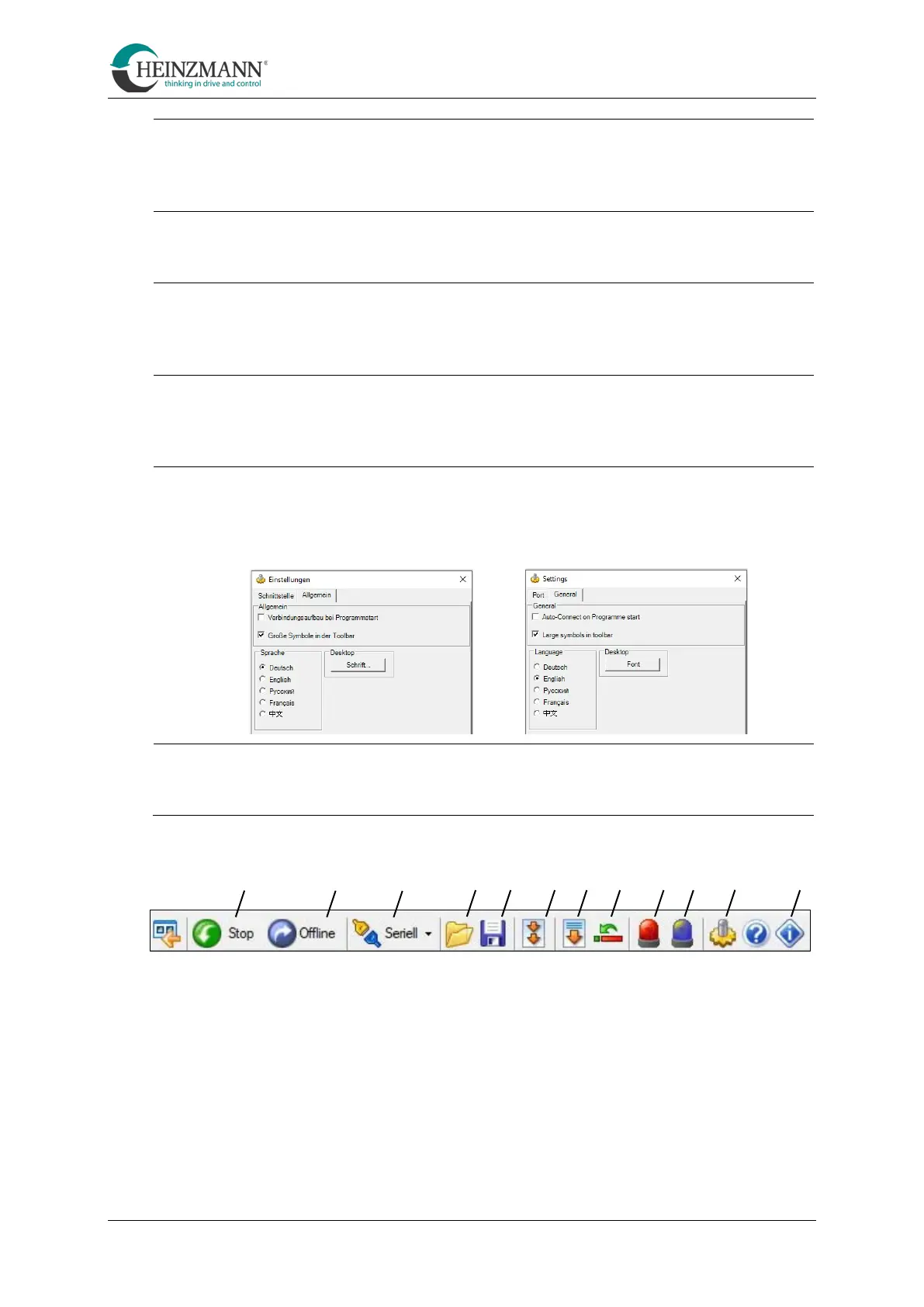
Transfer data to the control unit
With this symbol, all parameters changed with the help of the service
software are transferred to the control unit.
This symbol initializes a restart of the control unit.
This symbol opens a view in which the current errors of the system can be
viewed.
This symbol opens a view in which all errors that have occurred so far are
listed with the time of the first and last occurrence.
This symbol leads to the settings.
The language can be selected here
This icon opens a window with information about the service software.
A B C D E F G H I K L M



 To Next Page