6 System settings and service software
CargoPower installation and operation, revision - 01 49
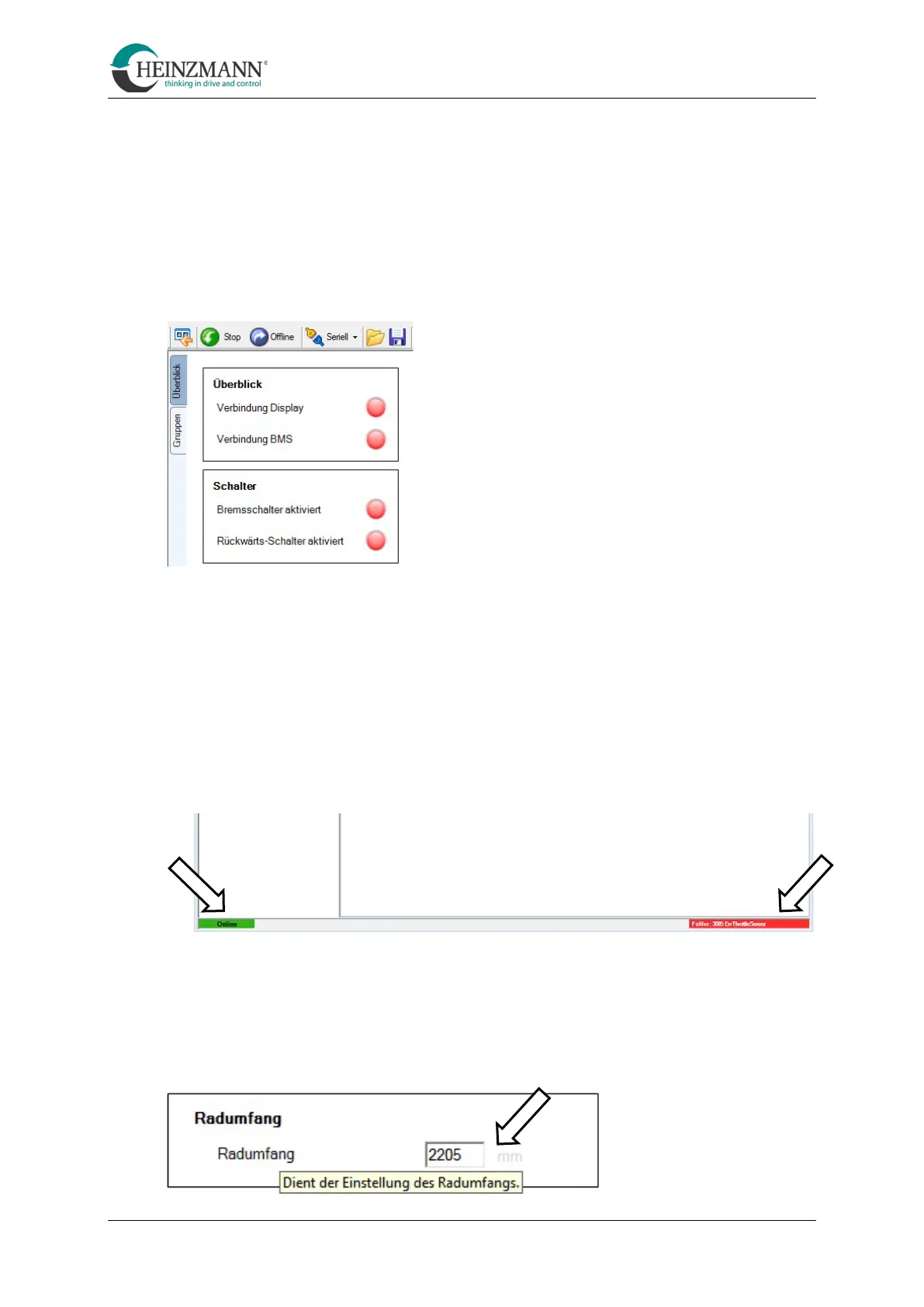
Overview
This part of the interface provides information on the following points:
• Connection status of the display: green = connected / red = not connected
• Connection status of the BMS: green = connected / red = not connected
• Brake switch activated: green = active / red = not active
• Reverse switch activated: green = active / red = not active
Parameter settings
This part of the interface offers various setting options. These are divided into different
tabs whose functions are described in detail in the section "Make parameter settings" in
chapter 6.1.6 Functions of the Configuration Suite.
Status bar
• Bottom left: Connection status display
• Bottom right: Display of any errors that may have occurred
Tooltips
The service software offers a so-called tooltip function. If the mouse pointer is moved to
a corresponding position, a corresponding tooltip appears and provides information on
the function and setting options.



 To Next Page