Version 1.1, 02/2014. Copyright 2012 Hitron Technologies
68
Version 1.1, 02/2014. Copyright 2014 Hitron Technologies
68
Hitron CGNV4 User’s Guide
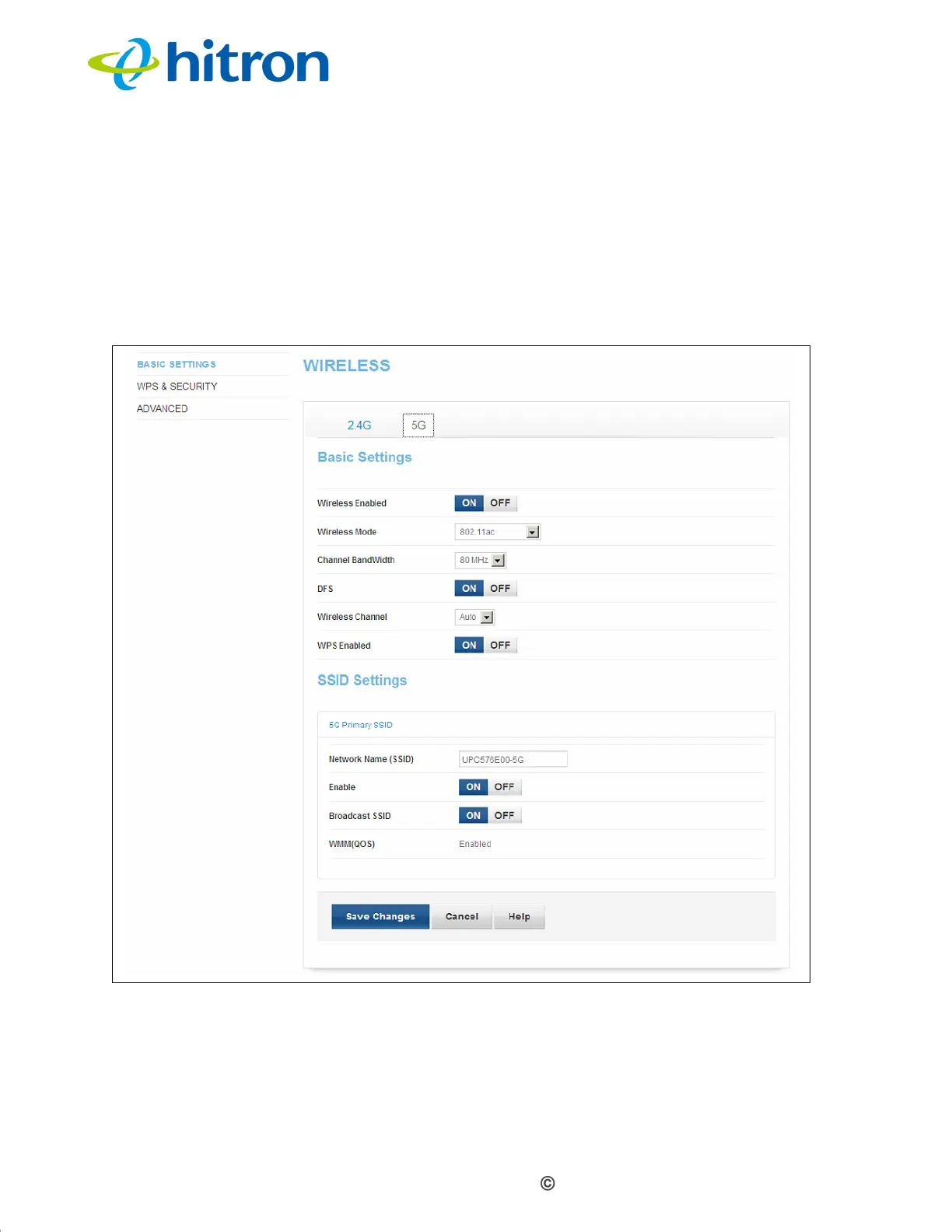
4.2.2 5G Settings
Use this screen to configure the CGNV4’s 5GHz wireless network.
Click Wireless > Basic Settings, then click the 5G tab. The following screen
displays.
Figure 22: The Wireless: Basic Settings 5GHz Screen



 To Next Page