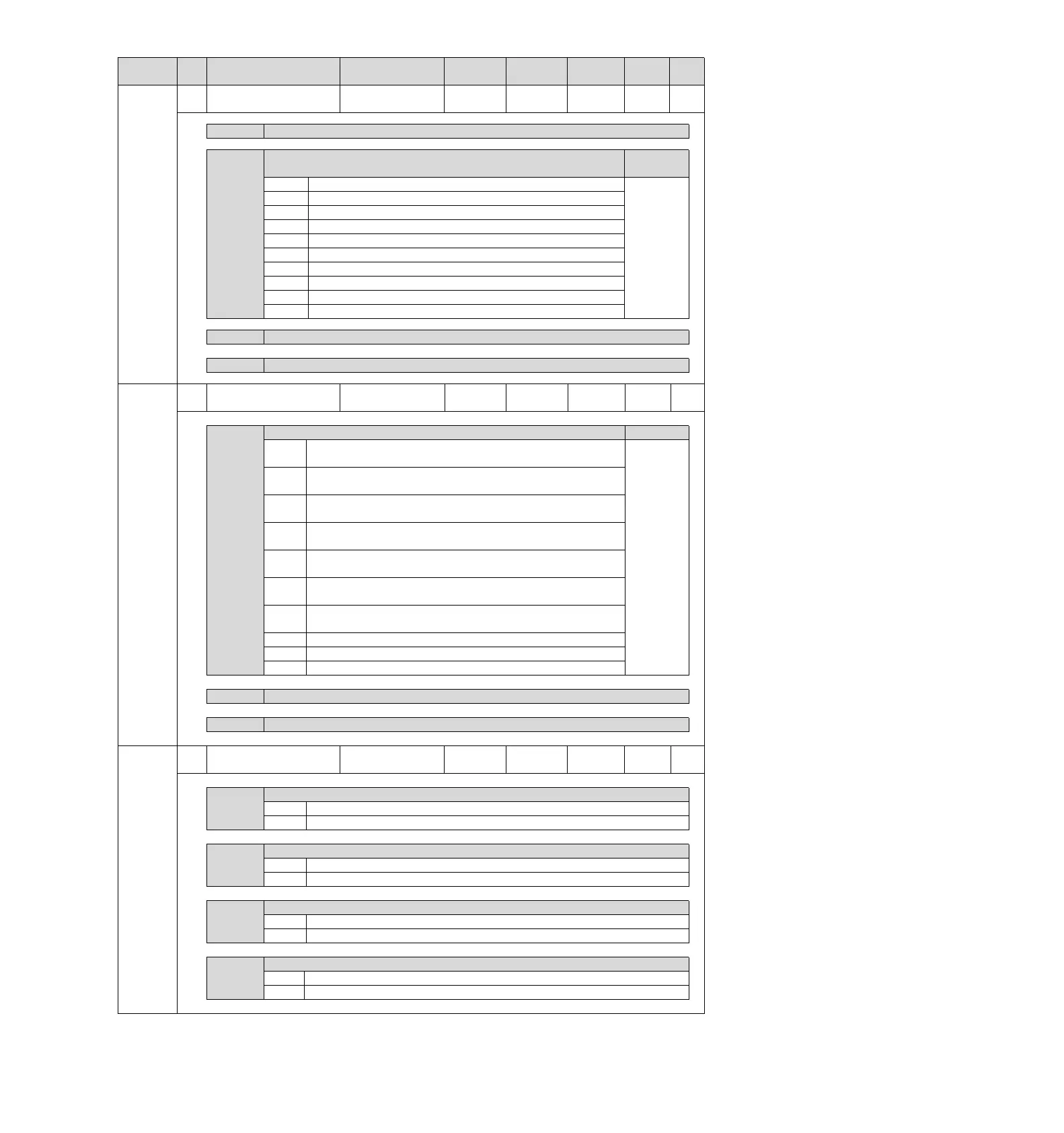
Output signal selection 5
Appointment parameters (do not change it)
Distribution of command pulse input multiplication switching input (/PSEL)
Signal
CN1-IN0 takes effect when the input signal is ON.
CN1-IN1 takes effect when the input signal is ON.
CN1-IN2 takes effect when the input signal is ON.
CN1-IN3 takes effect when the input signal is ON.
CN1-IN4 takes effect when the input signal is ON.
CN1-IN5 takes effect when the input signal is ON.
CN1-IN6 takes effect when the input signal is ON.
CN1-IN7 takes effect when the input signal is ON.
Fixed the signal as "invalid" all the time.
Set the signal to "active" at all times.
Appointment parameters (do not change it)
Appointment parameters (do not change it)
Distribution of forced stop input (FSTP) signal
When the input signal of CN1-IN0 is ON (closed), drive can be
performed.
When the input signal of CN1-IN1 is ON (closed), drive can be
performed.
When the input signal of CN1-IN2 is ON (closed), drive can be
performed.
When the input signal of CN1-IN3 is ON (closed), drive can be
performed.
When the input signal of CN1-IN4 is ON (closed), drive can be
performed.
When the input signal of CN1-IN5 is ON (closed), drive can be
performed.
When the input signal of CN1-IN6 is ON (closed), drive can be
performed.
CN1-IN7 takes effect when the input signal is ON.
Fixed the signal as "invalid" all the time.
Set the signal to "active" at all times.
Appointment parameters (do not change it)
Appointment parameters (do not change it)
Input signal inversion
setting 0
CN1-IN0 terminal input signal inversion
CN1-IN1 terminal input signal inversion
CN1-IN2 terminal input signal inversion
CN1-IN3 terminal input signal inversion


 To Next Page