EasyManua.ls Logo

HNC Electric HSD7-E Series - Page 108

HNC Electric HSD7-E Series
121 pages
Print Icon
To Next Page IconTo Next Page
To Previous Page IconTo Previous Page
Loading...
102
Pn No.
Size
Name
Setting range
Setting Unit
Factory
setting
Available
time
Categ
ory
Remar
ks
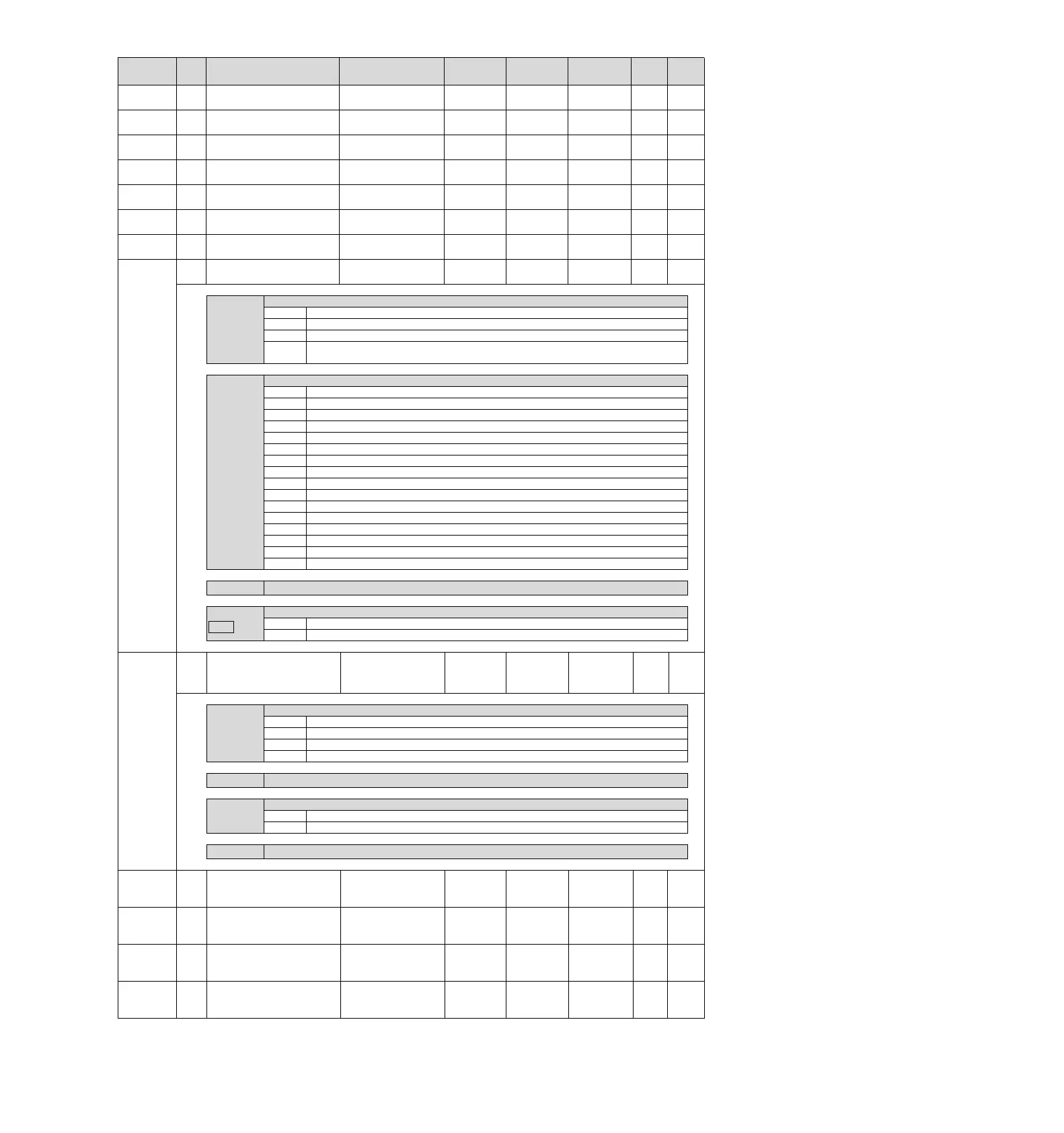
Pn548
2
Track the specified alert
number
0000FFFF
-
0000
Effective
immediately
Setup
Pn560
2
Residual vibration
detection amplitude
13000
0.1%
400
Effective
immediately
Setup
Pn561
2
Overshoot detection value
0100
1%
100
Effective
immediately
Setup
Pn600
2
Regenerative resistance
capacity *2
Depending on the
model
*3
10W
0
Effective
immediately
Setup
Pn601
2
DB resistance capacity
065535
10J
0
Power
restart
Setup
Pn603
2
Regenerative resistor
value
065535
10 mΩ
0
Effective
immediately
Setup
Pn604
2
DB resistance value
065535
10 mΩ
0
Power
restart
Setup
Pn800
2
Communication control
00001FF3
-
1040
Power
restart
Setup
-
n.X
MECHATROLINK communication inspection mask (for debugging)
0
Usually
1
Ignore communication exceptions (A.E60).
2
Ignore WDT exception (A.E50).
3
At the same time, the communication anomaly (A.E60) and WDT anomaly (A.E50)
are ignored.
n.

X
Warning check mask
0
Usually
1
Ignore data setting warning (A.94).
2
Ignore the command warning (A.95
).
3
Ignore A.94
, A.95
4
Ignore communication warnings (A.96).
5
Ignore A.94, A.96
6
Ignore A.95, A.96
7
Ignore A.94, A.95, A.96
8
Ignore data setting warnings (A.97A, A.97b).
9
Ignore A.94
, A.97A, A.97b
A
Ignore A.95, A.97A, A.97b
B
Ignore A.94, A.95, A.97A, A.97b.
C
Ignore A.96, A.97A, A.97b
D
Ignore A.94, A.96, A.97A, A.97b.
E
Ignore A.95
, A.96
, A.97A

, A.97b
.
F
Ignore A.94
, A.95
, A96, A.97A

, A.97b
.
n.
X

Appointment parameters (do not change it)
n.X
M3
Warning auto clear selection (for debugging) *6
0
Warning hold (for commissioning)
1
Warning auto clear (MECHATROLINK-III specification)
Pn801
2
Function selection
application 6
(soft LS)
00000103
-
0003
Effective
immediately
Setup
n.X
Soft limit function
0
Set the soft limit on both sides to be valid.
1
Set the forward turning side soft limit to be invalid.
2
Set the reverse side soft limit to be invalid.
3
Set the soft limit on both sides to be invalid
n.X
Appointment parameters (do not change it)
n.
X

Soft limit check by command
0
No command soft limit check
1
There is command soft limit check
n.X
Appointment parameters (do not change it)
Pn803
2
Origin position range
0250
1
Command
unit
10
Effective
immediately
Setup
Pn804
4
Forward side soft limit
-1073741823
1073741823
1
Command
unit
107374182
3
Effective
immediately
Setup
Pn806
4
Reverse side soft limit
-1073741823
1073741823
1
Command
unit
-107374182
3
Effective
immediately
Setup
Pn808
4
Absolute value encoder
origin position deviation

-1073741823
1073741823
1
Command
unit
0
Effective
immediately
*4
Setup

Table of Contents