OPERATION
4.10
ThinPrep
®
Integrated Imager Operator’s Manual
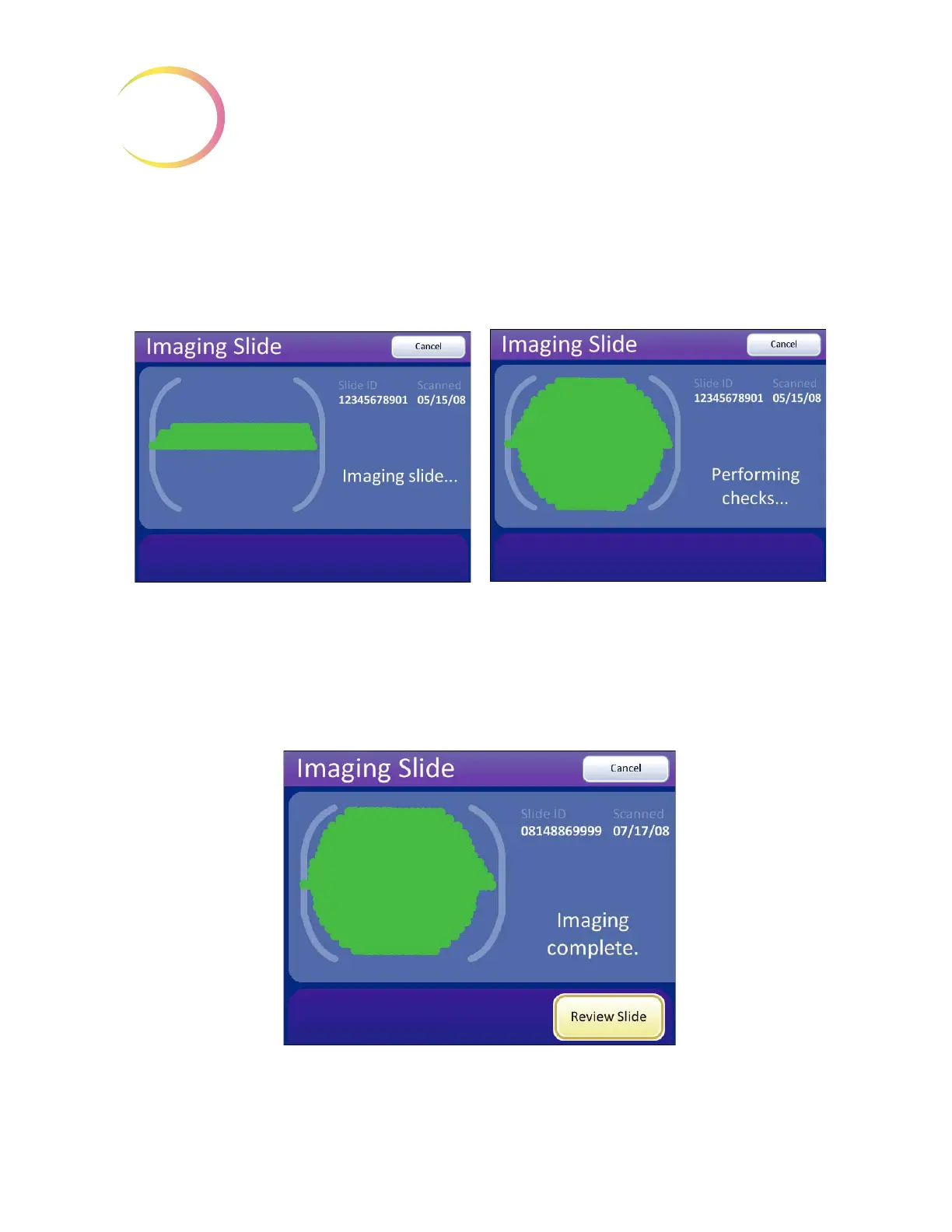
The Integrated Imager images the cell spot.
Note:
To ensure that the focus and illumination requirements for imaging are met, the system
disables manual control of the X, Y axis stage control knobs, focus knobs and light adjust
-
ment. Manual control is returned to the operator after the imaging process is complete.
Figure 4-10 Imaging Slide in Process
Do not remove the slide from the stage during imaging. To cancel imaging, press the
Cancel
button.
Figure 4-11 Imaging Complete
During imaging a green progress bar represents
how much of the cell spot has been imaged.
When the cell spot has been imaged, the Inte-
grated Imager performs functional checks prior to
completion.



 To Next Page