ThinPrep
®
Integrated Imager Operator’s Manual
3.9
USER INTERFACE
Set date
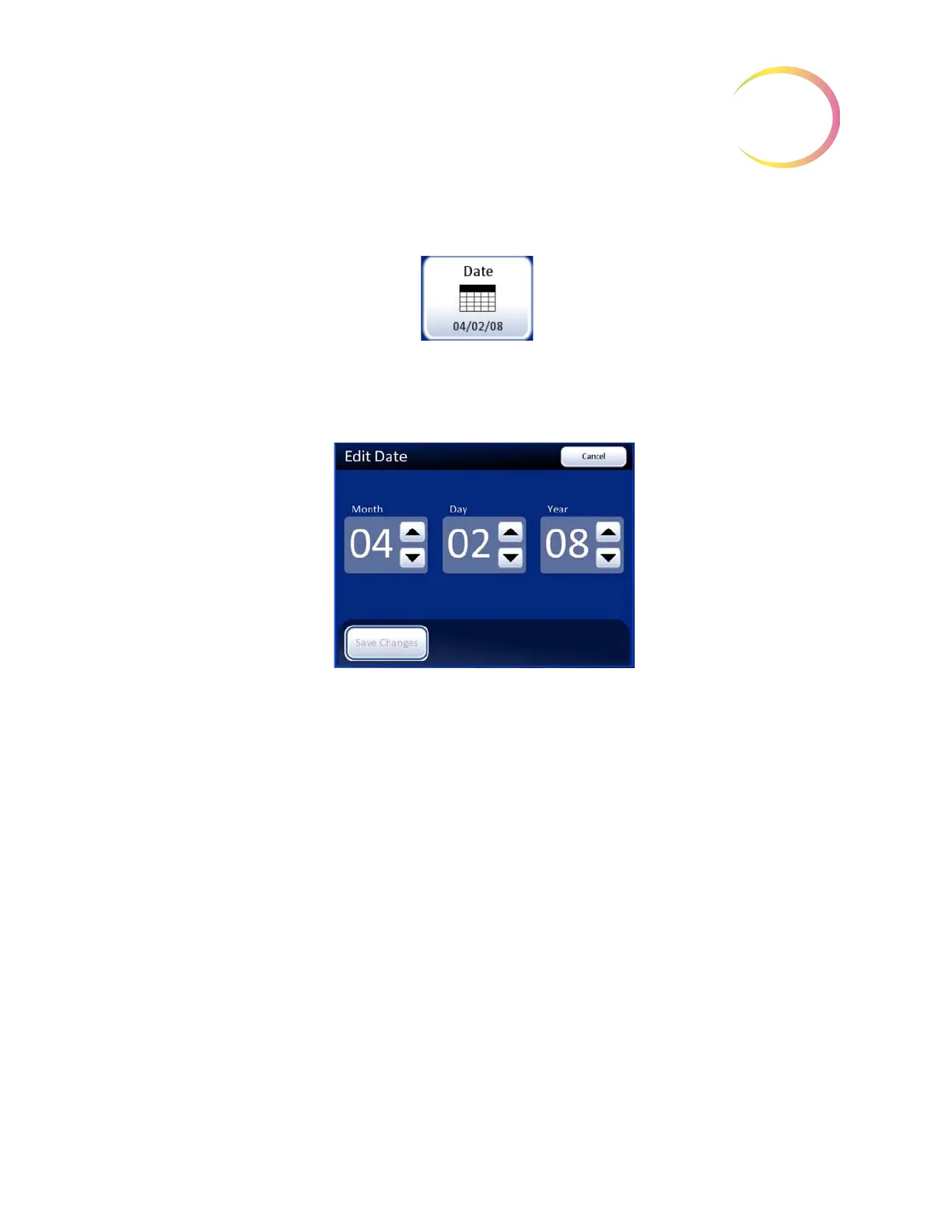
Figure 3-12 Set Date Button
To change the date (month, day, year) touch the up/down button for that field until the desired value
is displayed. Press the
Save Changes
button to return to the System Settings screen. See Figure 3-13.
Figure 3-13 Edit Date Screen
Note:
Depending on which language has been selected, the order of month and day on the display
may change to reflect customary usage.



 To Next Page