Trident HD Specimen Radiography System User Guide
Chapter 3: Components, Controls, and Indicators
Page 20 MAN-05478-002 Revision 003
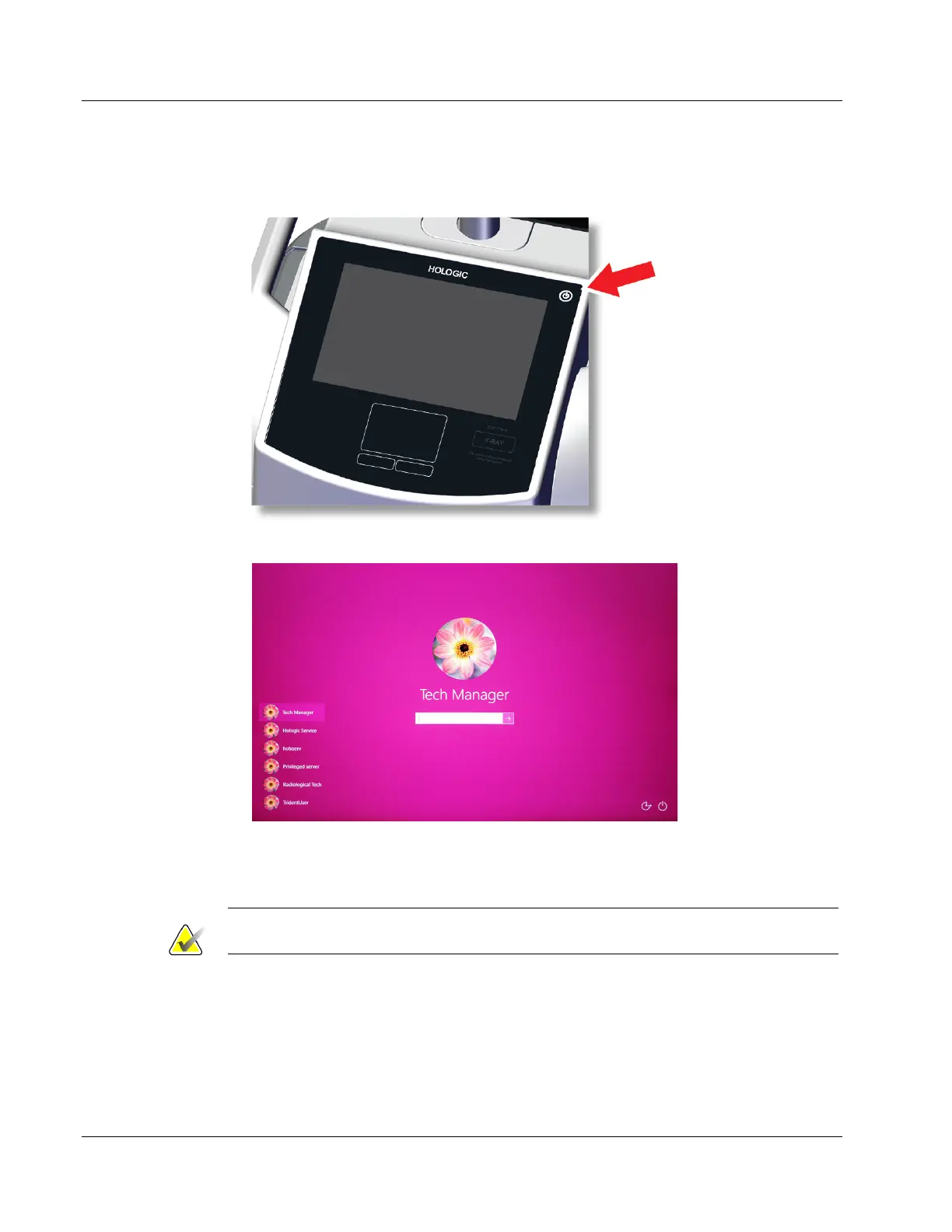
4. Press the computer power button on the control display. The computer powers on
and the Login screen opens.
Figure 8: Computer Power Switch
Figure 9: Login Screen
5. Enter your user name and password then select the arrow icon. After a moment, the
Startup screen opens.
Note
To hide the virtual keyboard, tap the pink background















 To Next Page