Trident HD Specimen Radiography System User Guide
Chapter 9: System Administration Interface
MAN-05478-002 Revision 003 Page 67
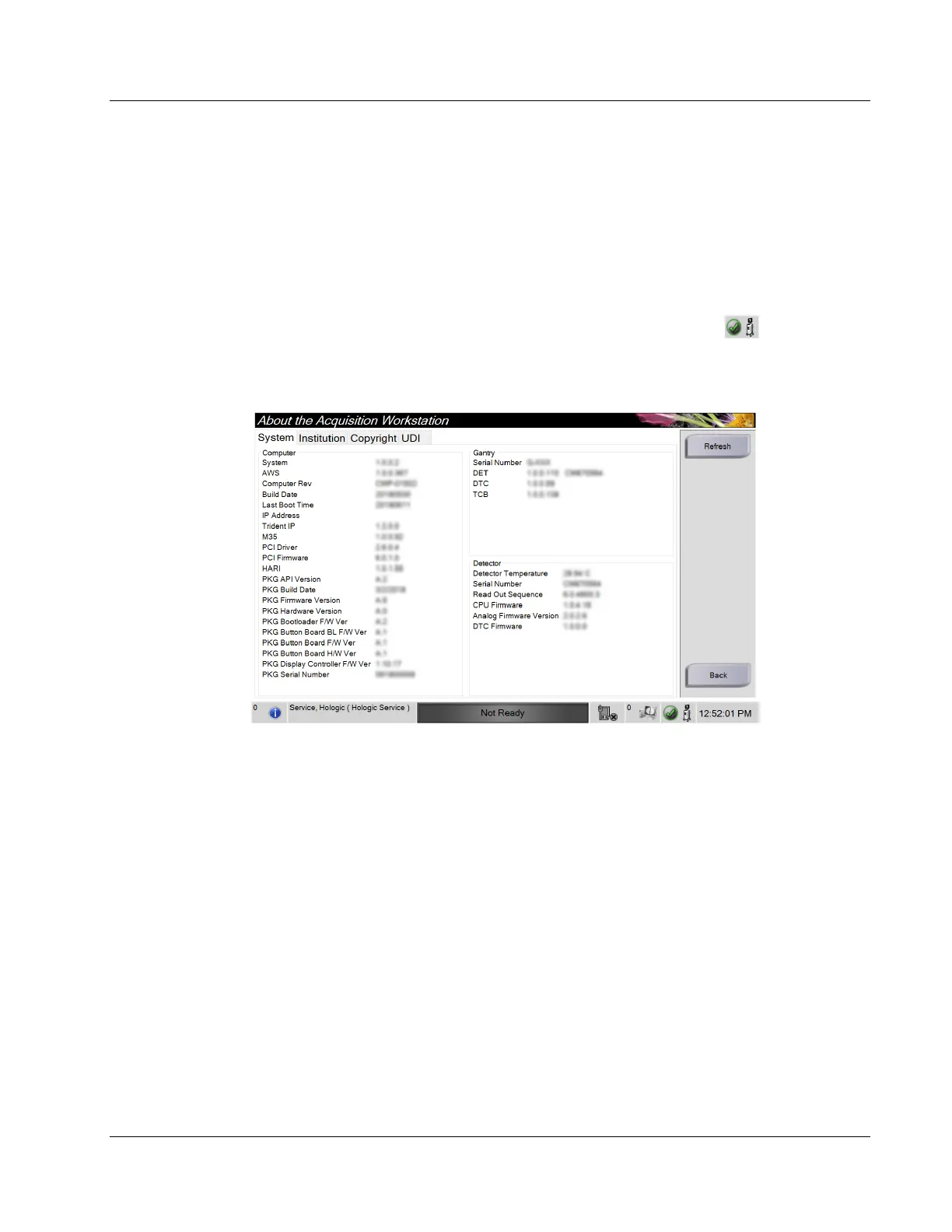
9.2 About Screen
The About screen provides information about the machine, such as system level, IP
address, and serial number. This type of data can be useful when working with Hologic
to configure the system or resolve a system issue.
The screen is accessed in two ways:
• From the Select Patient screen, select the System Status icon [ ] on the
taskbar, then select About.
• From the Admin screen, select the About button in the System group.
Figure 34: System Tab of the About Screen
There are four tabs on the About screen:
• System Tab lists system configuration information.
• Institution Tab lists the name and address of the organization assigned to this
machine.
• Copyright Tab lists the copyrights of Hologic and third-party software installed
on this machine.
• UDI Tab lists the unique device identifier(s) of this machine.















 To Next Page