Trident HD Specimen Radiography System User Guide
Chapter 9: System Administration Interface
Page 70 MAN-05478-002 Revision 003
Table 9: Radiologic Technologist Manager—System Tools Functions
Getting Started
About: The introduction to the service tool.
FAQ: List of common questions.
Glossary: List of terms and descriptions.
Platform: List of directories, software version numbers, and system
software statistics.
Shortcuts: List of Windows shortcuts.
AWS
Connectivity: List of Installed Devices.
Film & Image Information: Create an Exposure Report or a QC
Report.
User Interface: Change the options in the Software application.
Internationalization: Select the local language and culture.
Troubleshooting
AWS: Allows for download of images.
Computer: System Management and Network Information.
Log: Change the event record options.
Backups: Control the backups for the system.
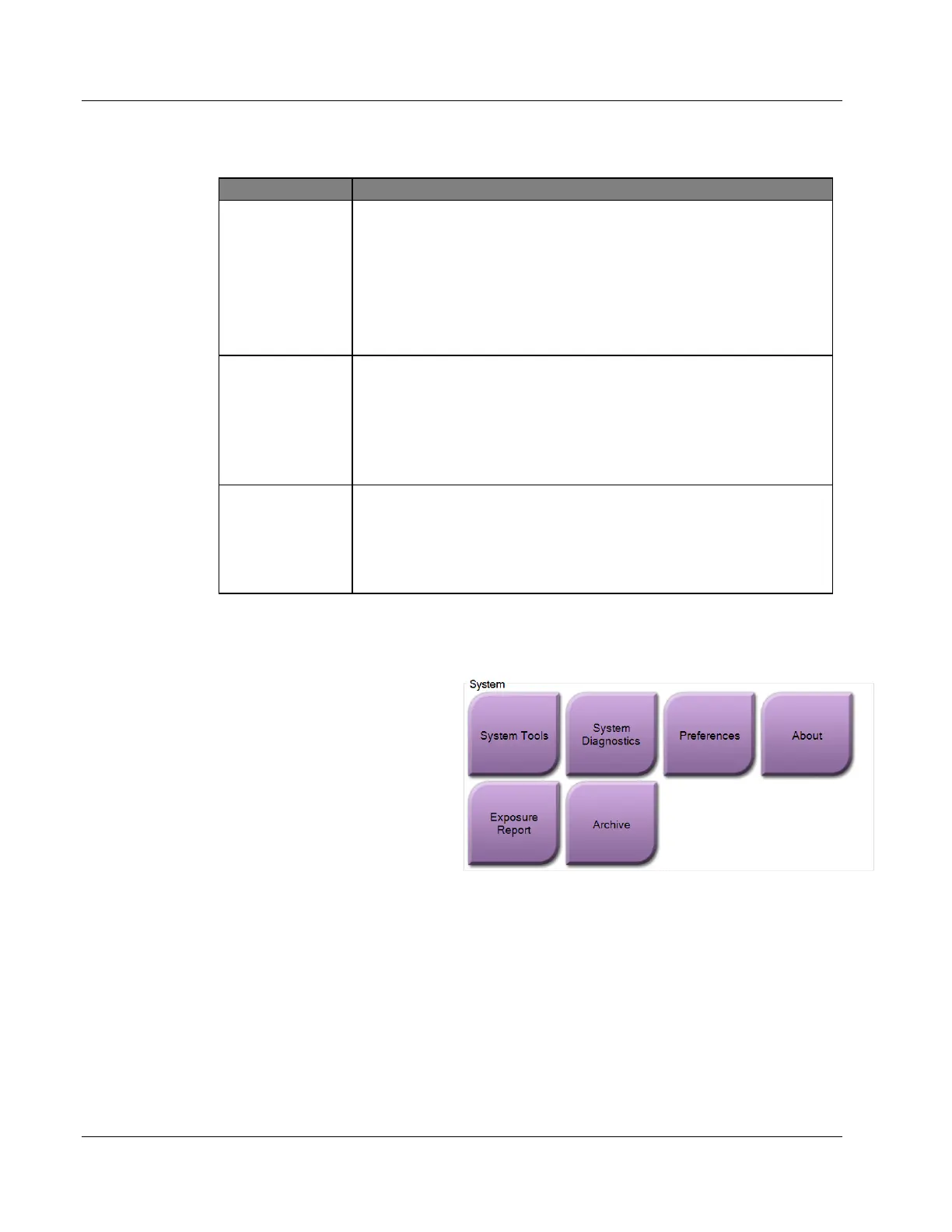
9.6 Archive Tool
The archive feature in the Admin
screen lets you:
• Send local studies to an
archive.
• Export studies to removable
media.
Figure 37: Archive Button
1. From the System Tools group in the Admin screen, select the Archive button. The
Multi Patient On Demand Archive screen opens.
2. To search for a patient, enter at least two characters in the Search parameters area
and select the magnifying glass.
A list of patients that match the search criteria is displayed.















 To Next Page