Trident HD Specimen Radiography System User Guide
Chapter 3: Components, Controls, and Indicators
MAN-05478-002 Revision 003 Page 21
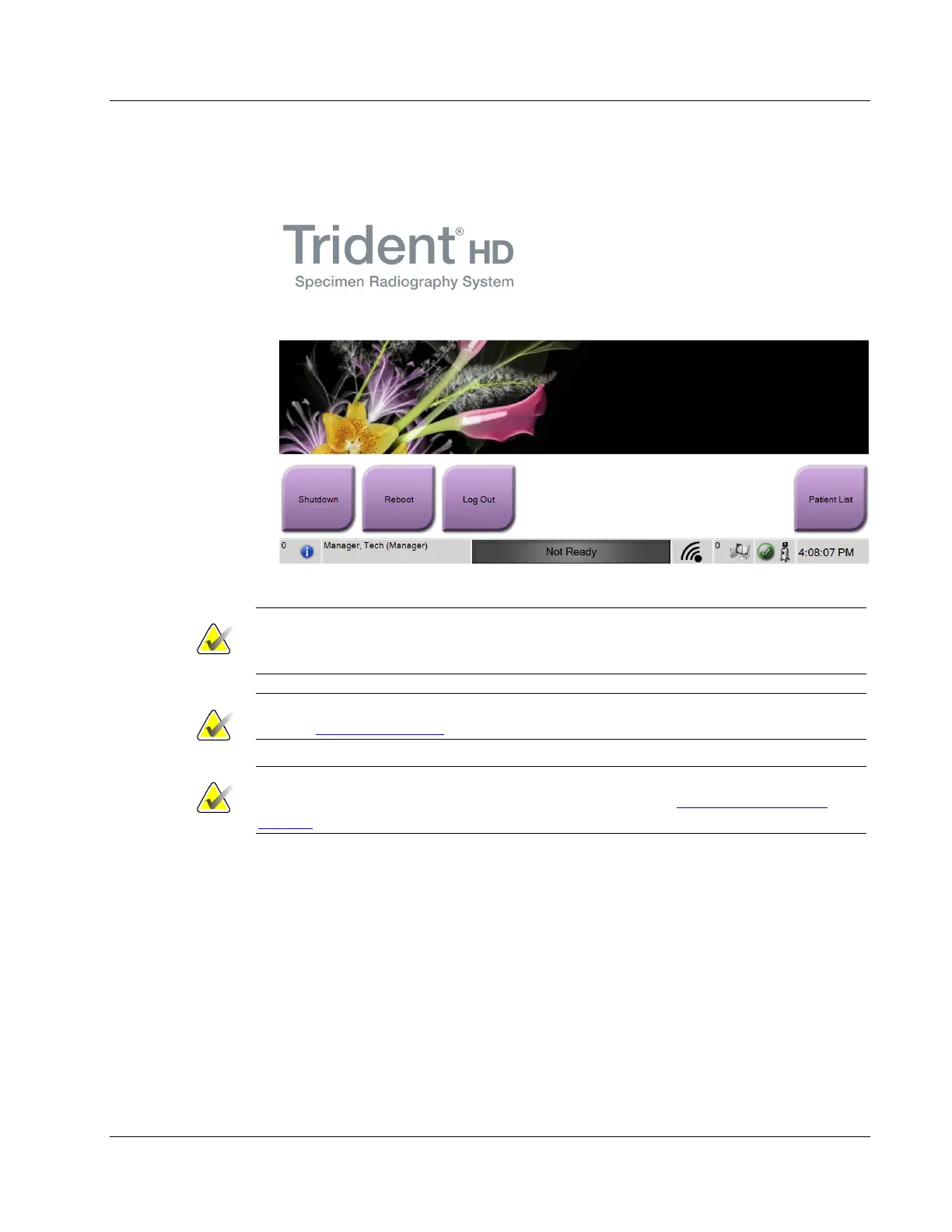
6. At the Startup screen, select the Patient List button.
Figure 10: Startup Screen
Note
The Startup screen includes a Shutdown button that turns off the computer and a
Reboot button that restarts the computer.
Note
Refer to System Components on page 15 for locations of power buttons.
Note
To change the system language or other preferences, refer to System Administration
Interface on page 65.
3.5.1 Windows 10 Information
The Trident system software runs on the Windows 10 operating system. The touch screen
will respond to certain Windows 10 touch gestures.
• Swipe right to show the task view.
• When the Trident system application is minimized, swipe up to show the
Windows taskbar.
• Tap the Windows icon on the taskbar to open the Windows Start menu.
• In task view, tap the Trident system application window to return to the full
screen Trident system application.















 To Next Page