Trident HD Specimen Radiography System User Guide
Chapter 5: The Images
MAN-05478-002 Revision 003 Page 41
5: The Images
5.1 Image Display Screen
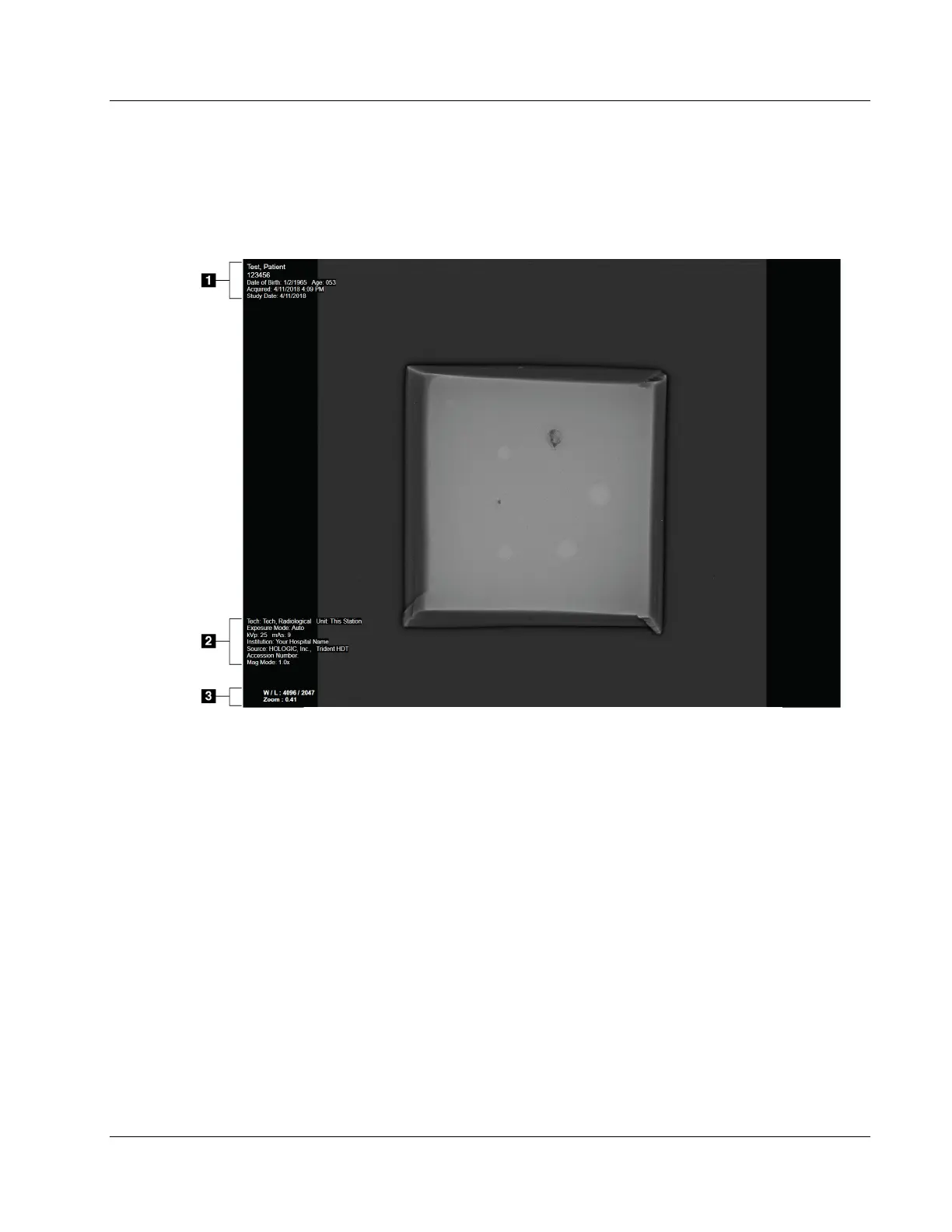
Figure 24: Image Display Screen
After you make an exposure, the acquired image opens on the Image Display monitor.
Patient and procedure information can be displayed on the Image Display screen. To turn
patient and procedure information on or off, go to the Tools tab in the Procedure screen
and select the Patient Information button.
Figure Legend
1. Patient Information and Exam Date
2. Procedure and Facility Information including exposure techniques and technologist
information
3. Image Review Tool information such as window/level and zoom values















 To Next Page