Trident HD Specimen Radiography System User Guide
Chapter 5: The Images
MAN-05478-002 Revision 003 Page 43
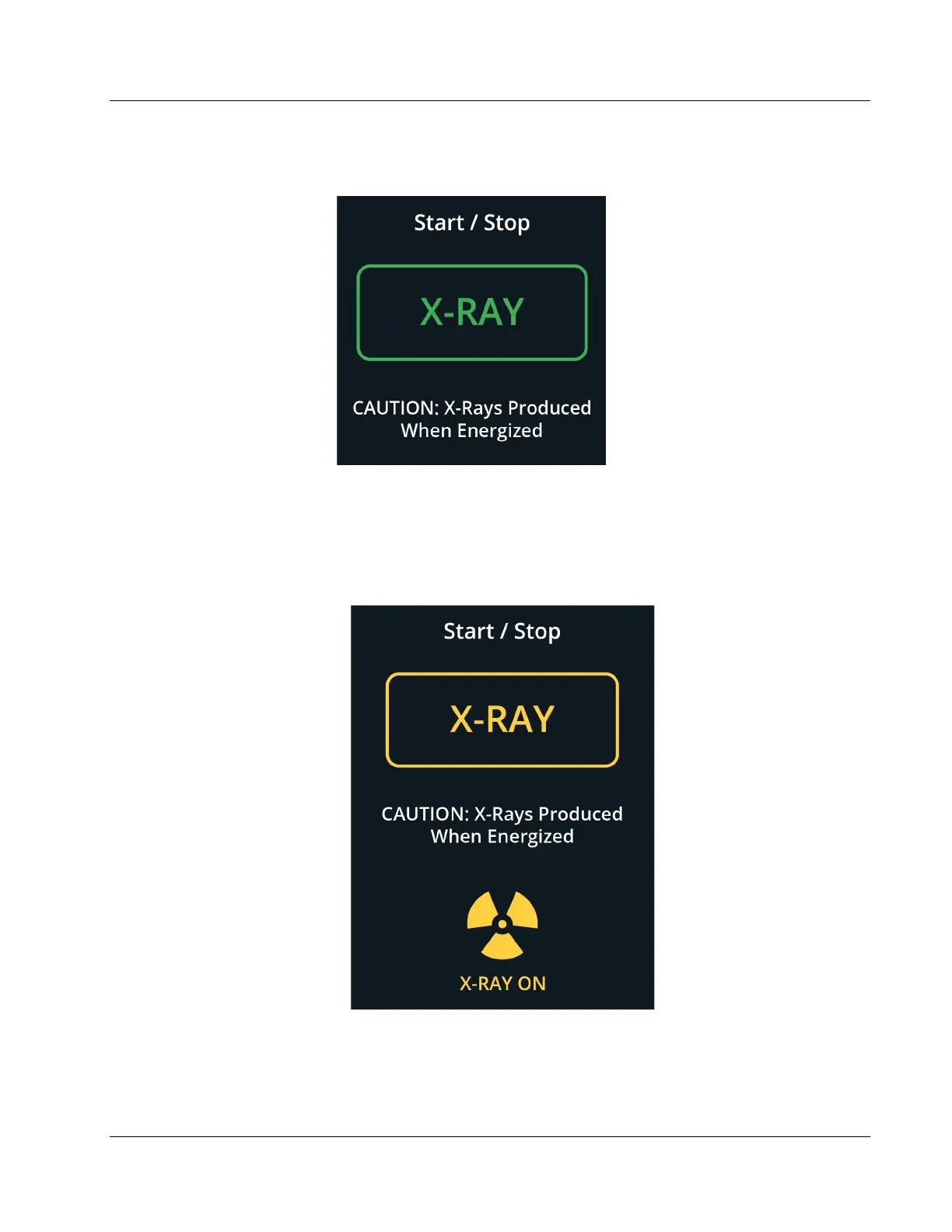
5. Press and release the X-RAY button.
Figure 26: X-RAY Button
During the exposure:
• The X-RAY button changes to yellow to indicate that the x-ray emission sequence
has started. The radiation symbol illuminates below the X-RAY button. (See the
following figure.)
Figure 27: X-RAY Button while the Exposure Is in Progress
• An audible tone sounds with each exposure; 10 individual beeps are heard
during the exposure sequence.















 To Next Page