Trident HD Specimen Radiography System User Guide
Chapter 5: The Images
Page 48 MAN-05478-002 Revision 003
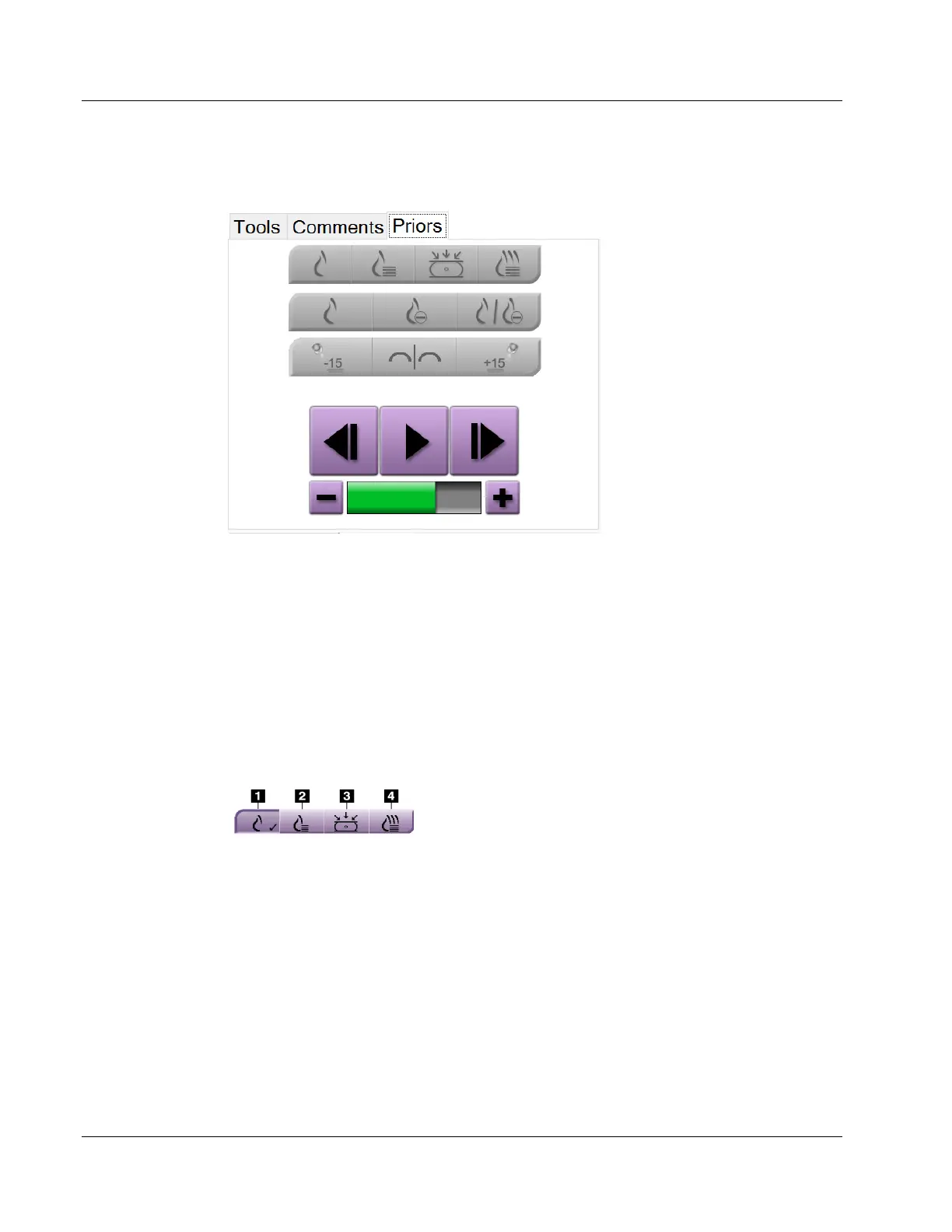
Priors Tab
Figure 31: Priors Tab
You can retrieve or import prior DICOM images for a patient and view them on the
system. The type of image you are viewing determines which buttons you can use.
Display Modes
Use the buttons in the Display Modes area of the screen to select the type of view to show
on the Image Display monitor. You can change between conventional 2D, synthesized
2D, tomosynthesis projections, and reconstructions to show the combination images.
Figure 32: Display Modes
Figure Legend
1. Conventional button shows conventional 2D images.
2. Generated 2D button shows a synthesized 2D image
generated from a set of tomosynthesis images.
3. Projections button shows the 15° projection images.
4. Reconstructions button shows reconstructed slices.















 To Next Page