Trident HD Specimen Radiography System User Guide
Chapter 4: User Interface
Page 26 MAN-05478-002 Revision 003
4.2.1 Open a Patient
1. Select a tab to show the desired list of patients.
2. Select a patient from the list. The Open button becomes active.
3. Select Open to access the Procedure screen for that patient.
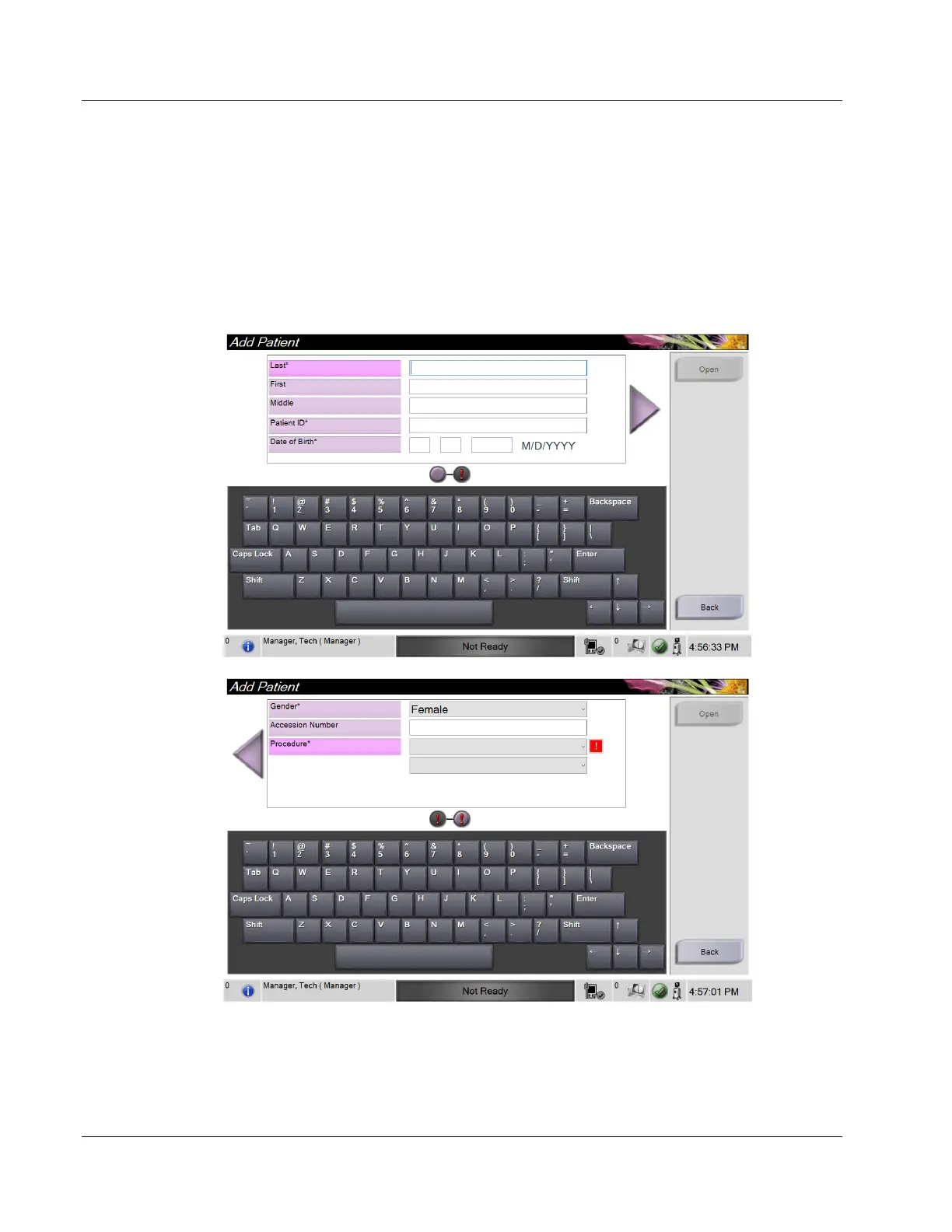
4.2.2 Add a New Patient
Figure 13: Add Patient Screens
1. In the Select Patient screen, select the New button. The Add Patient screen opens.
2. Enter the new patient information and select a procedure.
3. Select the Open button. The Procedure screen for the new patient opens.















 To Next Page