Trident HD Specimen Radiography System User Guide
Chapter 4: User Interface
MAN-05478-002 Revision 003 Page 27
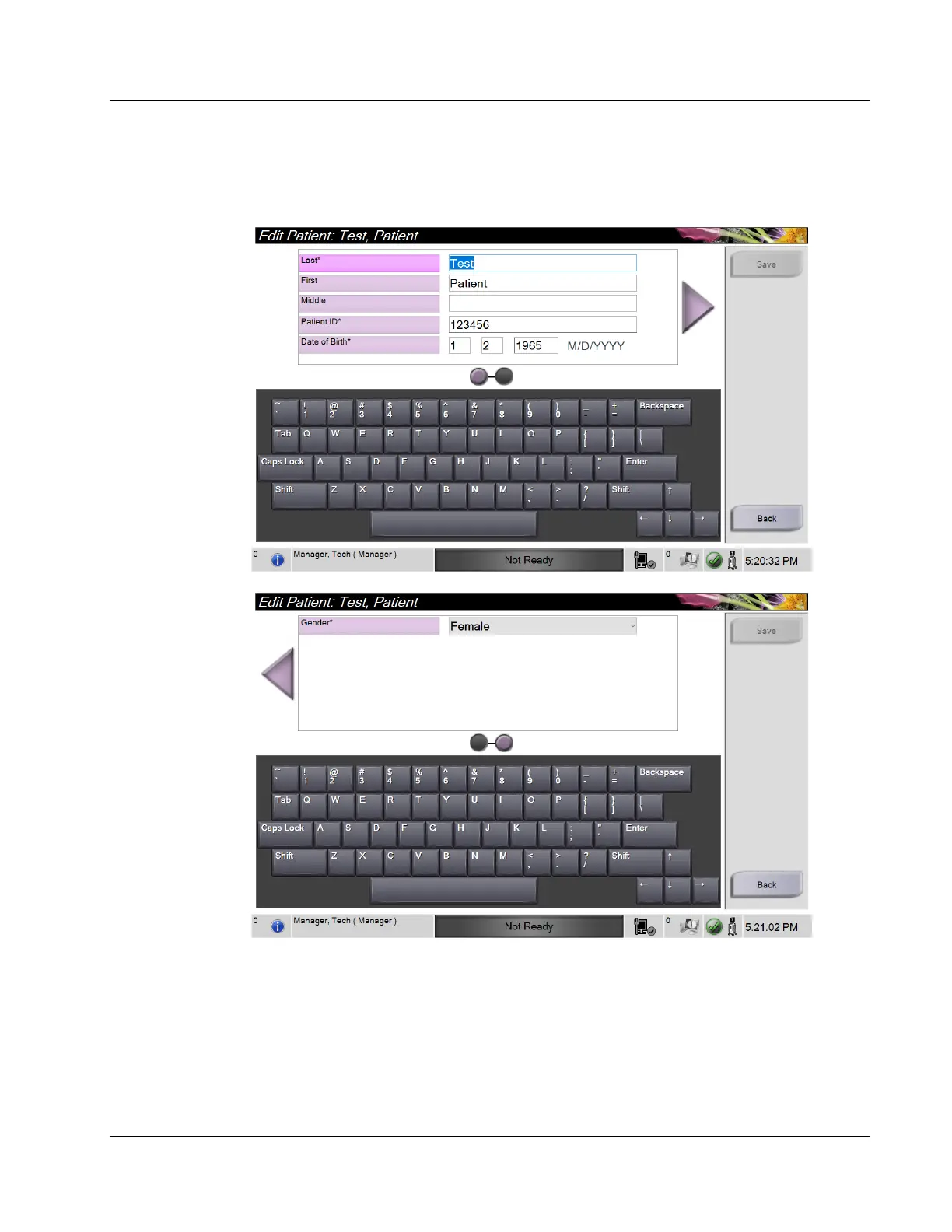
4.2.3 Edit the Patient Information
Figure 14: Edit Patient Information Screens
1. In the Select Patient screen, select the patient name then select the Edit button.
2. In the Edit Patient screen, make changes then select the Save button.
3. Select OK to the Update Successful message.















 To Next Page