Trident HD Specimen Radiography System User Guide
Chapter 5: The Images
MAN-05478-002 Revision 003 Page 47
You can toggle between two sets of image review tools in the Tools tab. Select the
Advanced button to show all the image review tools. Select the Simple button to show
only the basic image review tools.
When an image review tool is active, a check mark is displayed on the tool button.
To save markings and annotations on an image, select the Camera tool to capture an
image of the Image Display screen. A thumbnail of the snapshot is added to the Procedure
tab and the snapshot image is saved to the procedure.
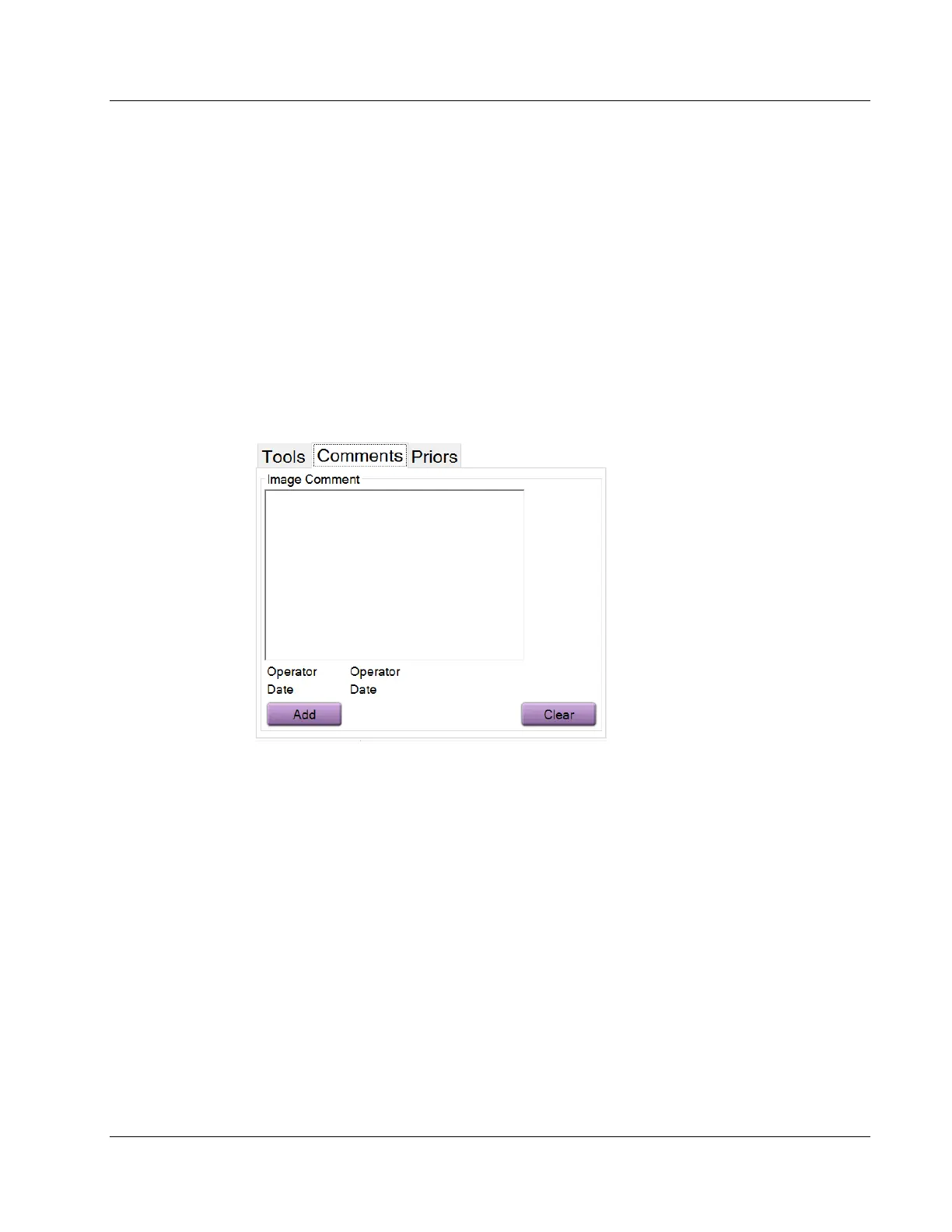
Comments Tab
Figure 30: The Comments Tab
This feature allows you to make notes or comments about image content. This
information is saved in the DICOM header. The information is not displayed on the
Image Display monitor.
To add comments to an image:
1. Select the Add button. A screen with a virtual keyboard opens.
2. In the Image Comment box, select an option from the list.
3. Use the virtual keyboard to add comments in the Additional Item area.
4. Select the Save button to save the comments and return to the Procedure screen.















 To Next Page