Trident User Guide
Chapter 3: Components, Controls, and Indicators
Page 14 MAN-02098 Revision 008
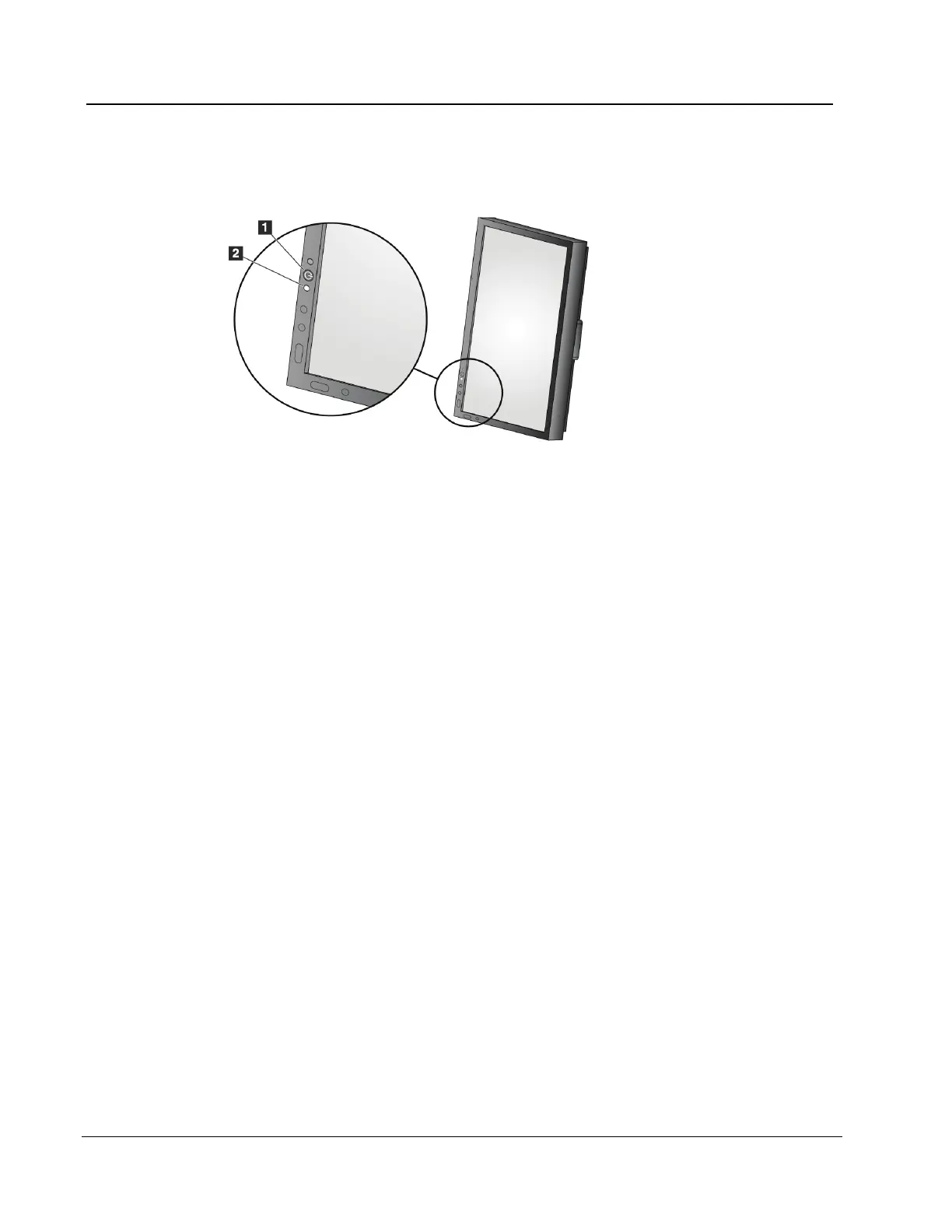
3.4.2 Display Controls and Indicators
Figure 7: Display Control and Indicator
Figure Legend
1. Display Power Control
2. LED for Display Power
3.5 Cable Connections
Put the Trident in a location where you can easily access connections for power and
network connections.
1. Connect the network cable to the network outlet in the wall.
2. Connect to AC power:
• For systems without the UPS, connect the system power cord to the wall outlet.
• For systems with the UPS, connect the UPS power cord to the wall outlet.














 To Next Page