Trident User Guide
Chapter 7: System Administration Interface
Page 46 MAN-02098 Revision 008
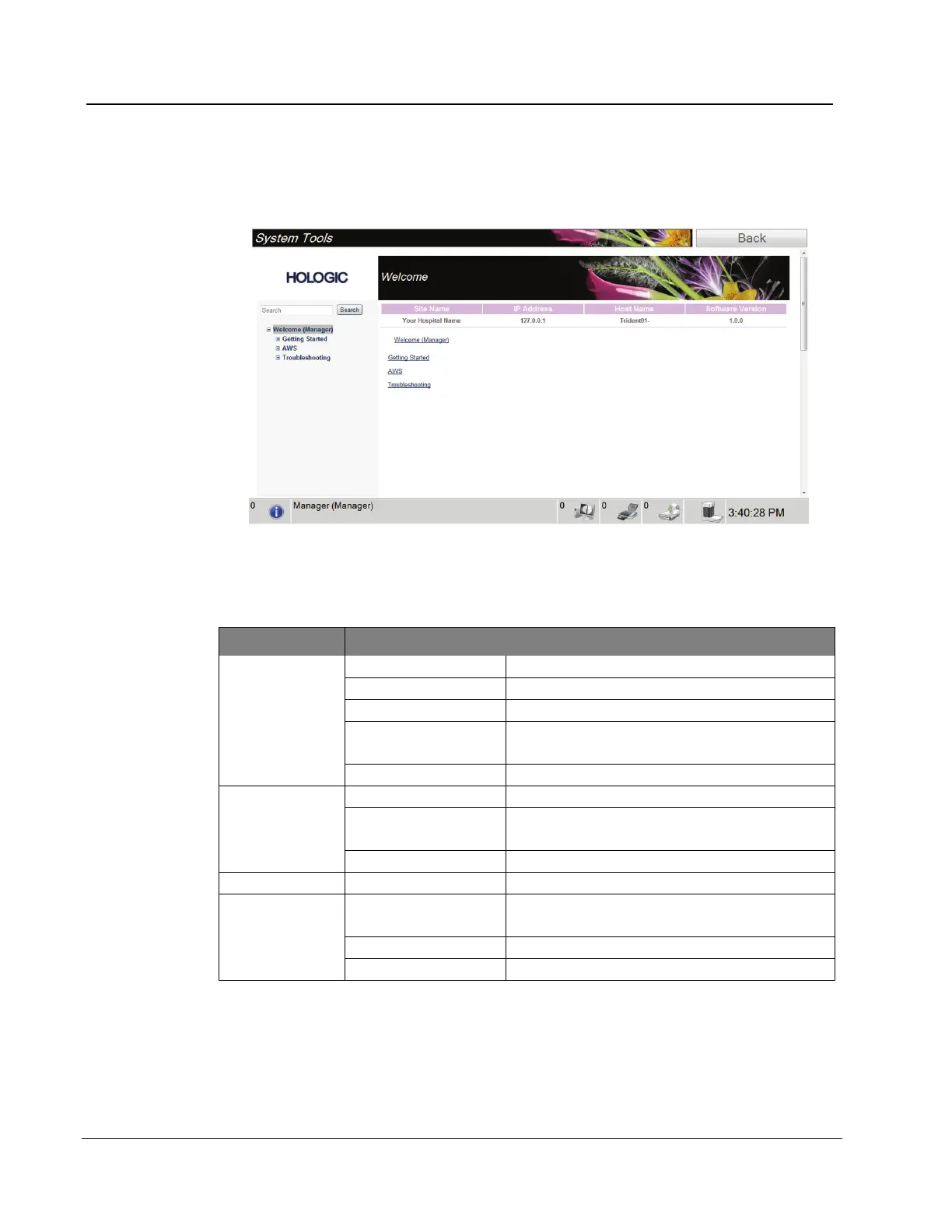
7.2.1 The System Tools Screen
Figure 27: The System Tools Screen
Table 5: The System Tools
Section Description
The introduction to the service tool.
List of common questions.
List of terms and descriptions.
List of directories, software version numbers,
and system software statistics.
List of Windows® shortcuts.
List of Installed Devices.
Change the options in the Software
application.
Select the local language and culture.
Allows for download of images.
Reboot or Shutdown; Current IP address;
Change Host name.
Change the event record options.
Control the backups for the system.














 To Next Page