Trident User Guide
Chapter 4: The User Interface
Page 26 MAN-02098 Revision 008
4.2.4 How to Add a Procedure
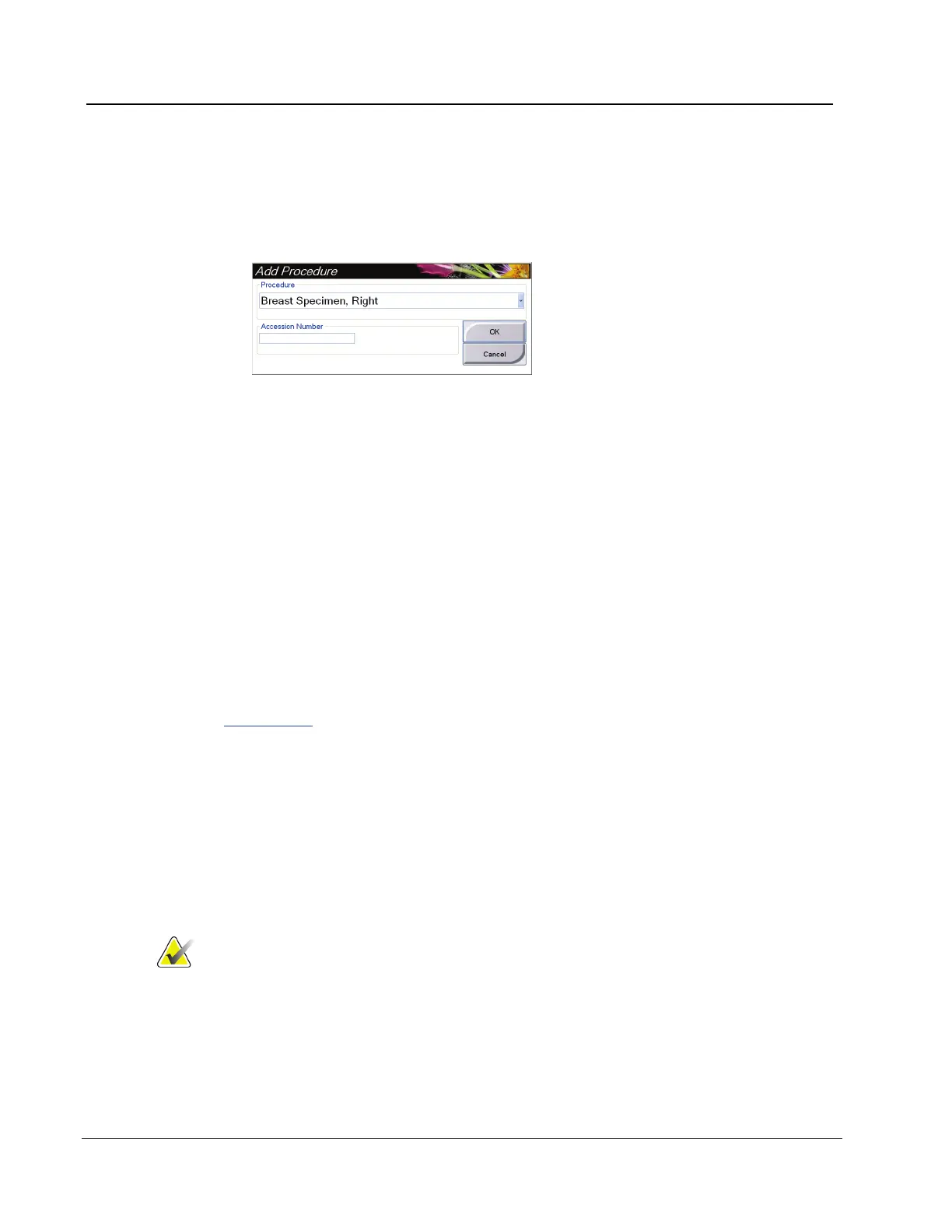
1. To add another procedure for the active patient, select the Add Procedure button on
the Procedure screen to display the Add Procedure dialog box.
Figure 15: The Add Procedure Dialog Box
2. Use the drop-down menu to select the type of procedure to add.
3. Enter an Accession Number (optional).
4. Select the OK button. A new number displays in the Procedure Selection area of the
Procedure screen.
4.2.5 How to Close a Procedure
Select the Close Patient button. The system returns to the Select Patient screen and
automatically saves to the configured output devices any images that were not sent
previously.
4.3 How to Access Image Review Features
Select the Tools tab on the Procedure screen to access the image review features. Refer to
The Tools Tab on page 36 for information.
4.4 How to Use the Output Groups
The images are sent automatically to the output devices in the selected Output Group
when a patient is closed.
4.4.1 How to Select an Output Group
Select an output device set like PACS, CAD devices, and printers from the Output Groups
drop-down menu in the Procedure screen.
Note
Images are not sent if an Output Group is not selected.














 To Next Page