Trident User Guide
Chapter 3: Components, Controls, and Indicators
Page 16 MAN-02098 Revision 008
3.6.1 Log In
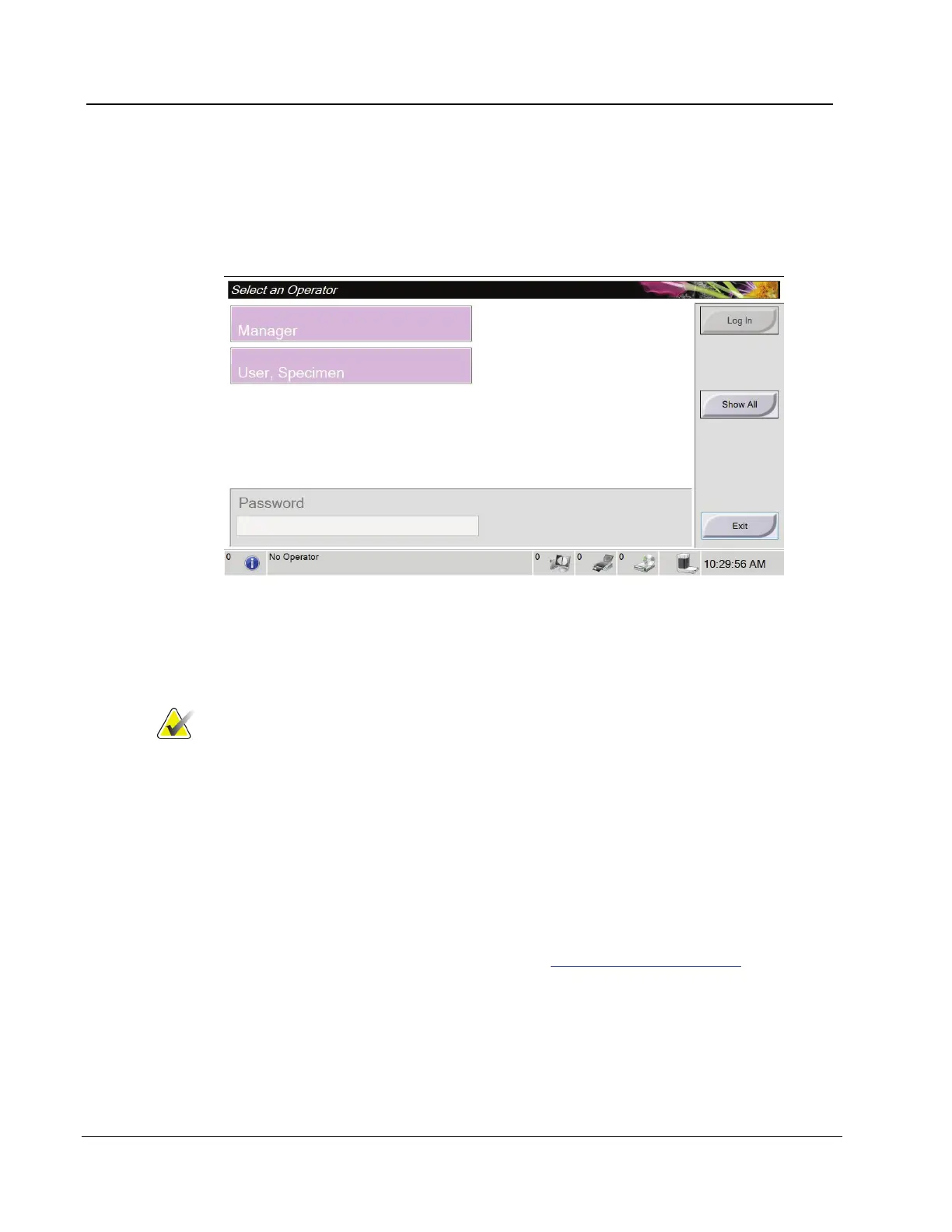
The screen displays user names or user group (such as the Service group.) If your user
name or group is not shown, click the Show All button.
Figure 9: Select an Operator
1. Select your user name.
2. Enter your password.
3. Select the Log In button.
Note
To change the system language or other preferences, access
the Admin screen (refer to the next section).
3.6.1.1 How to Access the Admin Screen
1. Right-click on the User Name area of the taskbar at the bottom of the screen.
2. Select the Admin option from the menu.
3.6.1.2 How to Change the Language
1. Right-click on the User Name area in the taskbar at the bottom of the screen.
2. Select the Admin option to display the Admin screen. For complete information about
the functions on the Admin screen, refer to How to Use the Admin Screen on page 43.
3. Select the My Settings option.
4. From the Locale field, select a language from the drop-down menu.
5. Select the Save button, then select the OK button to the Update Successful message.
The selected language displays.














 To Next Page