Trident User Guide
Chapter 8: Maintenance, Cleaning, and Disinfecting
MAN-02098 Revision 008 Page 49
8.2.2 How to Remove the Keyboard Cover (if Equipped)
Note
Remove the keyboard cover from the keyboard before
cleaning the cover.
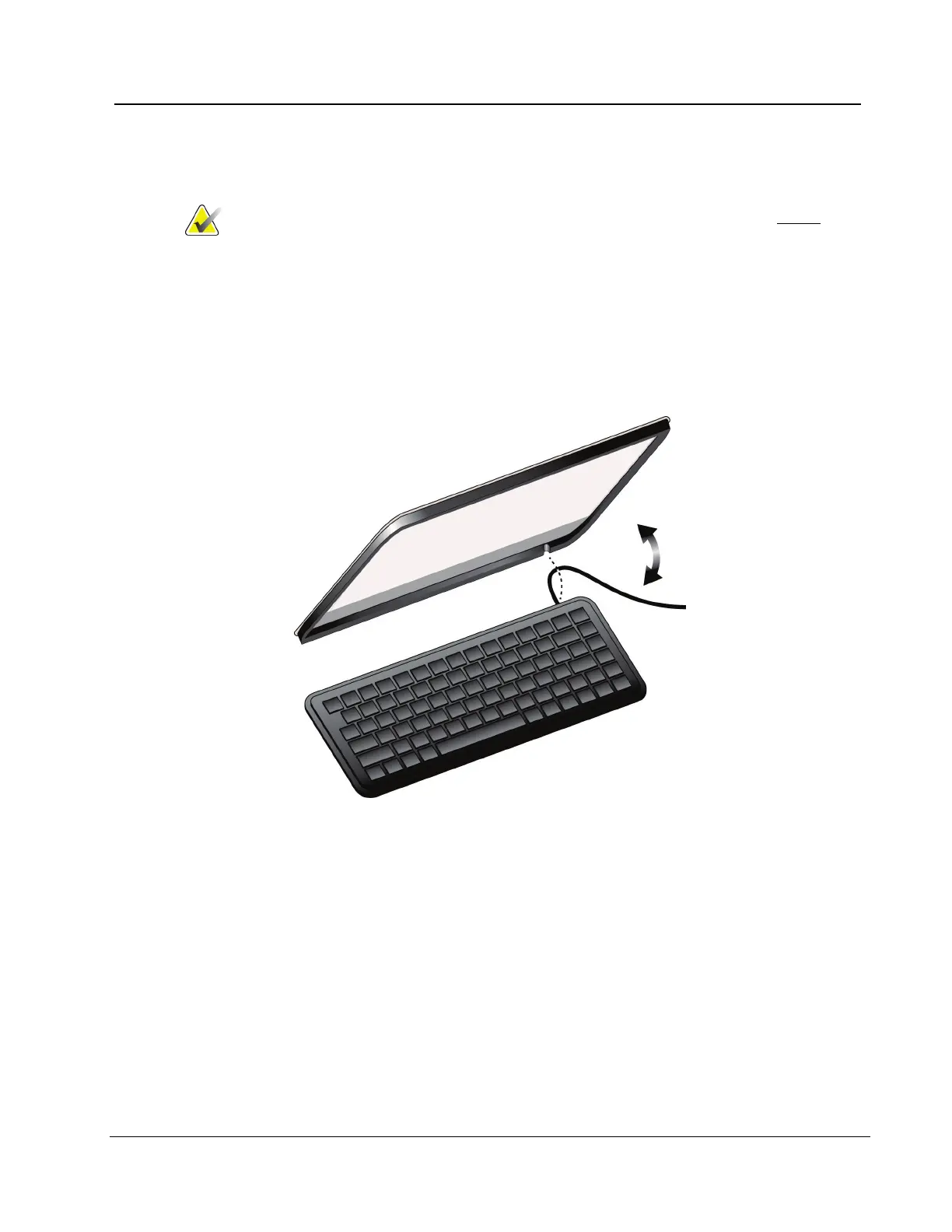
1. Grasp the outer frame of the cover by one corner and lift the frame and cover sheath
off in one piece (see the following figure). Do not remove the silicone sheath from its
frame unless you are replacing the sheath itself.
2. When replacing the cover, locate and align the notch on the upper right corner of the
cover frame to the upper right corner of the keyboard where the keyboard cable is
attached (see the following figure). Press cover firmly back onto keyboard.
Figure 28: Removing/Replacing Keyboard Cover














 To Next Page