Trident User Guide
Chapter 4: The User Interface
Page 20 MAN-02098 Revision 008
4.1.1 How to Open a Procedure
You can open a procedure in one of two ways:
• Double-click the patient entry in the displayed list on the Select Patient Screen.
OR
• Select a patient from the displayed list, then select the Open button.
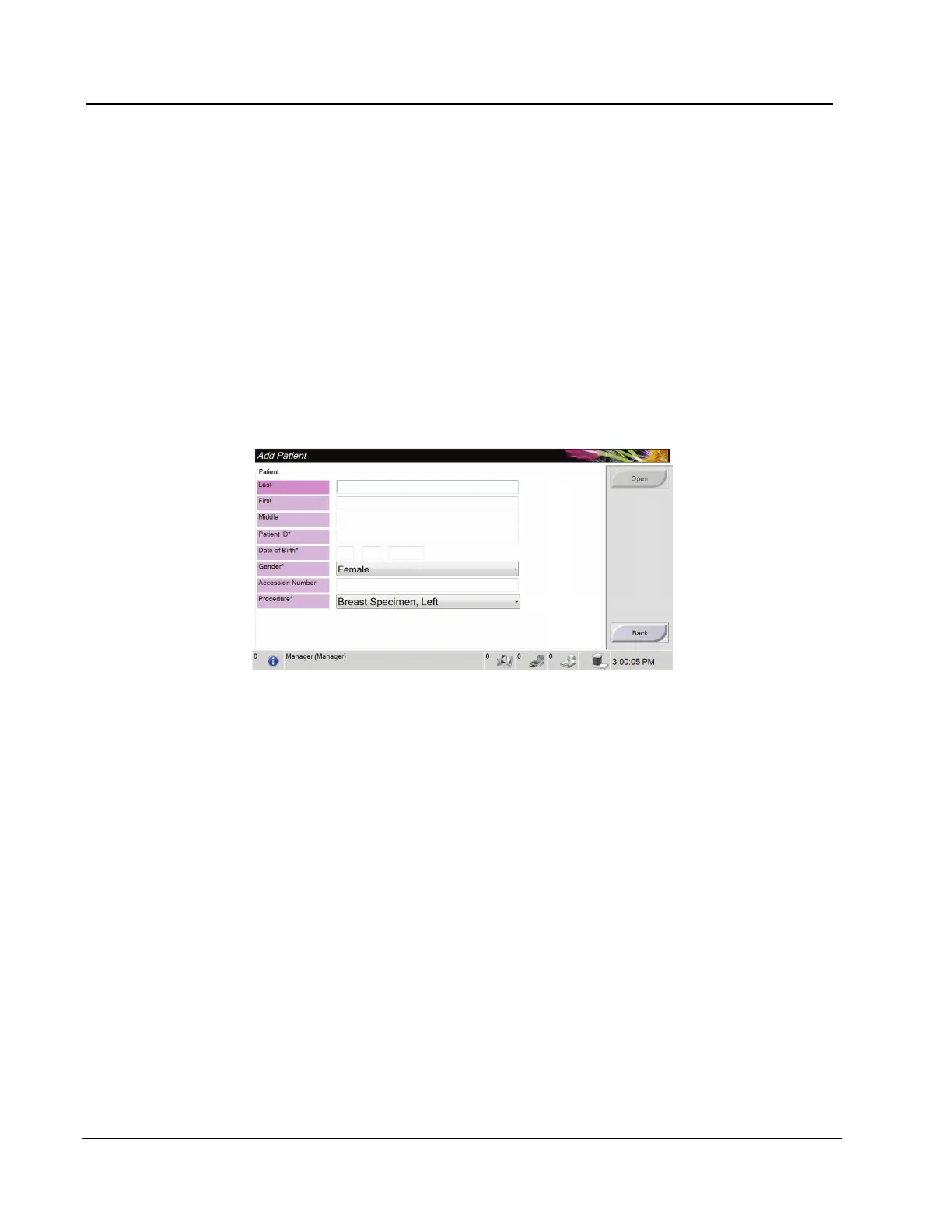
4.1.2 How to Add a New Patient
1. In the Select Patient screen, select the New button.
2. Enter new patient information and select a procedure.
3. Select the Open button. A screen for the new patient appears.
Figure 11: Add a New Patient














 To Next Page