Trident User Guide
Chapter 7: System Administration Interface
Page 44 MAN-02098 Revision 008
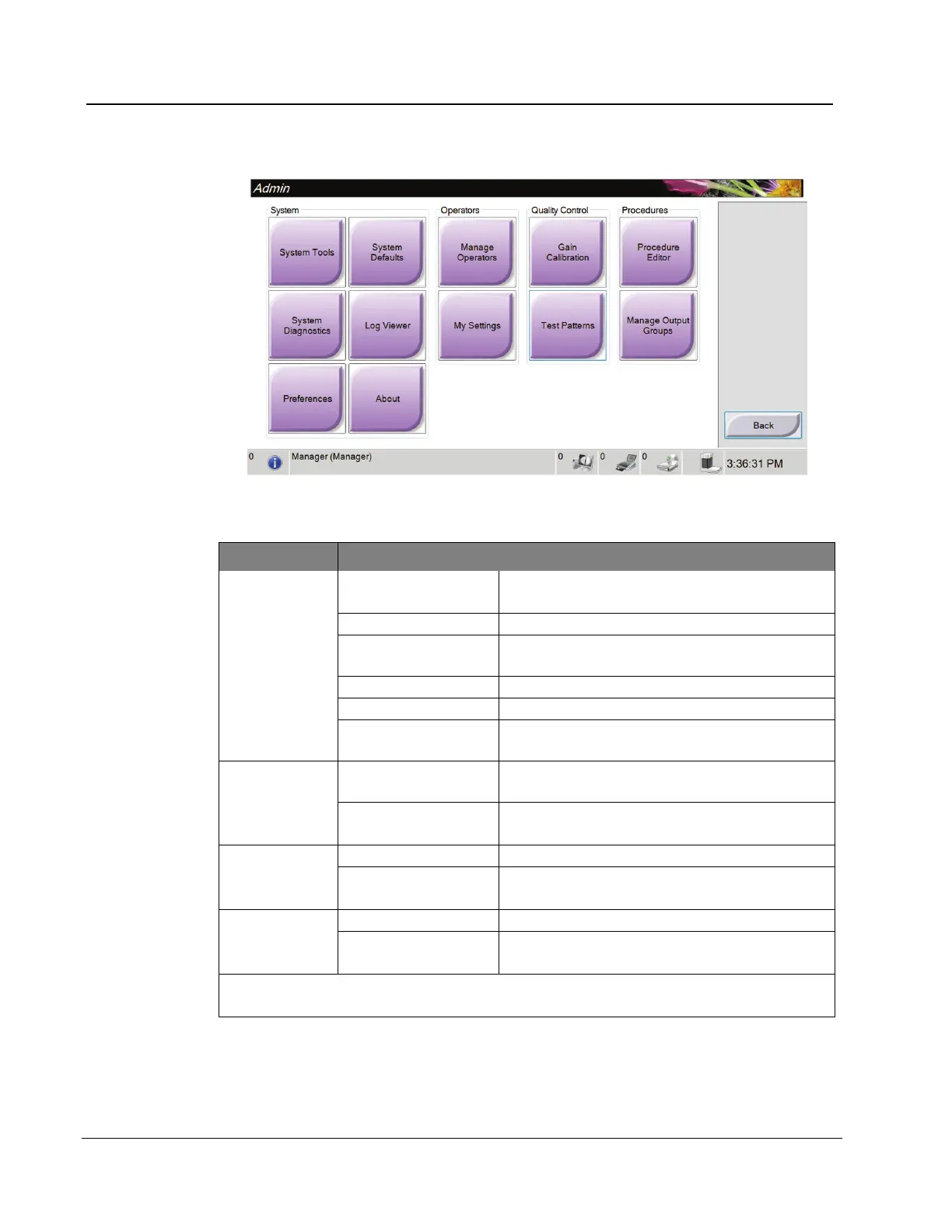
Figure 25: The Admin Screen
Table 4: Admin Screen Functions
Section Screen Function
The Interface for Service for the configuration
of and identification of problems.
Shows the status of all subsystems.
Review the system log files.
Set the system preferences.
Add, delete or change Operator information.
Change the information for the current
Operator.
Select the Gain Calibration procedure.
Select and send the test patterns to output
devices.
Add, edit, or delete the procedures.
Add, delete, or edit output groups.
You must have permissions to access all features. The permission level controls the
functions you can change.














 To Next Page