Trident User Guide
Chapter 5: The Images
MAN-02098 Revision 008 Page 33
5: The Images
5.1 Introduction
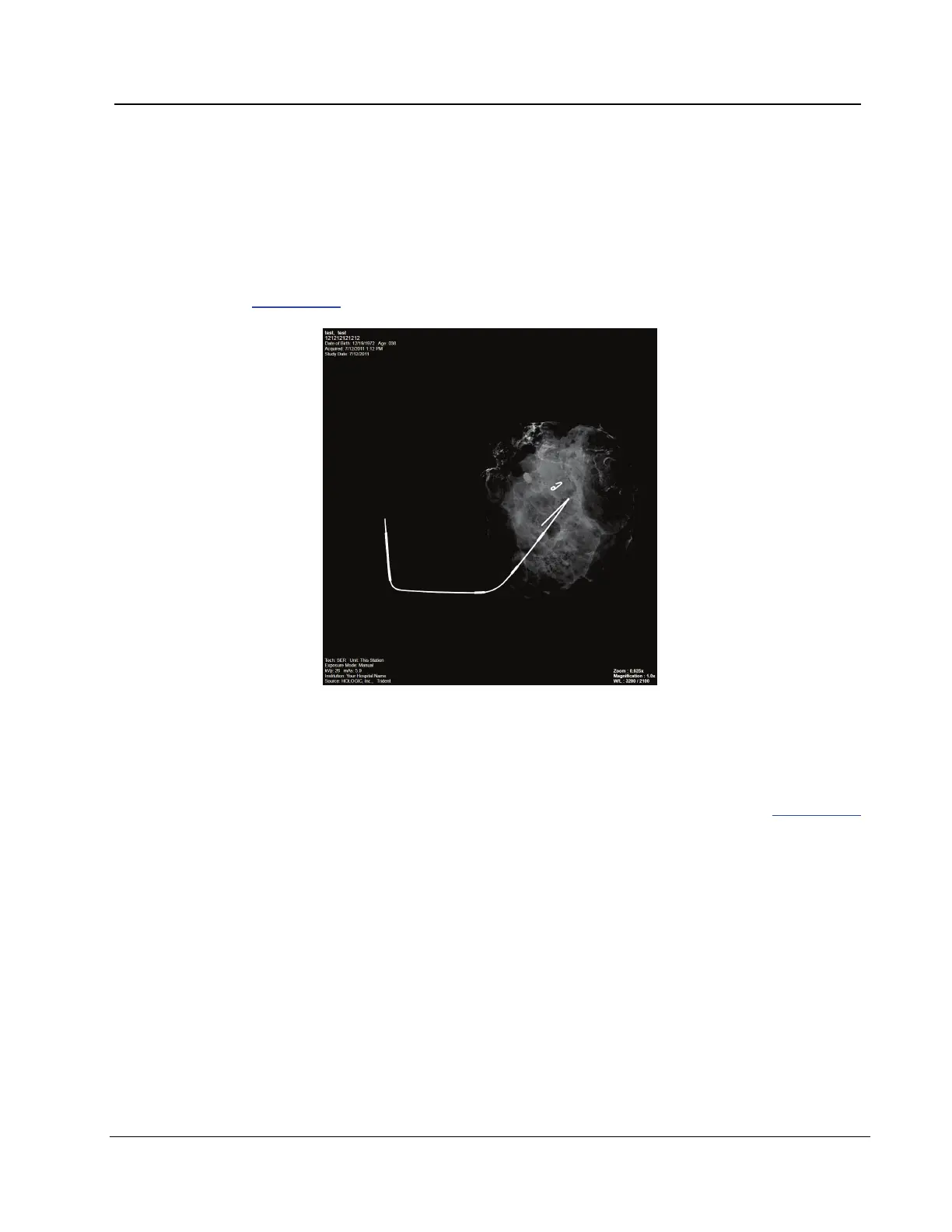
After you make an exposure, the acquired image displays and is accepted automatically.
A thumbnail image appears in the left panel of the screen. Use the Image Tools (refer to
The Tools Tab on page 36) to help with the review of the image and to add a comment.
Figure 18: An Acquired Image
5.1.1 Information on the Left Side of the Image
Information about the patient and the exam displays to the left of the image. This
information displays when the Patient Information tool is selected. Refer to The Tools Tab
on page 36.














 To Next Page