Trident User Guide
Chapter 4: The User Interface
MAN-02098 Revision 008 Page 21
4.1.3 How to Edit the Patient Information
1. In the Select Patient screen, select the patient name then select the Edit button.
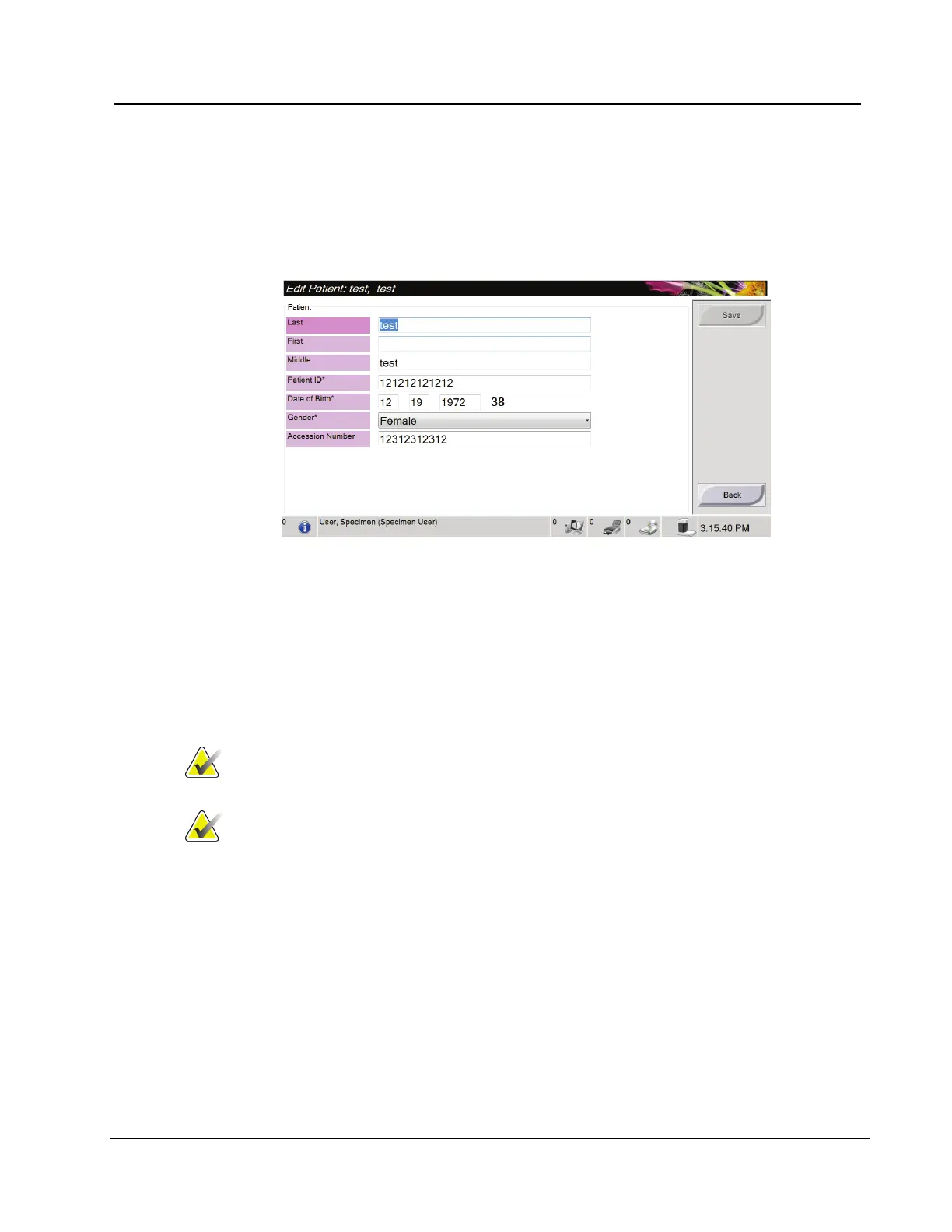
2. In the Edit Patient screen, make changes then select the Save button.
Figure 12: The Edit Patient Information Screen
3. When the Update Successful screen displays, select the OK button.
4.1.4 How to Delete a Patient
1. In the Select Patient screen, select one or more patients.
2. Select the Delete button.
3. To the Confirmation Required prompt, select Yes.
Note
A Primary System User can not delete patients, but a
Manager can.
Note
Reclamation normally removes the requirement to delete
patients.














 To Next Page