Trident User Guide
Chapter 3: Components, Controls, and Indicators
MAN-02098 Revision 008 Page 15
3.6 How to Start the System
1. If the UPS is stopped, press the UPS On button. (The UPS is an optional component.)
2. Press the power button on the Computer.
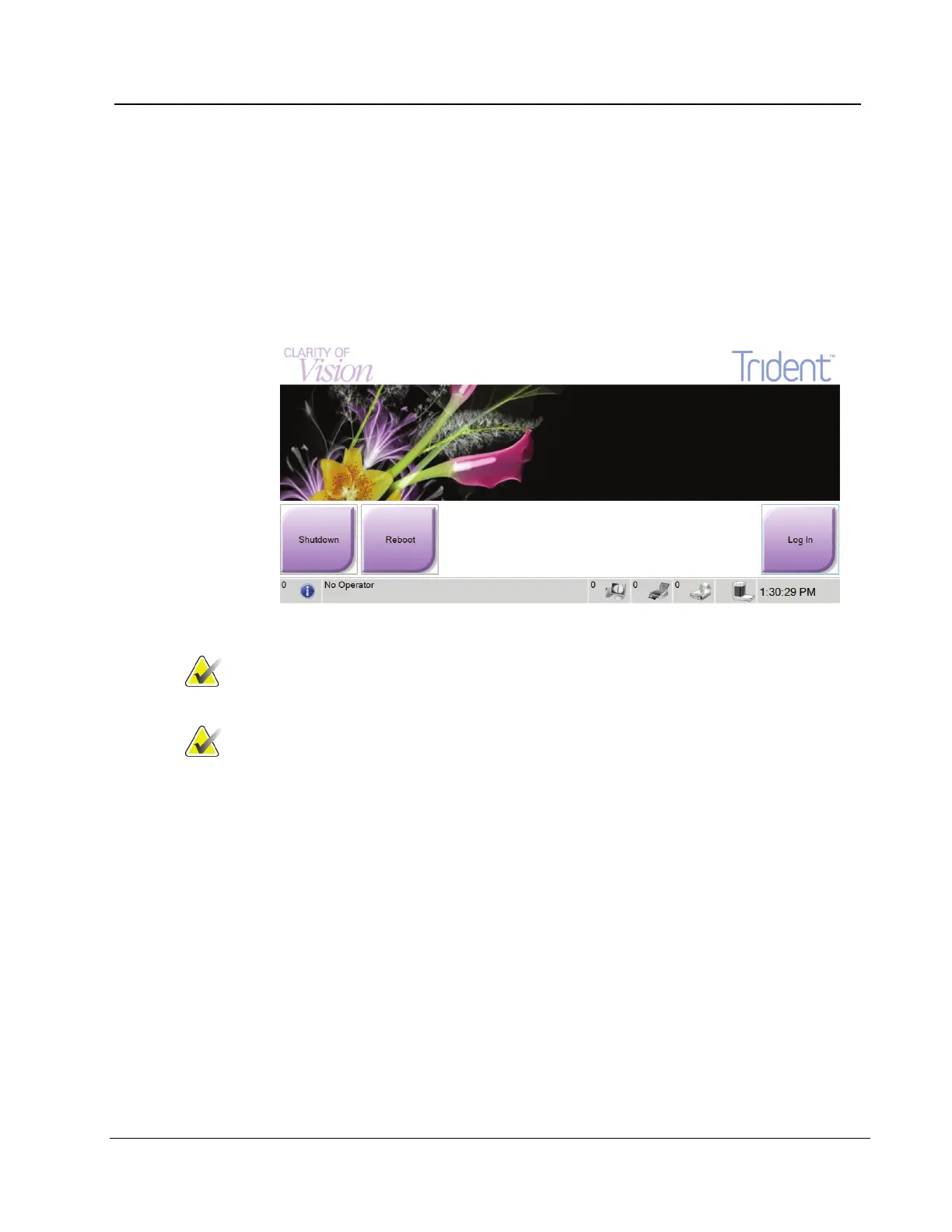
3. When the Startup Screen displays, select the Log In button.
Figure 8: Startup Screen
Note
The control panel LEDs can blink when the system starts. The
image can be shown sideways during the bootup procedure.
Note The Startup screen includes a Shutdown button that turns
off the computer, and a Reboot button that restarts the
computer.














 To Next Page