Performance Series IP Camera Software Configuration Guide
16
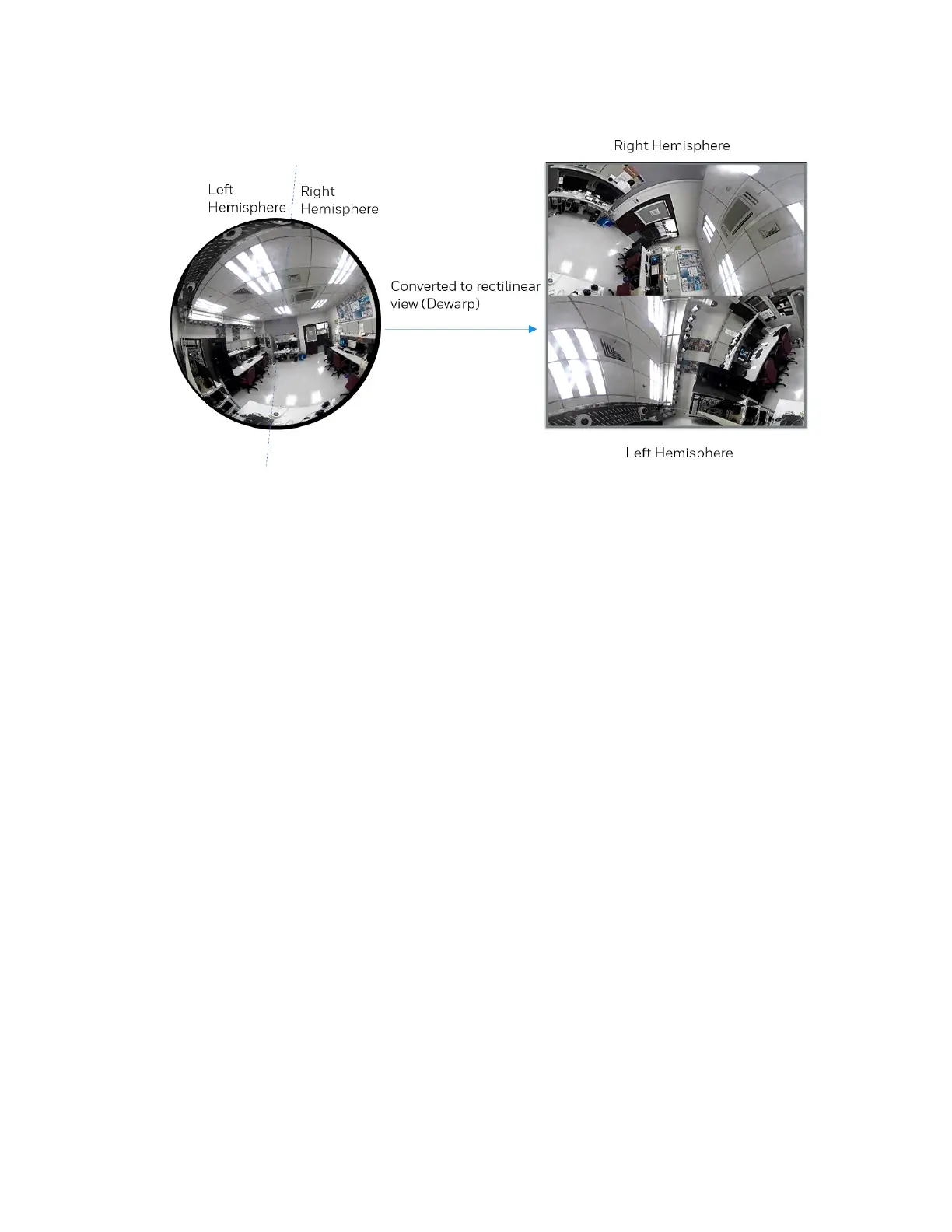
Figure 3-14 2P (Two Panoramic View) Display mode
1P3R (One Panoramic and Three Regional) Display Mode
The 1P2R mode provides access to two regional views and the reference to their relative
positions on a panoramic view. This display mode is available only when you select the Wall
mount type, see the Mount type section in General Settings on page 20.
The operations of the 1P3R display mode is similar to the operations of the 1O3R, see Error!
Not a valid bookmark self-reference. on page 16.
1O3R (One Original and Three Regional) Display Mode
The 1O3R mode provides access to multiple live view sections within the hemisphere and the
reference to their relative positions on an Original circular view. The FOV (Field of View)
indicators (#1 ~ #3) interact with your current operation as you may zoom in/out or move the
live view window to a different place.
You can zoom in or out or travel to other areas within the hemisphere using identical methods
as previously described in the 1R mode.
You can also change the locations of Regional views by dragging the FOV indicators on the
"Original" circular view.



 To Next Page
 Loading...
