Performance Series IP Camera Software Configuration Guide
62
Configuring Event Settings
Go to Setup Video Analytics Event Settings.
This section describes how to configure the camera to respond to particular situations
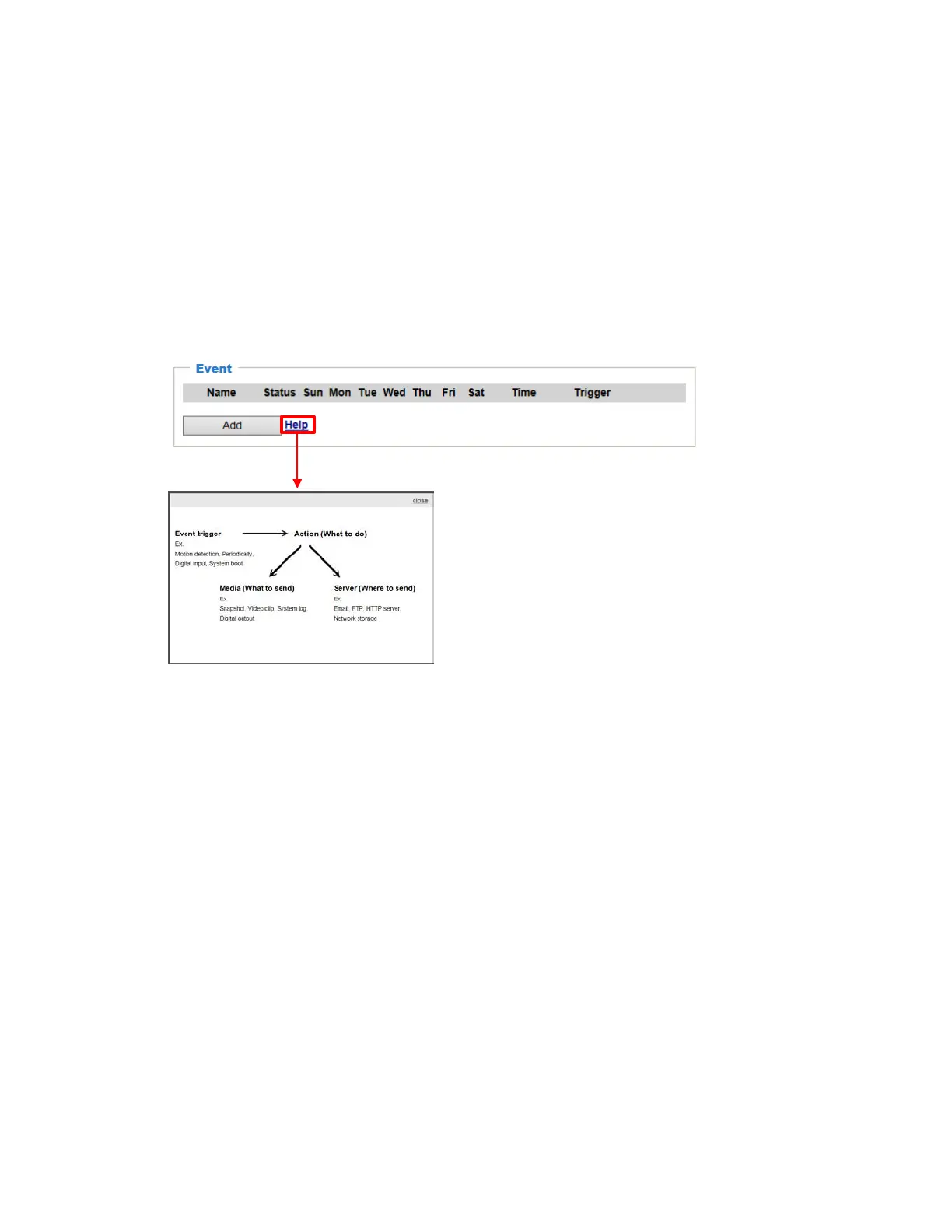
(event). A typical application is that when a motion is detected, the camera sends buffered
images to an e-mail address as notifications. Click Help, there is an illustration shown in the
pop-up window explaining that an event can be triggered by many sources, such as motion
detection or external digital input devices. When an event is triggered, you can specify what
type of action that will be performed. You can configure the camera to send snapshots or
videos to your email address.
Figure 6-9 Event Settings
Event
In the Event tab, click Add to open the event settings window. Here you can arrange three
elements -- Schedule, Trigger, and Action to set an event. A total of 3 event settings can be
configured.



 To Next Page
 Loading...
