Configuring Video Analytics
55
6 Configuring Video Analytics
This chapter contains the following sections:
• Configuring Motion Detection Settings, page 55
• Configuring Tampering Detection Settings, page 59
• Configuring Event Settings, page 60
Configuring Motion Detection Settings
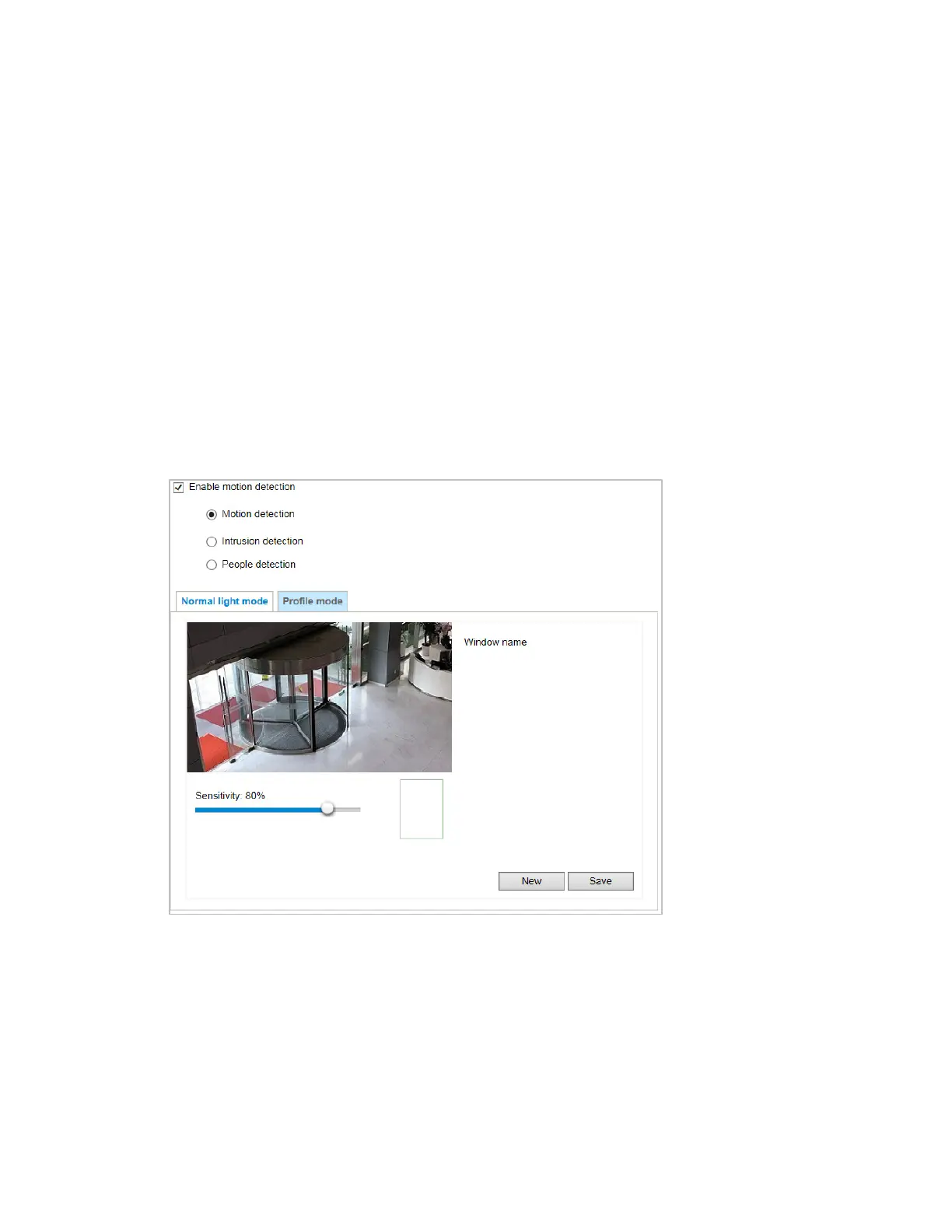
Go to Setup Video Analytics Motion Detection.
Figure 6-1 Motion Detection
Two sets of motion detection settings are available:
• In Normal Light Mode tab, configure normal situations for motion detection settings.
• In Profile Mode tab, configure special situations for motion detection settings.
• Night Mode: Check Enable to apply these settings at and select this mode to apply
the settings at night.
• Schedule Mode: Check Enable to apply these settings at and select this mode to
apply the settings at a specific period. Enter the time manually in the field.



 To Next Page
 Loading...
