Performance Series IP Camera Software Configuration Guide
68
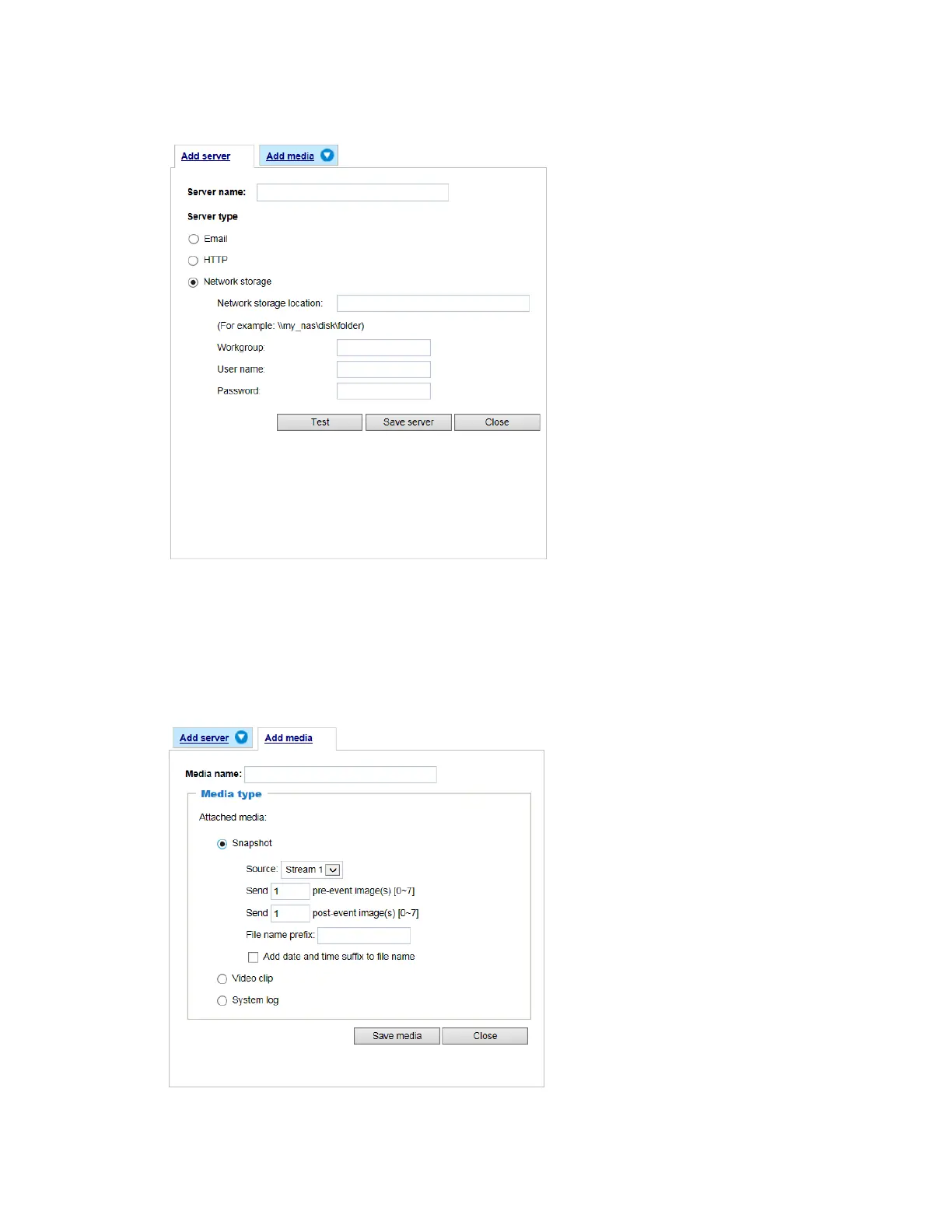
Figure 6-15 Network storage
Add Media
Click Add media to open the media setting window. You can specify the type of media that will
be sent when a trigger is activated. A total of 5 media settings can be configured. There are
three choices of media types available: Snapshot, Video Clip, and System log. Select the item
to display the detailed configuration options. You can configure either one or all of them.
Figure 6-16 Add Media
Media type - Snapshot



 To Next Page
 Loading...
