Protocol Configuration
Device List and Device Configuration
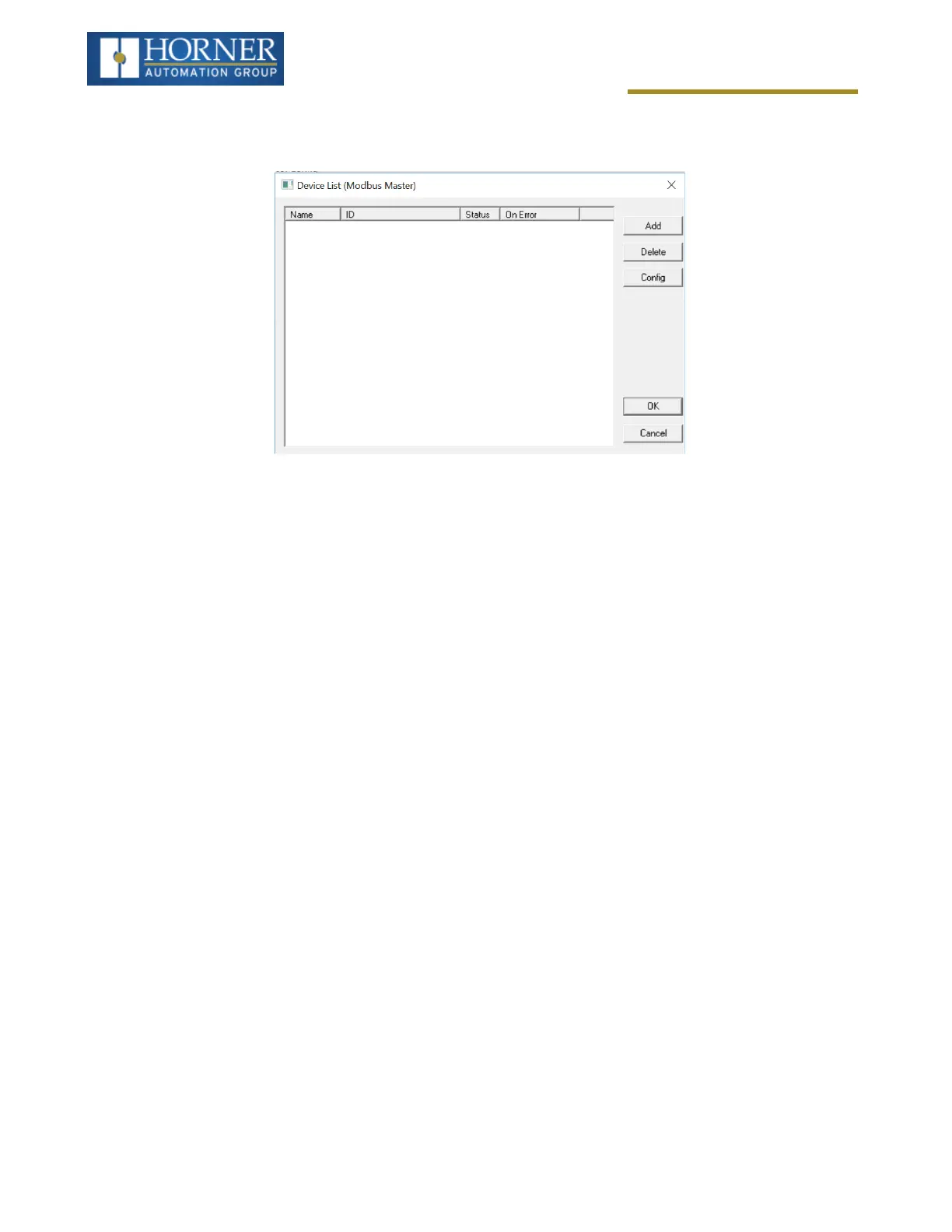
Device List
This configuration list is reached from the Device button on the Protocol Config screen and provides a list of the con-
figured devices on the Network. Devices must be created and exist in this list before corresponding Scan List
entries can be created for this device. Typically, the number of entries is limited to 128 devices.
l
Add - Opens the Device Config dialog to add a new device to the list.
l
Delete - Remove selected device from list (all corresponding Scan List entries are also removed).
l
Config - Invoke the Device Config dialog for the currently selected device. This can also be accomplished by
double-clicking a device entry.
l
Mapping - Invoke the Scan List limiting the entries displayed for the selected device.
Page 113 of 163


 To Next Page