Clone Unit
Clone Unit
Make Clone 136
Load Clone 138
‘Clone Unit’ feature allows the user to “clone” the OCS of the exact same model. This feature “clones” application
program and unit settings stored in battery-backed RAM of an OCS into the RM. Refer to "Removable Media" on
page130 for more details. It can then be used to clone a different OCS (exact same model).
This feature can be used for:
n
Replacing an OCS by another unit of the same model.
n
Duplicating or “clone” units without a PC.
Make Clone
The user needs to perform the following to Clone:
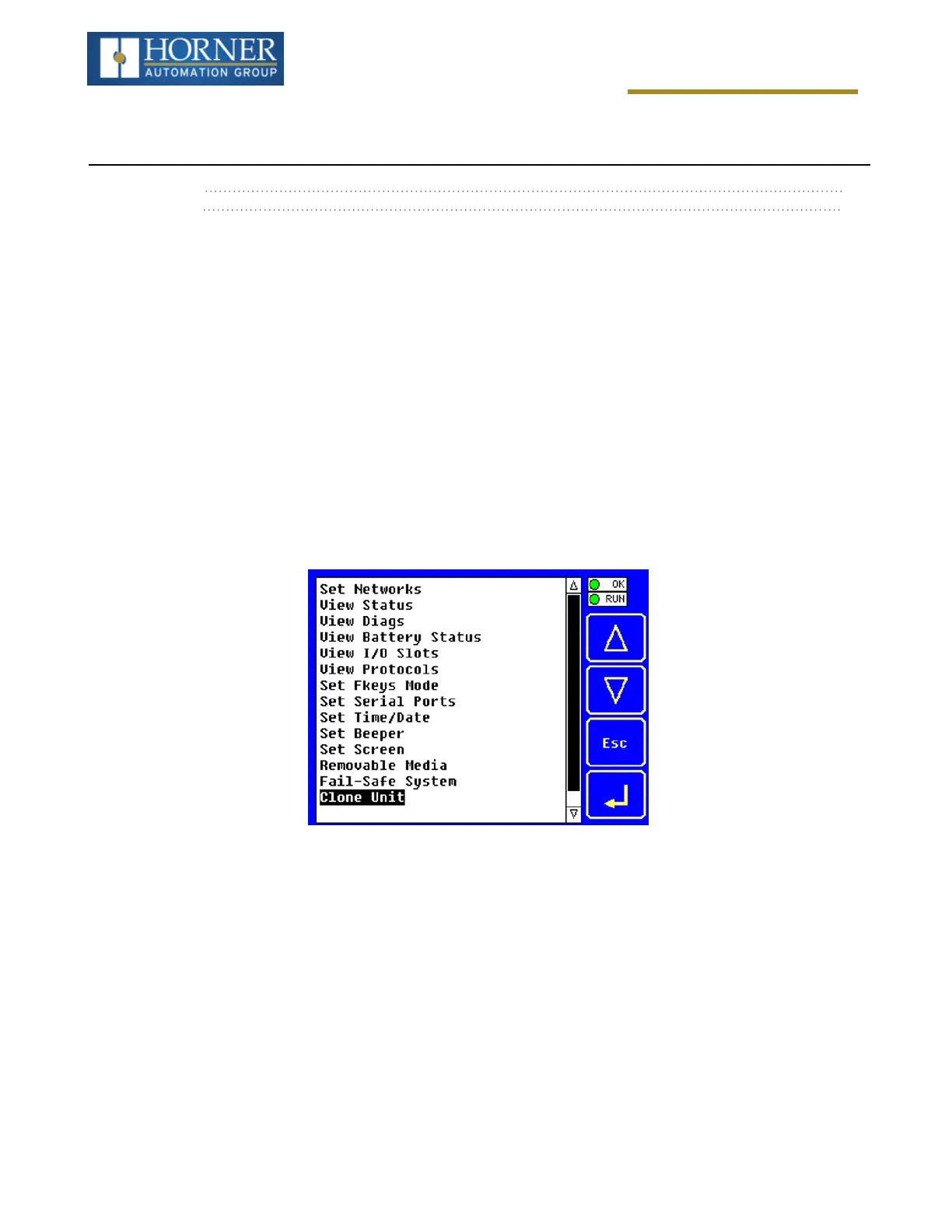
Step 1:The ‘Clone Unit’ can be accessed by going to the ‘System Menu’ of the OCS. A new menu “Clone Unit” has
been added at the end of the main System Menu as shown below:
Page 136 of 163



 To Next Page