System Settings and Adjustments
View Protocols
See also:"Protocol Configuration " on page109
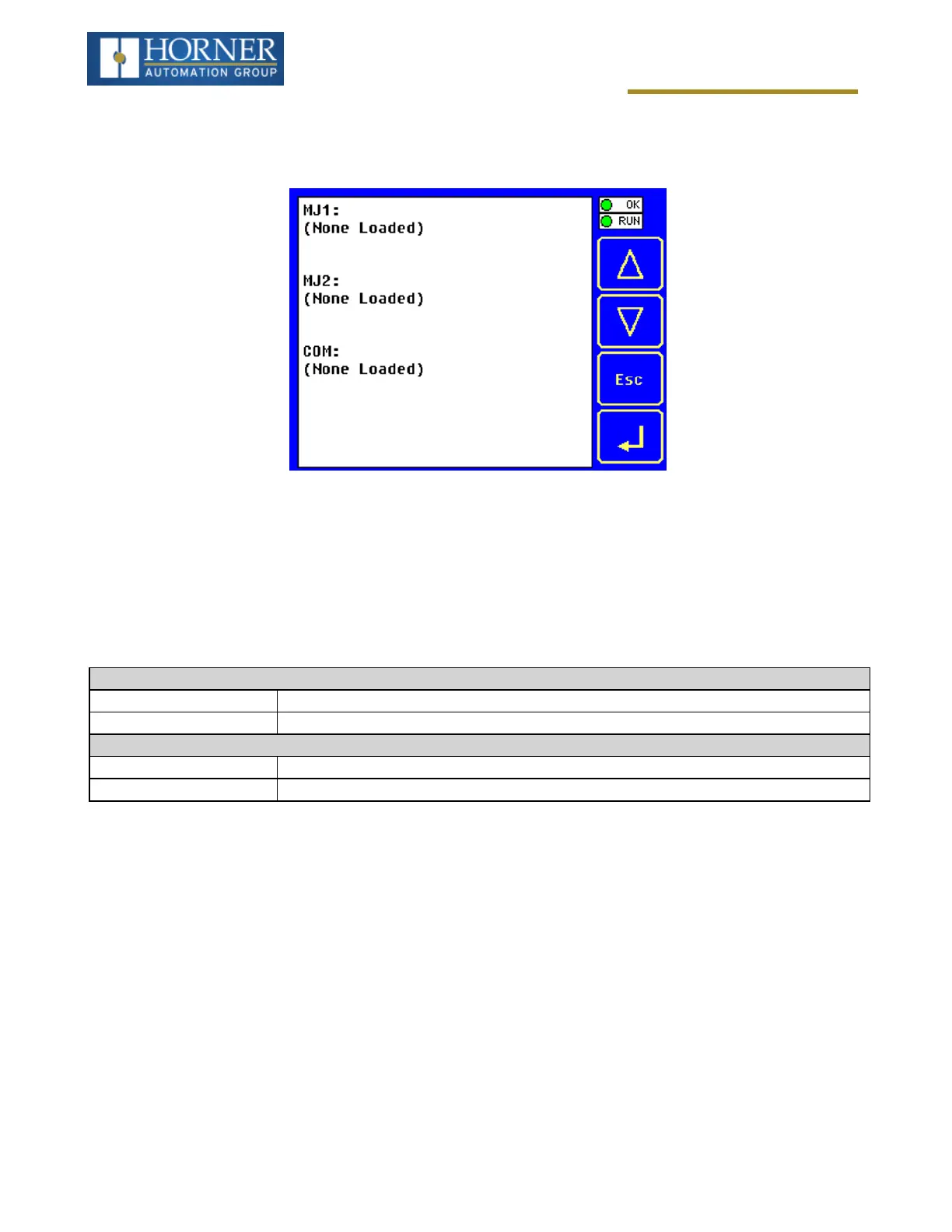
The View Protocols Sub-Menu displays three System Settings, none of which are editable.
As mentioned in Downloadable Serial Communication Protocols section, both the MJ1 (Port 1) and MJ2 (Port 2)
serial ports support downloadable protocols. To assign a downloadable protocol to an X4 OCS serial port, select
the Protocol Config item in Cscape’s Program menu and then setup a protocol for Port 1 or Port 2 (or both).
In the View Protocols Sub-Menu, the currently downloaded protocol, if any, and its version number are displayed for
both Port 1 and Port 2.
Port 1
Protocol Name (None Loaded) or name of the protocol assigned to MJ1
Protocol Version Blank or version of the protocol assigned to MJ1
Port 2
Protocol Name (None Loaded) or name of the protocol assigned to MJ2
Protocol Version Blank or version of the protocol assigned to MJ2
Page 31 of 163



 To Next Page