Fail-Safe System
Fail-Safe System
Fail-Safe System 140
Settings 141
Backup / Restore Data 141
AutoLoad 144
AutoRun 146
For the XL & X Series
The Fail-Safe System is a set of features that allow an application to continue running in the event of certain types of
"soft" failures. These "soft" failures include:
n
Battery power loss
n
Battery-Backed Register RAM or Application flash corruption due to, for example, an excessive EMI, Elec-
tromagnetic Interference, event.
For the XL Prime Series
The Fail-Safe System is a set of features that allow an application to continue running in the event of certain types of
"soft" failures. These "soft" failures include:
n
Retentive Register or Application flash corruption due to, for example, an excessive EMI, Electromagnetic
Interference, event.
Fail-Safe System
The Fail-Safe System has the following capabilities:
a. Manually backup the current Retentive Register Settings into flash memory.
b. Manually restore Register Settings from the values previously backed up in flash memory to battery-backed
RAM.
c. Detect corrupted Register Settings at power-up and then automatically restore them from flash.
d. Detect corrupted or empty application in flash memory at power-up and then automatically load the
AUTOLOAD.PGM application file from Removable Media (Compact flash or microSD).
e. If an automatic Register Restore or Application Load occurs, the OCS can automatically be placed in RUN
mode.
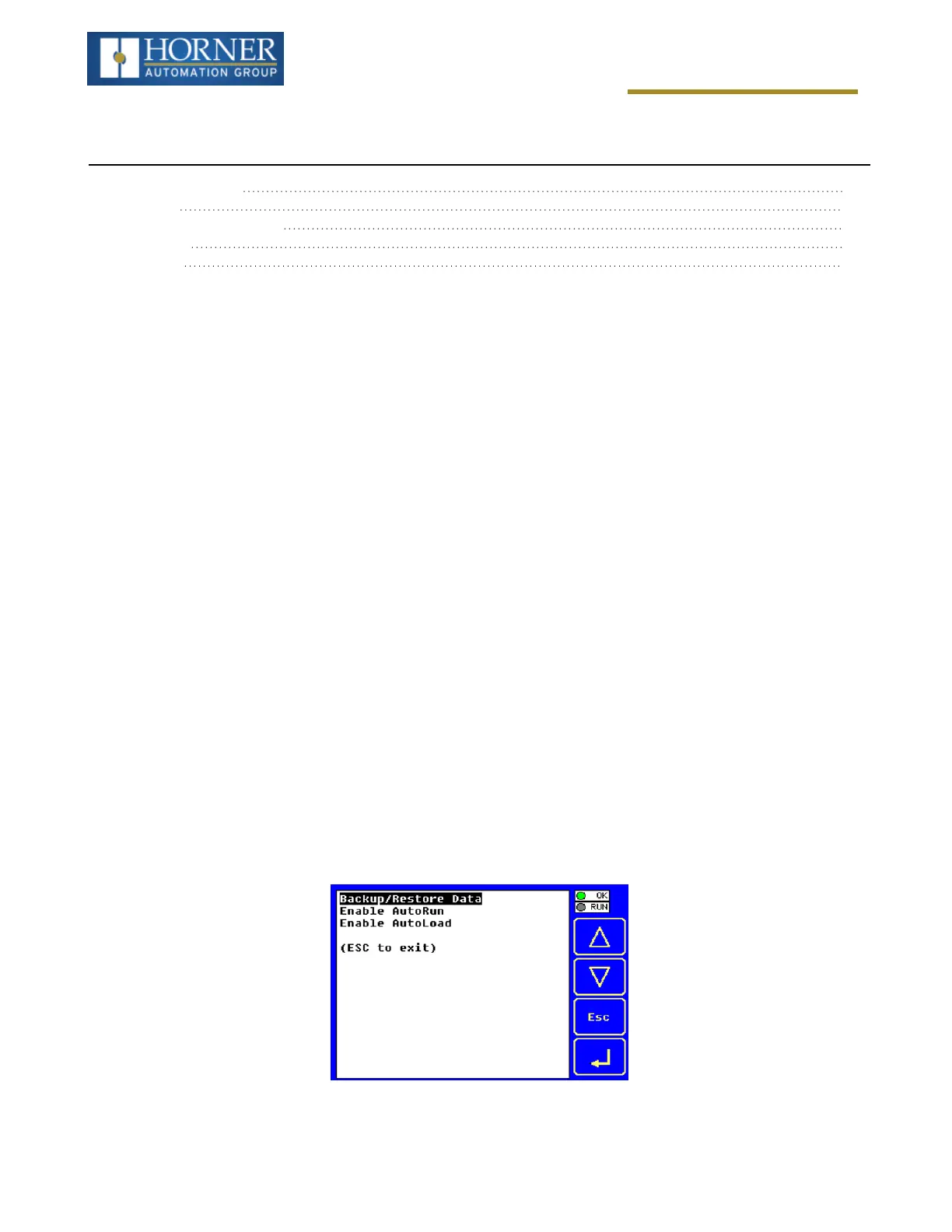
The fail-safe system can be accessed by going to the System Menu of the controller. A new menu “Fail-Safe Sys-
tem” has been added at the end of the main System Menu for this. Selecting “Fail-Safe System” menu will open the
following menu screen:
Page 140 of 163



 To Next Page