General I/O Configuration
Analog Input Configuration
The analog inputs on the OCS allow voltage or current measurement from a variety of devices. The voltage or cur-
rent mode is set though jumpers on the unit and settings in Cscape. Each channel can be separately configured for
voltage or current mode.
The analog inputs have a digital filter that can be used to filter electrical noise that may be unavoidable in some
installations. The downside to digital filtering is the inputs will respond more slowly to sudden changes in the actual
input.
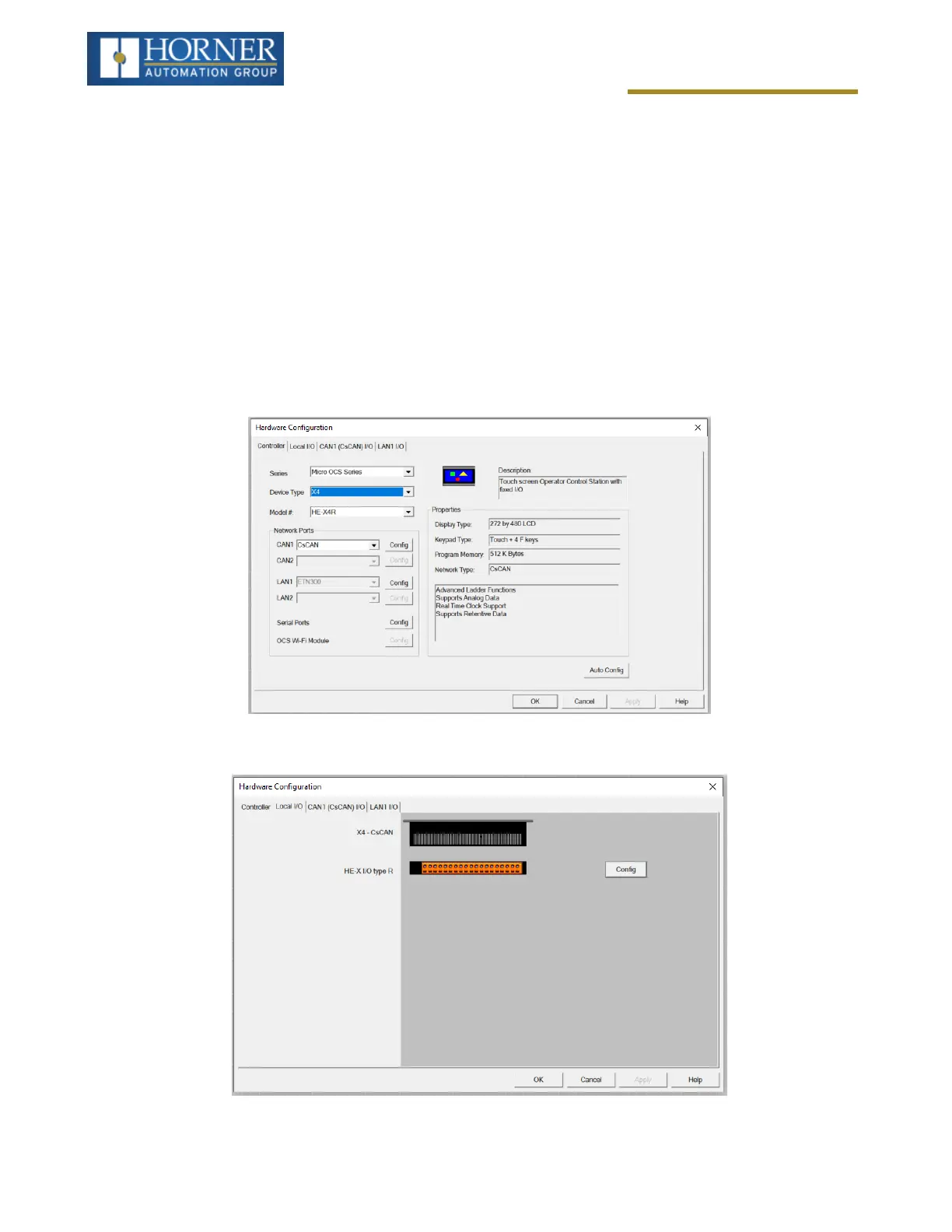
Home > Hardware Configuration [select Device Type/Model#] > Local I/O Tab > I/O / Config Button > Mod-
ule Setup > Analog In
Select Hardware Configuration from the Home menu and ensure that the correct Device Type and Model# are selec-
ted. Then select the Local I/O tab.
After selecting Local I/O, select the Config button next to the I/O connector.
Page 72 of 163



 To Next Page