Firmware Updates
Firmware Updates
Check for Current Firmware Revision 152
Firmware Update Details 153
Download Firmware 153
Firmware Update Steps 153
Firmware Update via microSD card 154
NOTE:Refer to the Firmware Update Manual (MAN1011)on the Document Search page for more details.
The Micro OCS products contain field updatable firmware to allow new features to be added to the product. Firm-
ware updates should only be performed when a new feature or correction is required.
WARNING: Firmware updates should only be performed when the equipment being controlled by the OCS
is in a safe, non-operational state. Communication or hardware failures during the firmware update pro-
cess can cause the controller to behave erratically resulting in injury or equipment damage. Make sure
the functions of the equipment work properly after a firmware update before returning the device to an
operational mode.
Check for Current Firmware Revision
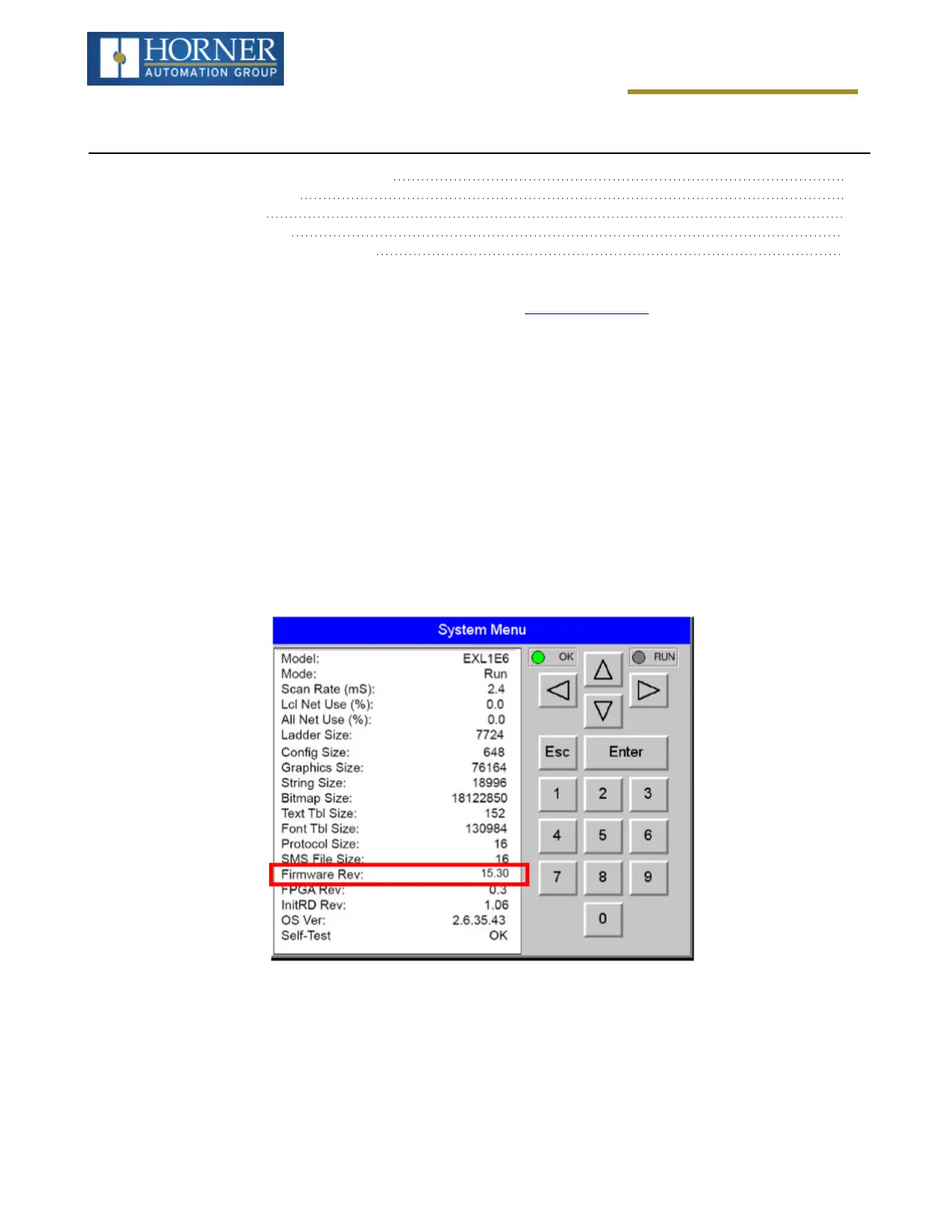
To check the firmware revision on a controller, open System Menu > View Status.
Page 152 of 163



 To Next Page