Fail-Safe System
Restore OCS Data
When initiated, this will allow the user to manually copy the backed-up data from the onboard flash to the battery-
backed RAM.
A restore operation will be automatically initiated if 1) a backup has been previously created and 2) on power-up the
battery-backed RAM registers fail their check.
The following steps are required:
1. Place the controller in IDLE mode.
2. Copy data from onboard flash memory to OCS battery-backed RAM
3. Reset the Controller.
4. Put the controller in RUN mode if the AutoRun setting is ‘Yes’, or else it will remain in IDLE mode.
%SR164.3 is set to 1 only when an automatic restore operation is performed, not on a manual one. This bit is reset
to the value of “0” when a new backup is created.
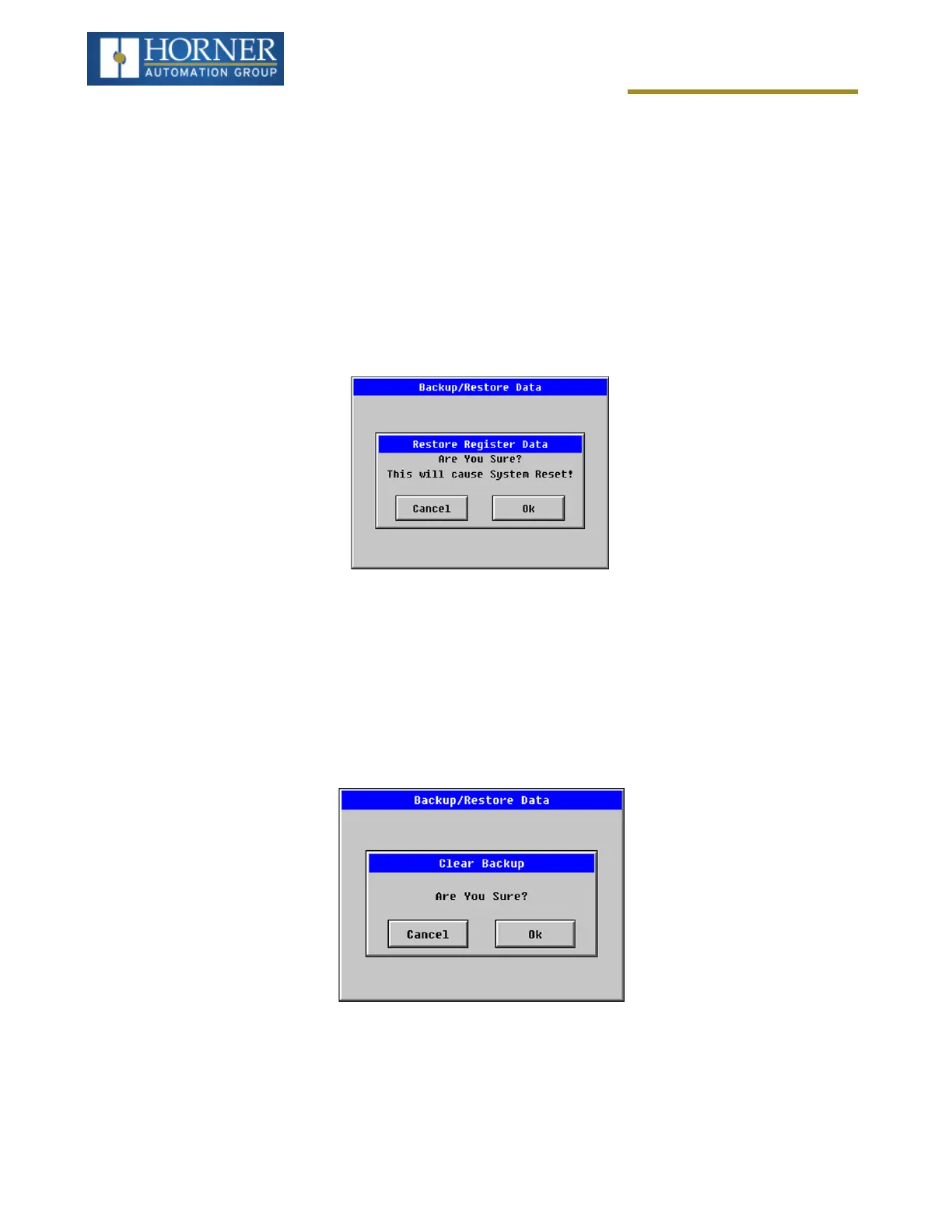
Restoring of data can be manually performed by selecting RESTORE option from the Backup / Restore Data menu.
This will cause the controller to reset.
Clear Backup Data
When initiated, the backup data will be erased from the onboard flash and no backup will exist. %SR164.4 and
%SR164.3 is reset to 0 when backed up data is erased.
Exit: Goes back to the previous screen.
Page 142 of 163



 To Next Page