System Settings and Adjustments
Set Screen
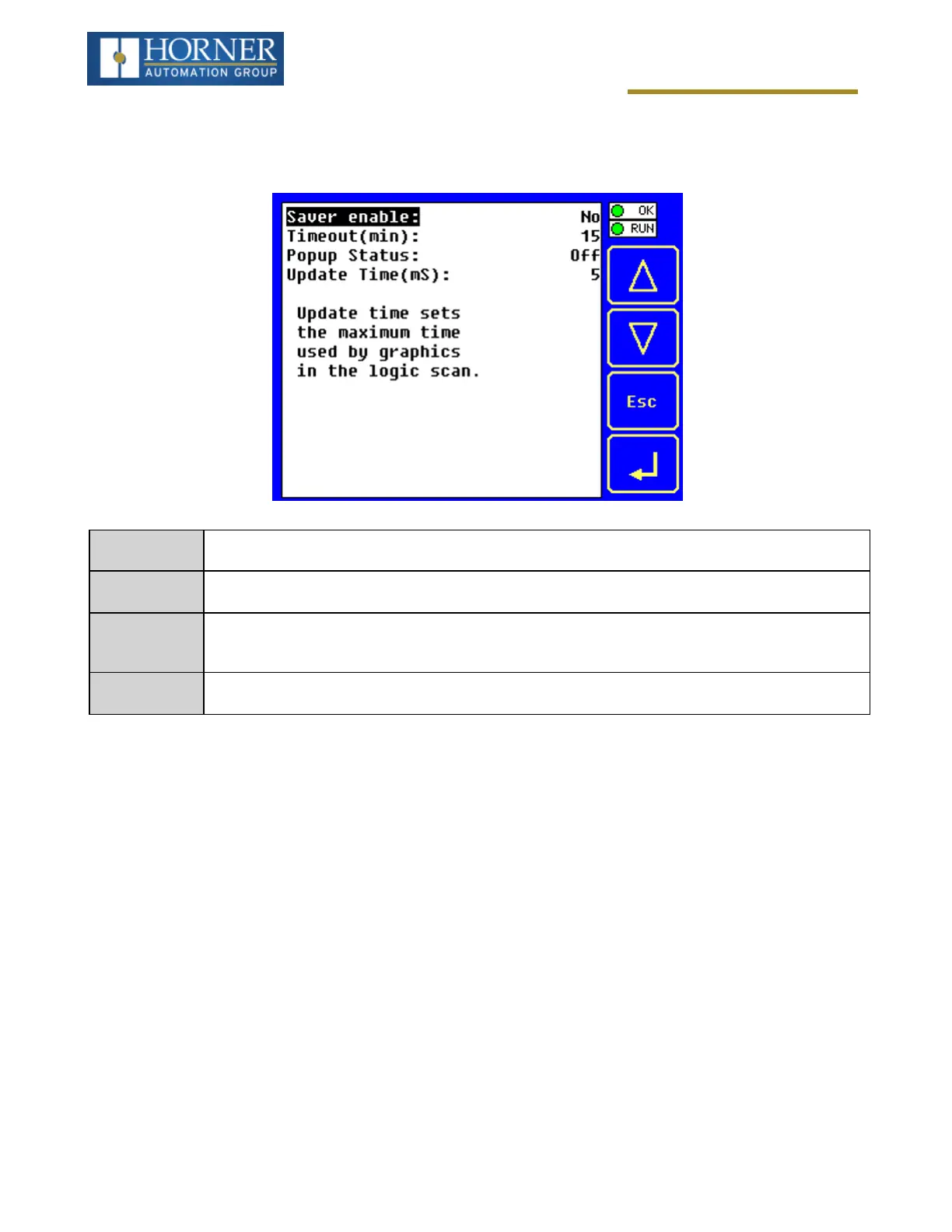
The Set Screen Sub-Menu displays four System Settings, all of which are editable.
Saver enable
Yes = Enable screen saver
No (default) = Disable screen saver
Timeout (min)
5 - 1200 = Amount of time in minutes to expire with NO touch activity before activating screen
saver (black screen)
Popup Status
Off (default) = Disable popup status
Warning = Display popup status only if controller status changes to NOT Ok or NOT Run mode.
On = Display popup status on any controller status change.
Update Time
(mS)
2 - 50 = Maximum amount of time to allow for graphics update per scan
Page 36 of 163



 To Next Page