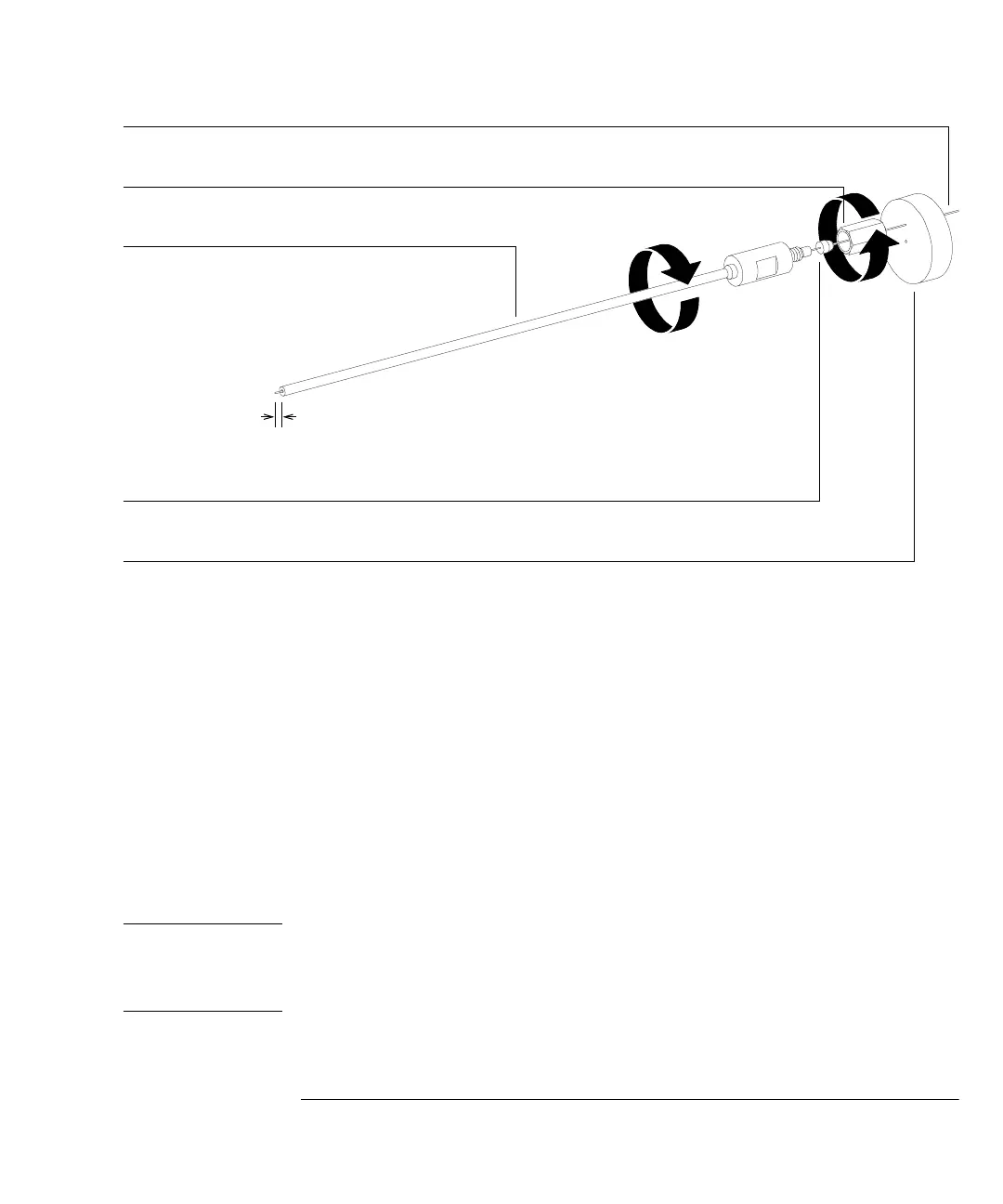
1 Installing GC Columns
To install a capillary column using the installation tool
29
8 Clean the outside of the end of the column with a lint-free cloth moistened
with methanol.
9 Insert the column into the GC/MSD interface.
10 Tighten the nut 1/4 to 1/2 turn.
Check tightness after one or two heat cycles.
Column installation tool
Interface column nut
Column
1 to 2 mm
Interface ferrule
Septum
&$87,21
The column installation tool must be kept
clean
to prevent contaminating the column and
the ion source. Keep it in its storage tube, and clean it by flushing with methanol after each
use.



 To Next Page