2 Operating the MSD
To pump down the MSD
59
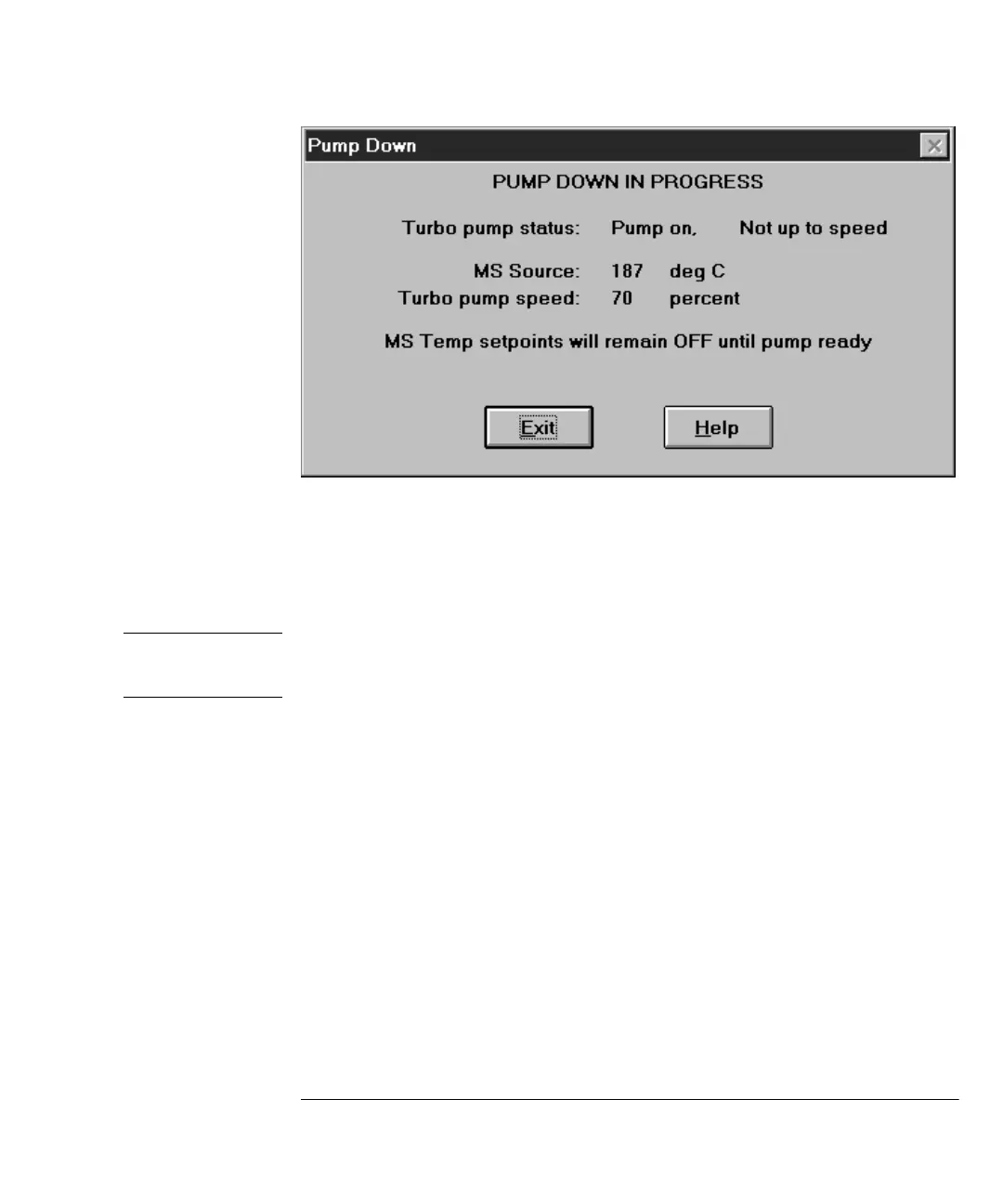
5 The software will prompt you to turn on the GC/MSD interface heater and
GC oven. Click
OK when you have done so.
The software will turn on the ion source and mass filter (quad) heaters. The tem-
perature setpoints are stored in the current autotune (*.u) file.
6 After the message
Okay to run appears, wait two hours for the MSD to reach
thermal equilibrium.
Data acquired before the MSD has reached thermal equilibrium may not be
reproducible.
7 Reinstall the MSD top cover.
The top cover was removed during the vent procedure.
&$87,21
Do not turn on any heated zones until carrier gas flow is on. Heating a column with no
carrier gas flow will damage the column.



 To Next Page