7
Installing the switch
CAUTION:
Keep the tamper-proof seal on a mountin
screw on the chassis cover intact, and if you want to open the
chassis, contact HP for permission. Otherwise, HP shall not be liable for any consequence caused thereby.
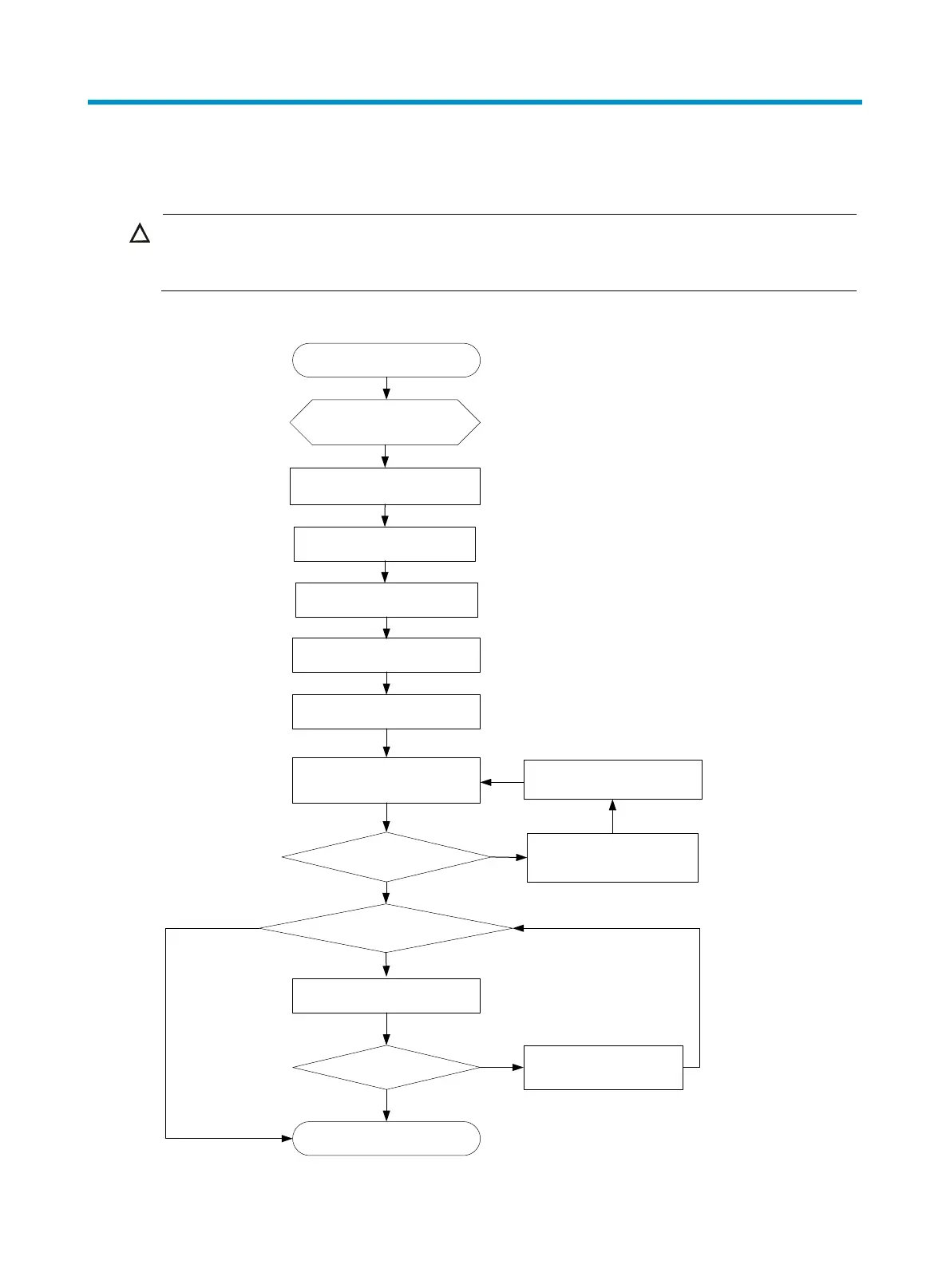
Figure 1 Hardware installation flow
Ground the switch
Install the switch
Start
Connect the power cords
Verify the installation
Power on the switch
Operating correctly?
Power off the switch
Resolve the problem
No
Yes
Install fan trays
Install power supplies
Install interface cards?
No
Yes
Install interface cards
Operating correctly? Resolve the problem
Yes
No
End



 To Next Page