24
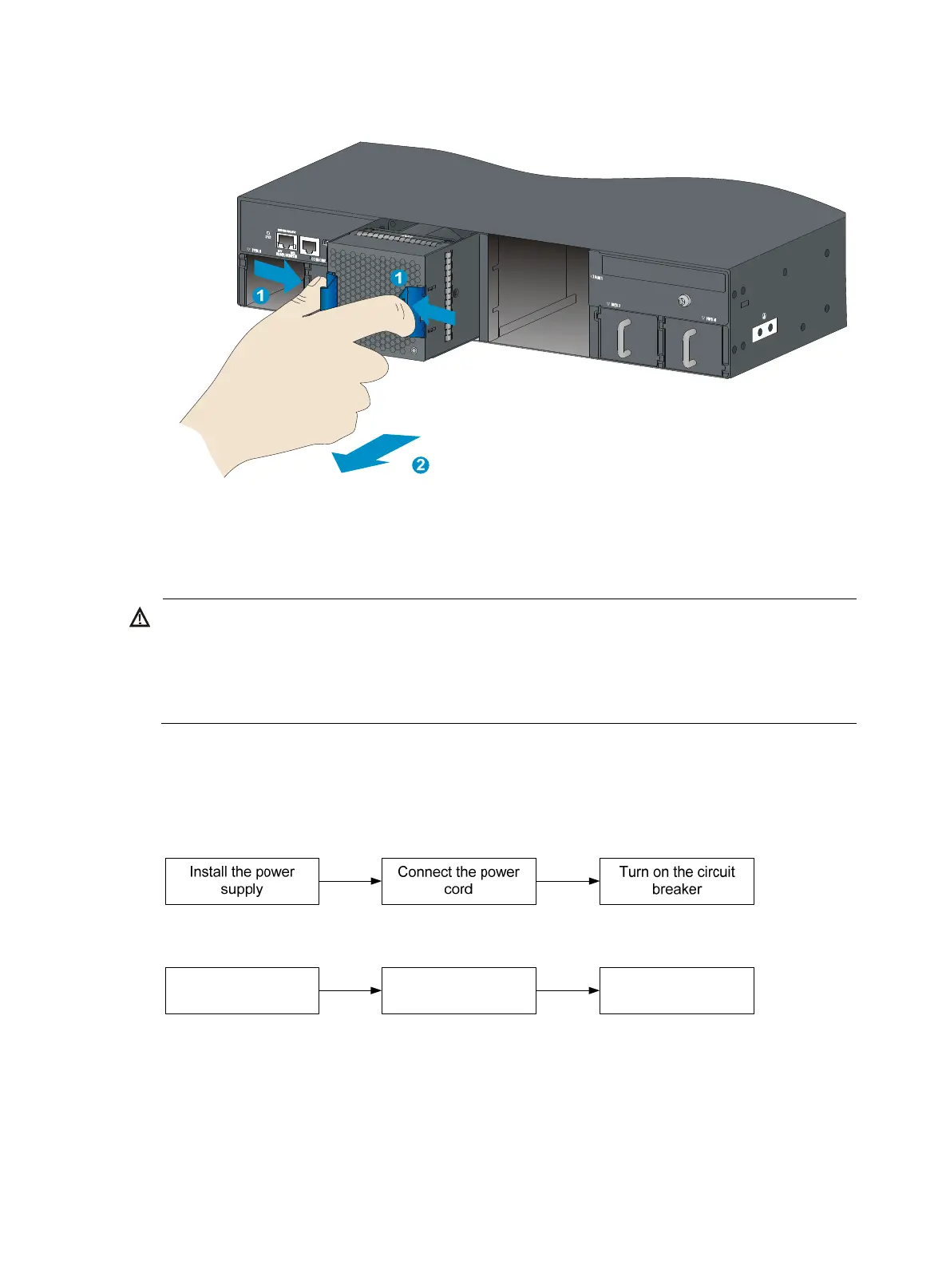
Figure 26 Removing an LSWM1BFANSC/LSWM1BFANSCB fan tray
Installing/removing a power supply
ARNING!
• In power redundancy mode, you can replace a power supply without powerin
off the switch but mus
strictly follow the installation and procedures in Figure 27 and Figure 28 to avoid any bodily injury or
damage to the switch.
• Provide a separate circuit breaker for each power supply.
The switch comes with the power supply slots empty and filler panels for the power supply slots as
accessories.
For more information about the power supplies available for the switches, see "Power supplies."
Figure 27 Installation procedure
Figure 28 Removal procedure
Turn off the circuit
breaker
Disconnect the power
cord
Remove the power
supply



 To Next Page