10
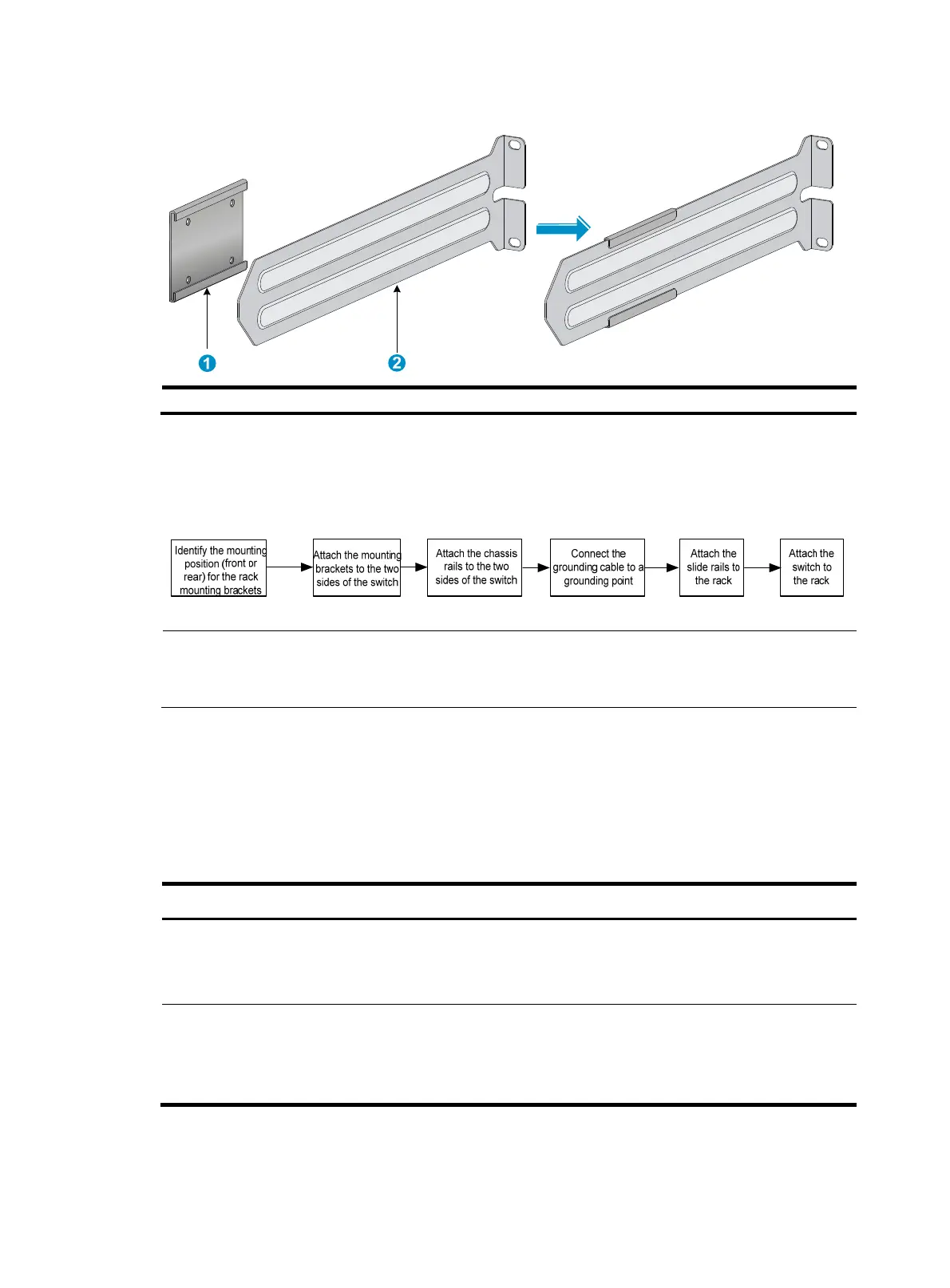
Figure 6 2U rack mounting rail kit
(1) Chassis rail (2) Slide rail
Rack-mounting procedures at a glance
Figure 7 Rack-mounting procedure
NOTE:
If a rack shelf is available, you can put the switch on the rack shelf, slide the switch to an appropriate
location, and attach the switch to the rack with the mounting brackets.
Follow these guidelines when you install the switch in a 19-inch rack:
• The distance between the front and rear posts of the rack must meet the requirements described
in Table 6.
• T
o secure the switch to the rack, you must install not only mounting brackets, but also chassis rails
and slide rails.
Table 6 Distance requirements between the front and rear rack posts
Switch model Installation method Minimum distance Maximum distance
• HP 5930-32 QSFP+
• HP 5930-32 QSFP+ TAA
Using provided mounting
brackets and chassis rails
405 mm (15.94 in) 854 mm (33.62 in)
• HP 5930-2Slot+2QSFP+
• HP 5930-2Slot+2QSFP+
TAA
Using provided mounting
brackets and chassis rails
520 mm (20.47 in) 789 mm (31.06 in)



 To Next Page