8
Installing the switch in a 19-inch rack
IMPORTANT:
To close the rack door easily, make sure the rack depth is a minimum of 1000 mm (39.37 in).
Installation accessories
Table 5 Installation accessories
Switch model
Mounting
brackets
(provided)
Cable
management
brackets
Rack mounting rail kit
(provided)
• HP 5930-32 QSFP+
• HP 5930-32 QSFP+ TAA
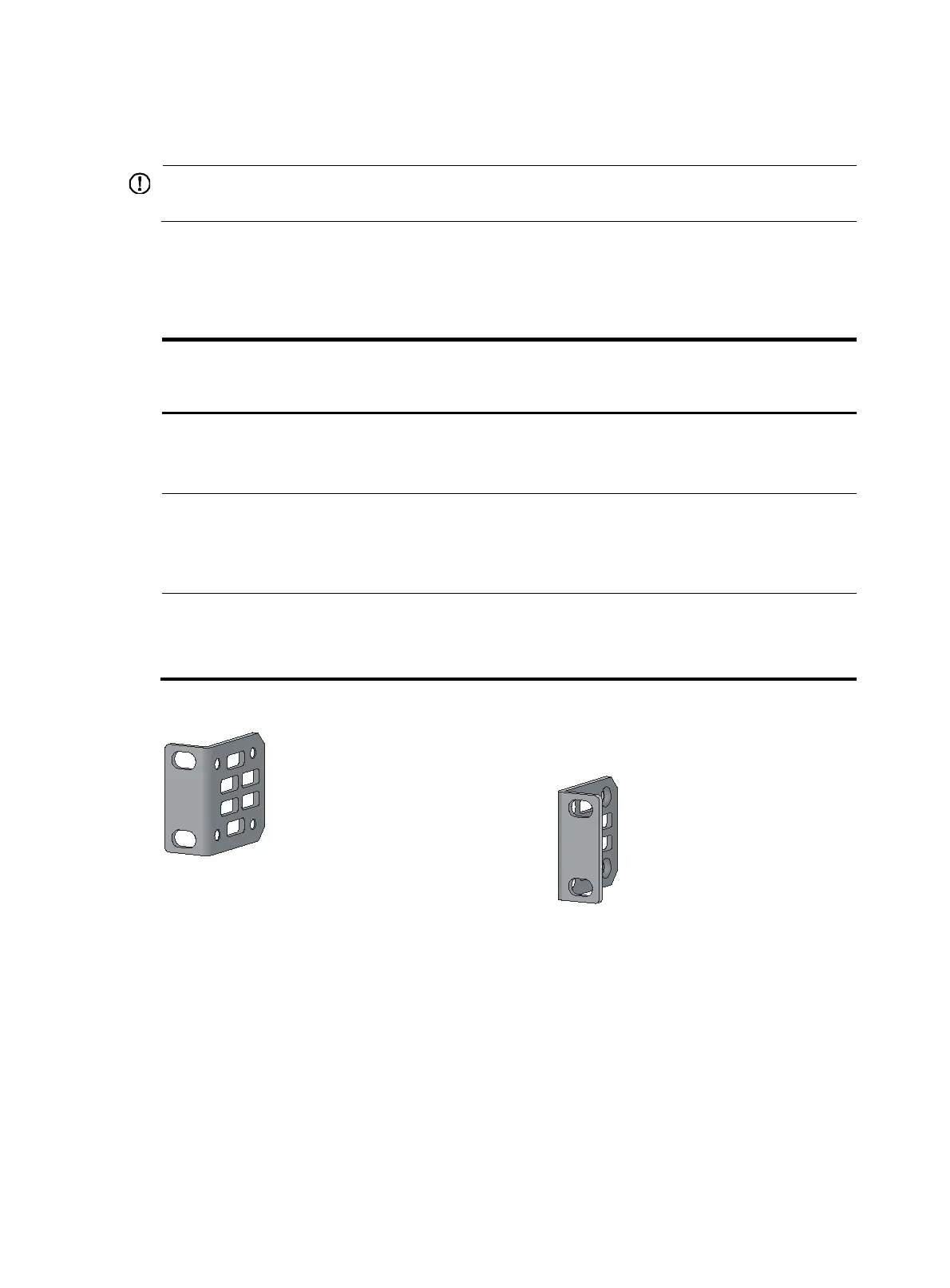
1U high, one pair.
See Figure 2.
N/A
1U high,
including one pair
of chassis rails and one pair
of slide rails. See Figure 5.
• HP 5930-2Slot+2QSFP+
• HP 5930-2Slot+2QSFP+
TAA-compliant
1U high, one pair.
See Figure 3.
N/A
1U high, including one pair
of chassis rails and one pair
of slide rails. See Figure 5.
• HP 5930-4Slot
• HP 5930-4Slot TAA
2U high, one pair.
See Figure 4.
One pair
(prov
ided).
See Figure 4.
2U high, including one pair
of chassis rails and one pair
of slide rails. See Figure 6.
Figure 2 Mounting brackets for the HP 5930-32 QSFP+/HP 5930-32 QSFP+ TAA switch



 To Next Page