27
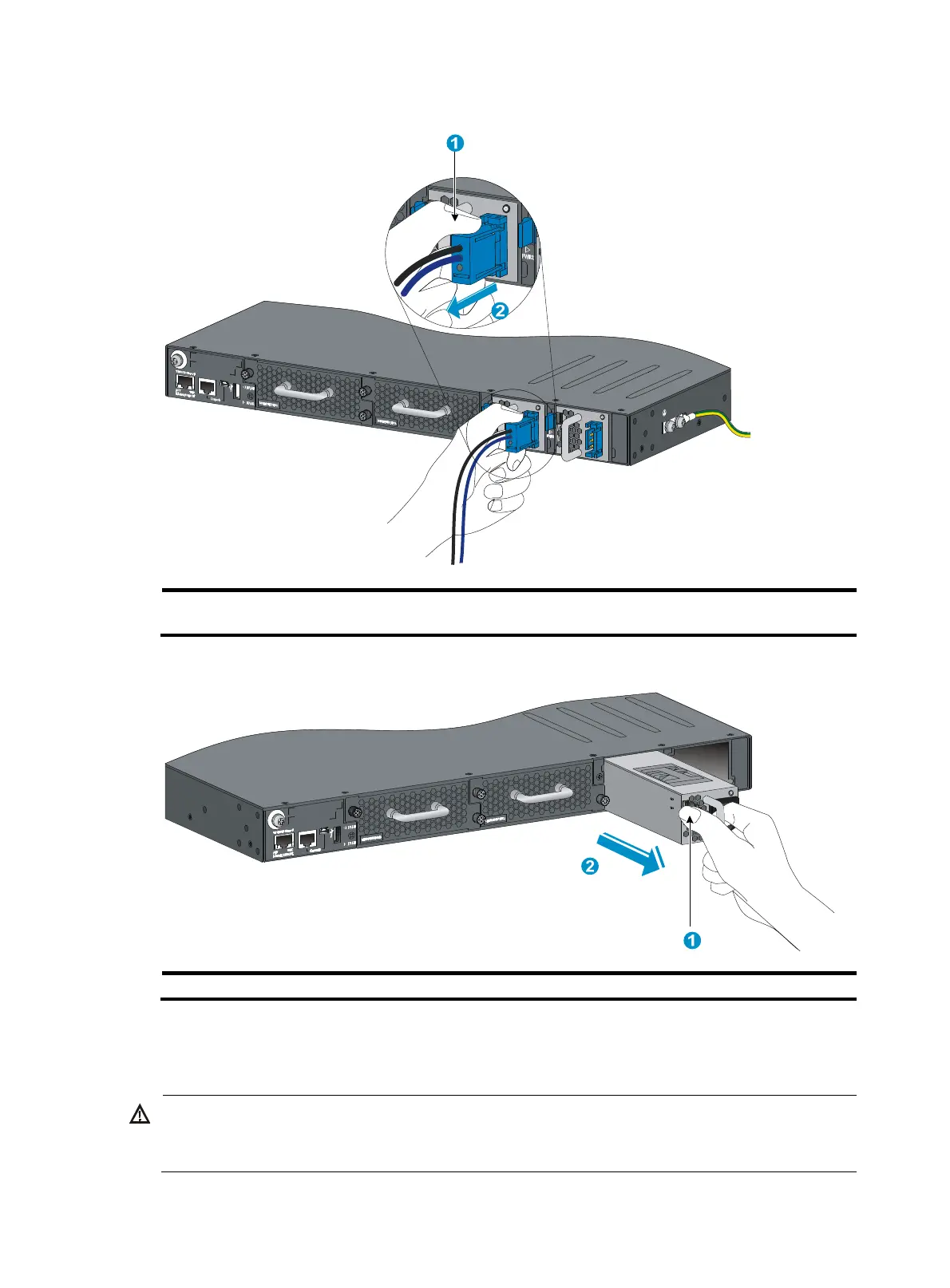
Figure 31 Removing the DC power cord
(1) Press the tabs on the power cord connector with your thumb and
forefin
er
(2) Pull the power cord connector out
Figure 32 Removing the power supply
(1) Pivot the latch to the ri
ht with your thumb
(2)
Pull the power supply out
Connecting the power cord
ARNING!
Provide a circuit breaker for each power input. When you connect a power cord, make sure the circuit
breaker is switched off.



 To Next Page