35
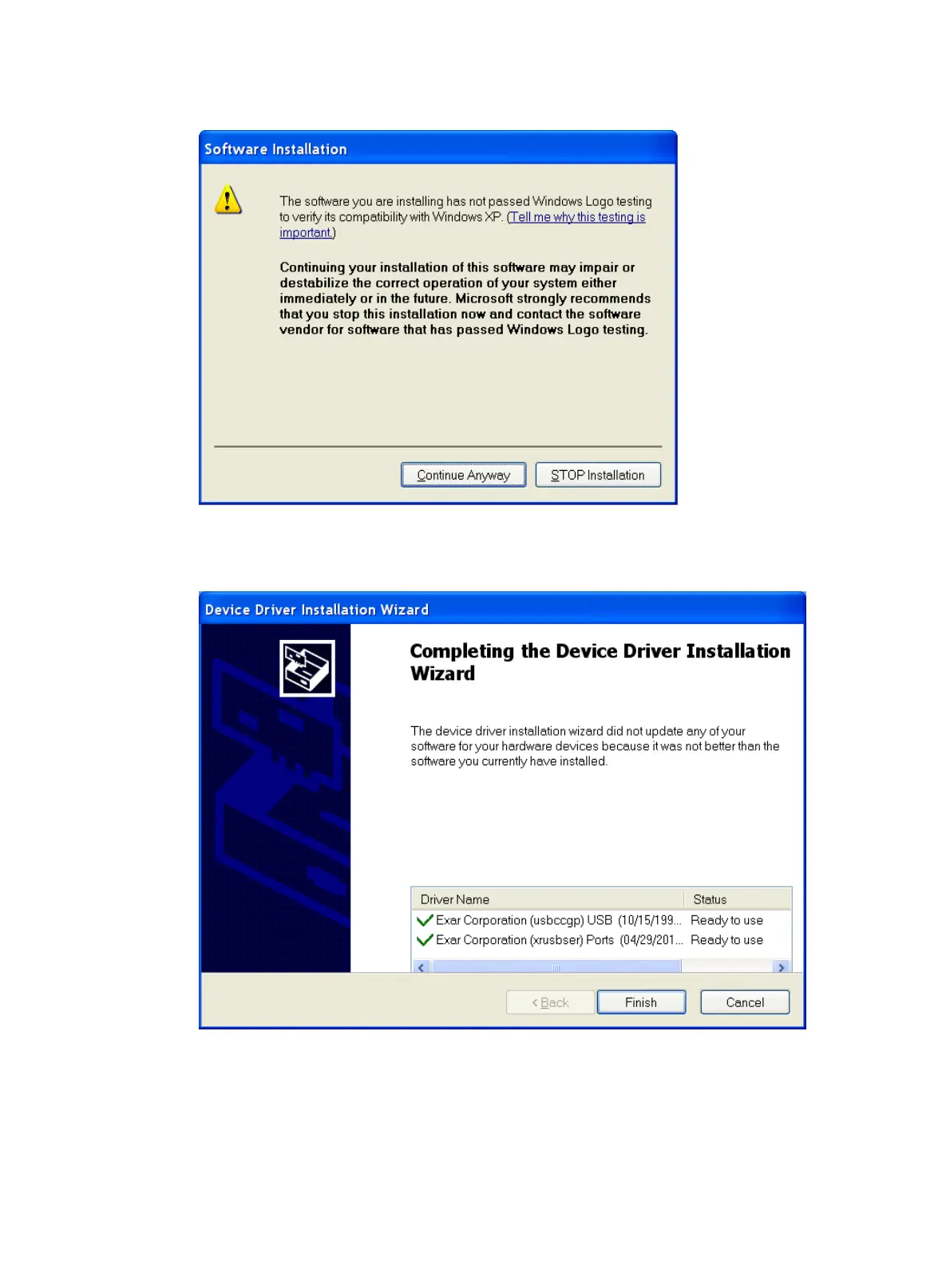
Figure 42 Software Installation
6. Click Finish.
Figure 43 Completing the device driver installation wizard
Setting terminal parameters
To configure and manage the switch through the console port, you must run a terminal emulator program,
HyperTerminal or PuTTY, on your configuration terminal. You can use the emulator program to connect a



 To Next Page