34
2. Connect the USB mini Type B connector to the USB mini console port of the switch.
3. Click the following link, or copy it to the address bar on the browser to log in to download page
of the USB console driver, and download the driver.
http://www.exar.com/connectivity/uart-and-bridging-solutions/usb-uarts/xr21v1410
Select a driver program according to the operating system you use:
{ XR21V1410_XR21B1411_Windows_Ver1840_x86_Installer.EXE—32-bit operating system.
{ XR21V1410_XR21B1411_Windows_Ver1840_x64_Installer.EXE—64-bit operating system.
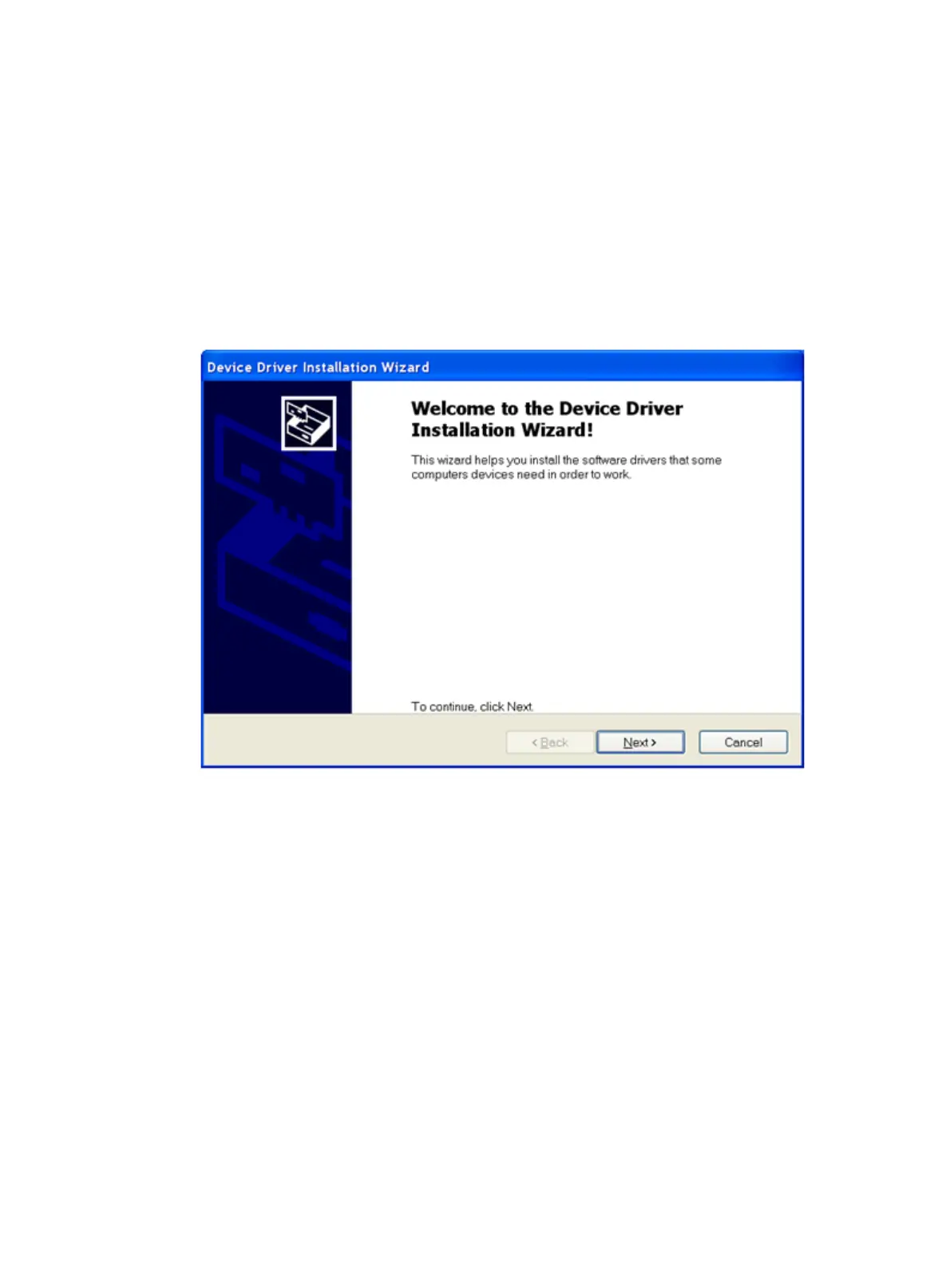
4. Click Next on the installation wizard.
Figure 41 Device Driver Installation Wizard
5. Click Continue Anyway if the following dialog box appears.



 To Next Page